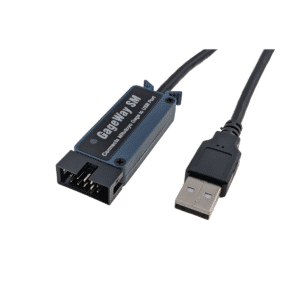
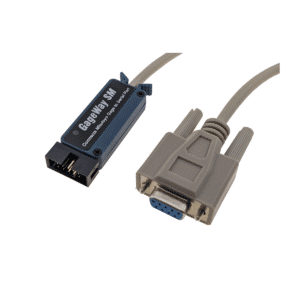
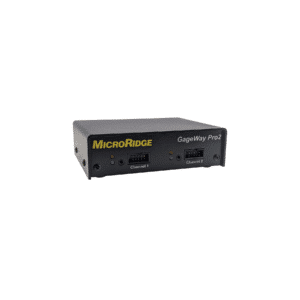
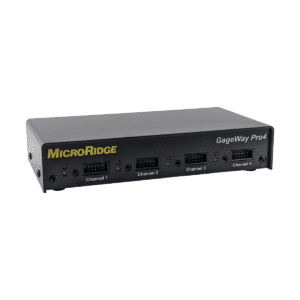
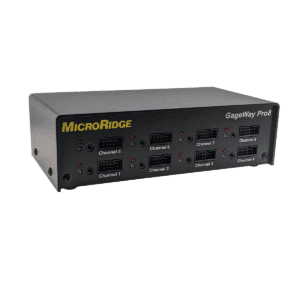
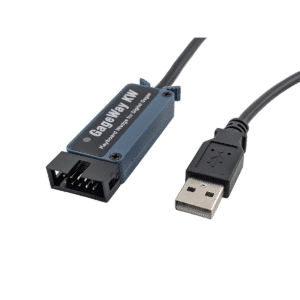
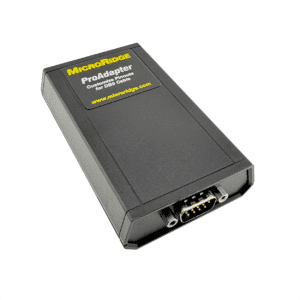
GageWay interfaces connect one or more digital gages and serial devices to a computer port via USB serial, USB keyboard wedge, or RS-232. GageWay interfaces can transfer gage data into any Windows program or SPC/data acquisition software, and are an excellent option for situations where gage mobility is not a requirement.
Most Advanced Wired Gage Interfaces on the Market!
GageWay interfaces support a wide range of digital gages and serial devices from manufacturers including Mitutoyo, Mahr Federal, Ono Sokki, Fowler, INSIZE, Starrett, Sylvac, Ohaus, Mettler Toledo, etc.
Multi Gage Interface
Single Gage Interface
GageWay Pro Multi Gage Interfaces
Multi Gage Interfaces
Highly configurable
Durable metal case
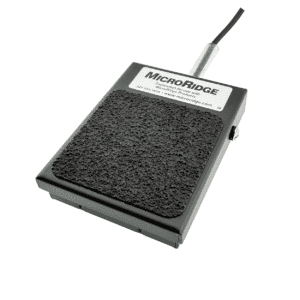
Configurable read switch ports
Read modes: single, continuous, TIR
Data parsing
Ouputs
USB Keyboard Wedge - Keyboard Emulation Technology
USB Serial Port
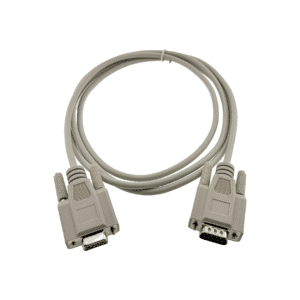
DB9 Serial Port
Inputs
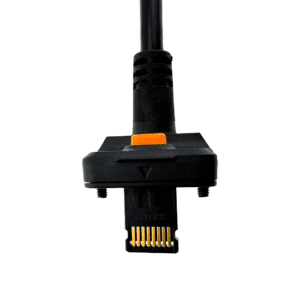
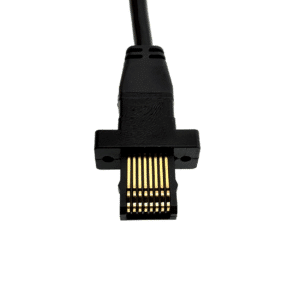
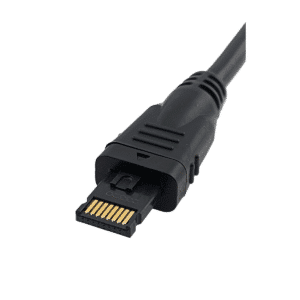
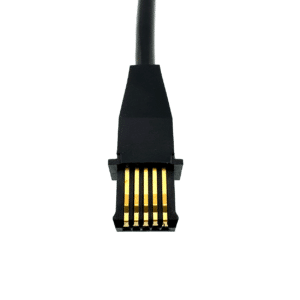
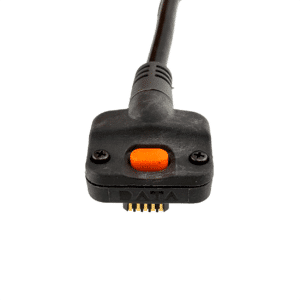
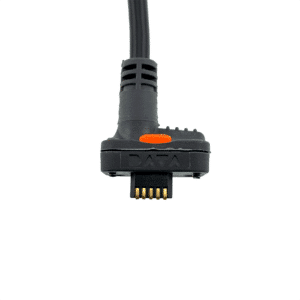
Digital Gages that feature a Mitutoyo 10 Pin Connector
Digital gages refers to gages that have a special type of non-RS-232 output. Digital gages are very common and are available from manufacturers such as Mitutoyo, CDI, Ono Sokki, Mahr Federal, INSIZE, Starrett, etc.
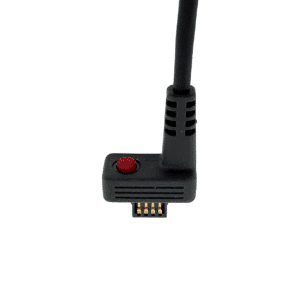
The advantage of the digital gage output is that the gage can be plugged directly into a GageWay interface without an LC Cable. There are no baud rate or communication parameters settings required for a digital gage.
About RS-232 Serial Devices
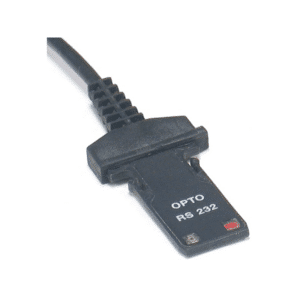
RS-232 devices are supported on the GageWay Pro interfaces and require that proper baud rate and communication parameters be set in the interface, The AutoBaud feature available on the front panel connectors can automatically determine the proper RS-232 settings.
GageWay Single Gage Interfaces
Single Gage Interfaces
Lowest cost options to start automating gage data collection
Digital gages refers to gages that have a special type of non-RS-232 output. Digital gages are very common and are available from manufacturers such as Mitutoyo, CDI, Ono Sokki, Mahr Federal, INSIZE, Starrett, etc.
The advantage of the digital gage output is that the gage can be plugged directly into a GageWay interface without an LC Cable. There are no baud rate or communication parameters settings required for a digital gage.
GageWay Pro
The GageWay Pro interfaces are the fastest, most advanced and configurable interfaces available today. These interfaces support a wide range of digital gages and serial devices from manufacturers including Mitutoyo, Mahr Federal, Ono Sokki, Fowler, INSIZE, Starrett, Sylvac, Ohaus, Mettler Toledo, etc.
The GageWay Single Gage Interfaces support digital gages from CDI, Mahr Federal, Mitutoyo, Ono Sokki, etc. Other manufacturers also produce gages that have a Mitutoyo compatible output. These include Federal, LMI and others. Our Single Gage Interfaces come with two output types; serial and keyboard wedge.
Output Type
Serial is used for software applications that can monitor a COM Port such as SPC programs. Keyboard Wedge is used for applications that require you to type the data in such as Excel.
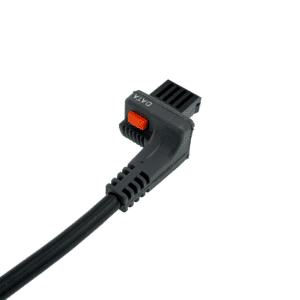
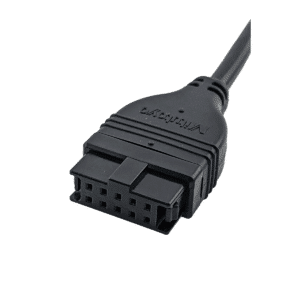
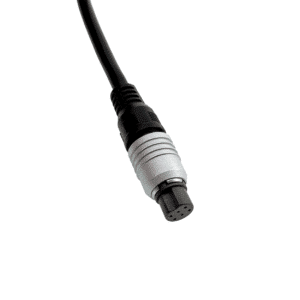
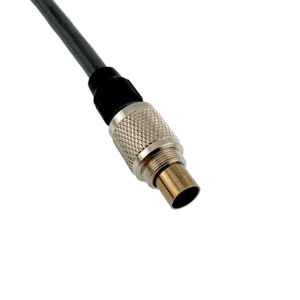
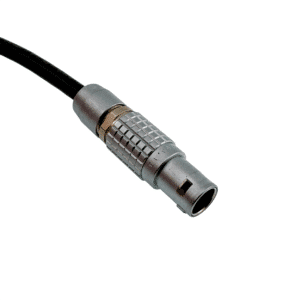
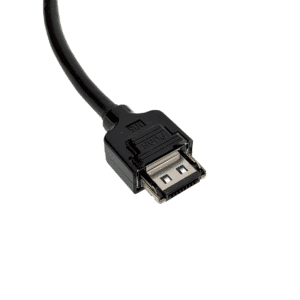
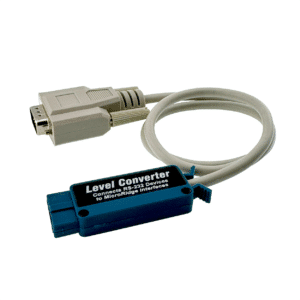
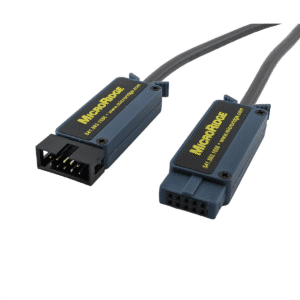
The GageWay series utilizes both OEM gage cables and custom MicroRidge cables to enable the connection to a wide variety of devices. On the GageWay Pro series this includes RS-232 devices that can be connected to each port via a Level Converter Cable.