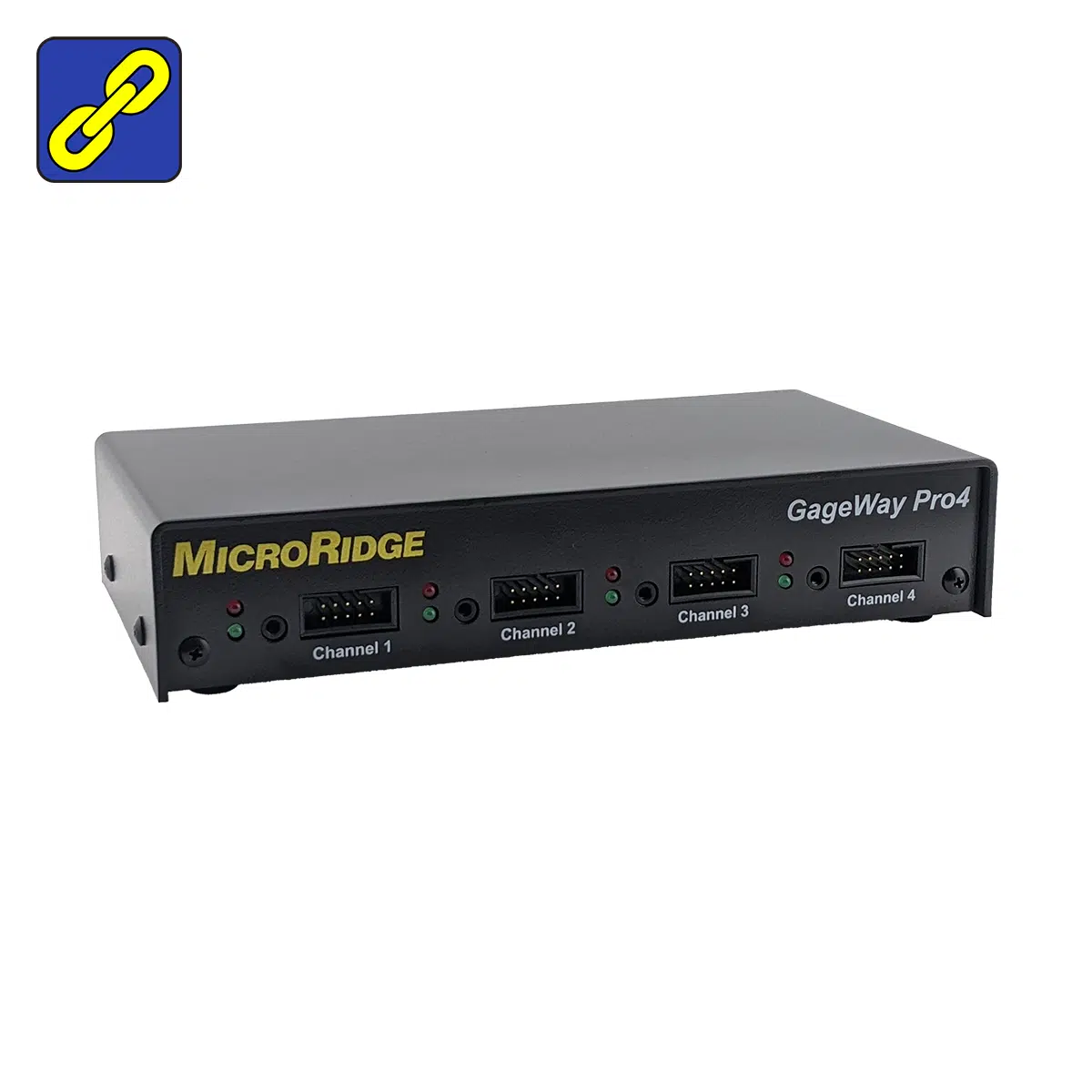
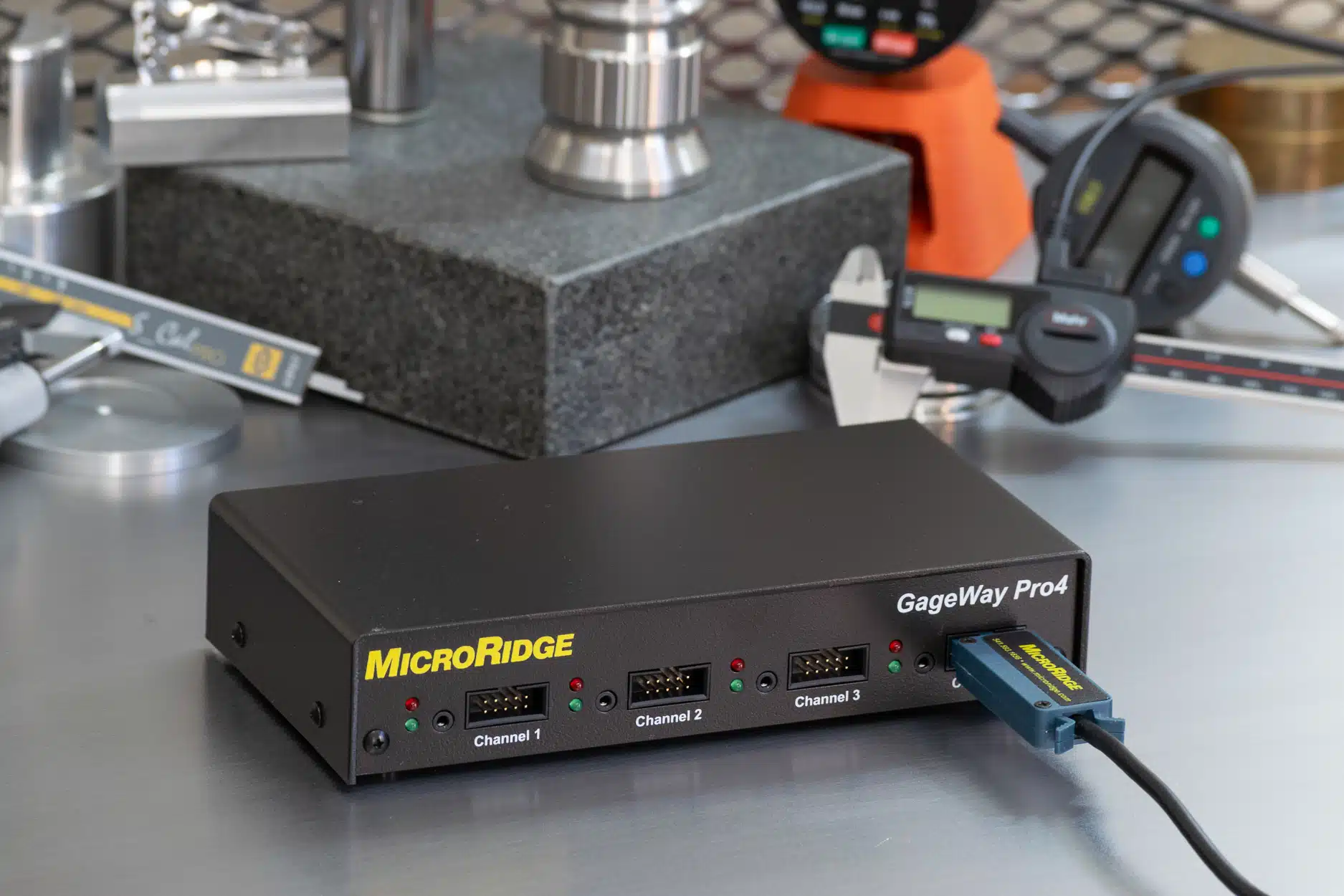


The GageWay Pro 4 connects four digital or RS-232 gages to a PC through a single USB port. Both USB keyboard wedge and USB serial (virtual COM port) outputs are built in, with a dedicated processor for each gage channel ensuring consistent throughput across all four inputs simultaneously. Supports Mitutoyo, Mahr Federal, Ono Sokki, Fowler, INSIZE, Starrett, Sylvac, CDI, and any gage with Mitutoyo-compatible output, plus RS-232 devices via the GW-LC Level Converter Cable. Expandable with other Pro 4 and Pro 8 units for larger measurement stations.
Gage Inputs – 4
Output – USB Keyboard Wedge + USB Serial (VCP) + DB9 RS-232 — all built in
RS-232 Support – Yes — all front panel ports (GW-LC Level Converter Cable required)
Power – USB powered — no AC adapter required for USB connection
Configuration – Free Windows Setup Software (GageWay Pro Setup)
Expandable – Yes — chain up to 9 units (Pro4/Pro8 mix); up to 68 total inputs
Gage Compatibility – Mitutoyo, Mahr Federal, Ono Sokki, Fowler, INSIZE, Starrett, Sylvac, CDI, and others
Origin – Designed & Made in the USA
$745.00
The GageWay Pro4 supports four simultaneous gage inputs through a single USB connection, with both keyboard wedge (HID) and USB serial virtual COM port outputs built in. Connect via the keyboard wedge port to route measurement data as keystrokes into Excel, Google Sheets, or cloud-based SPC platforms. Connect via the USB serial port for direct integration with SPC software such as MeasurLink, InfinityQS, DataPage+, or any COM port–aware data collection application. Both ports are built into the unit — switching between output modes requires only moving the USB cable, with no hardware changes or additional purchases required.
The keyboard wedge port requires no driver installation — plug in and it works immediately, with no IT involvement required. The USB serial port requires a one-time FTDI VCP driver install, available free from MicroRidge. The keyboard wedge transfer rate defaults to approximately 72 characters per second and can be reduced to 30 or 8 characters per second for applications or systems that cannot keep pace at the default rate.
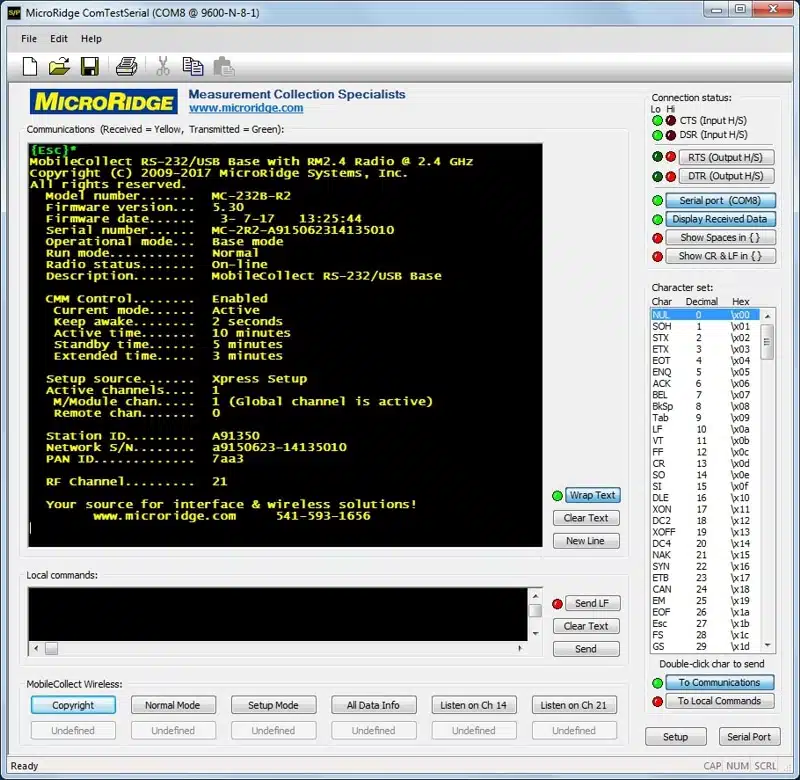
Also included: ComTestSerial, a free serial communications test program that displays exactly what data is being sent from your gages and the GageWay Pro interface. It is the fastest way to verify a connection, debug a new gage setup, or confirm RS-232 communication parameters before deploying to production.
Supported gage families include Mitutoyo, Mahr Federal, Ono Sokki, Fowler, INSIZE, Starrett, CDI, Sylvac, and any gage using Mitutoyo-compatible Digimatic output. RS-232 instruments from Ohaus, Mettler Toledo, and other serial device manufacturers are supported on all four front panel ports via GW-LC. MicroRidge supplies interface cables for over 3,500 gage models — interface and cables ship from a single source, a practical advantage for quality departments managing approved vendor lists.
Not sure if your gage is supported? Contact MicroRidge — we’ll confirm compatibility and identify the correct cable before you order.
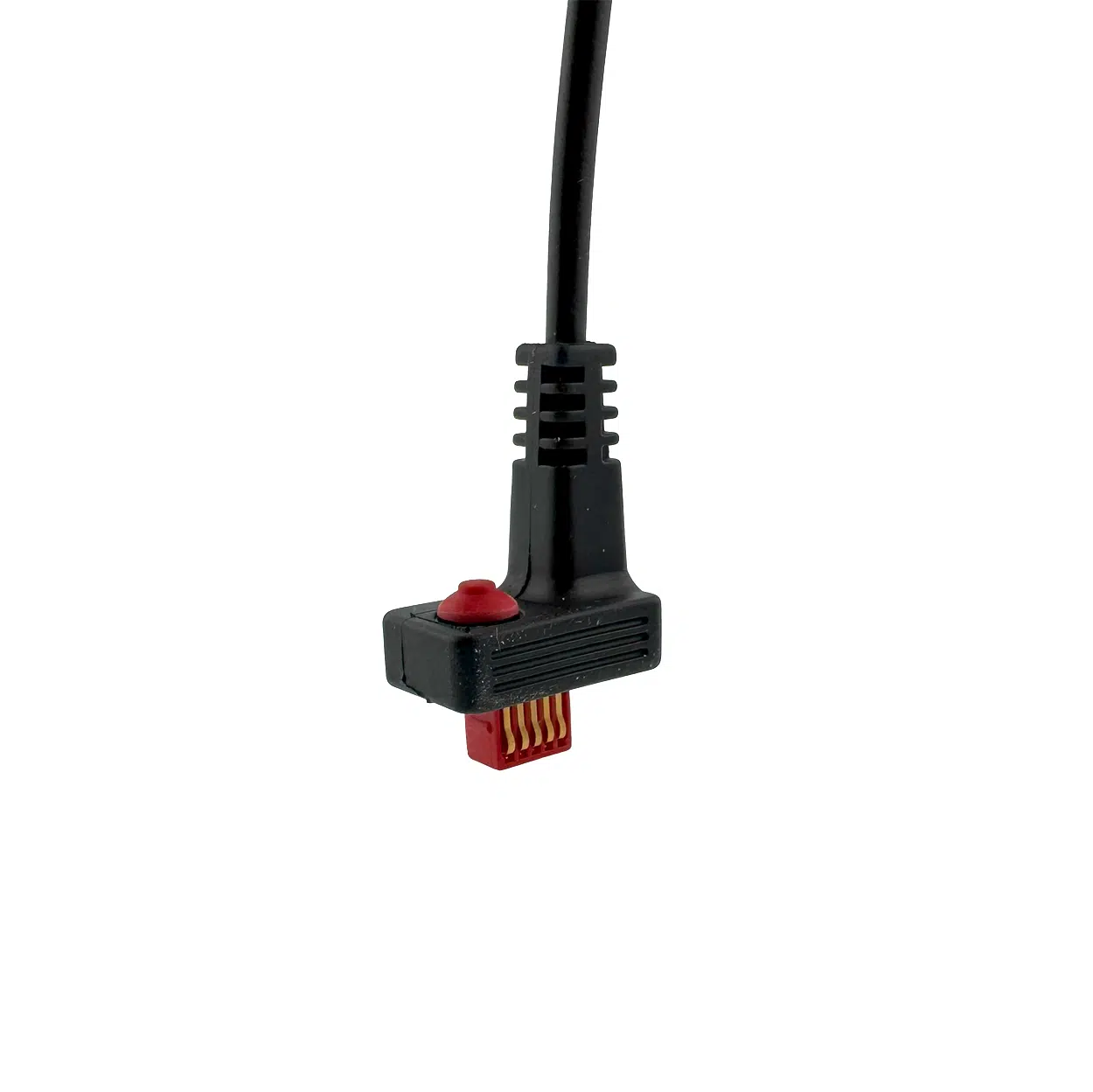
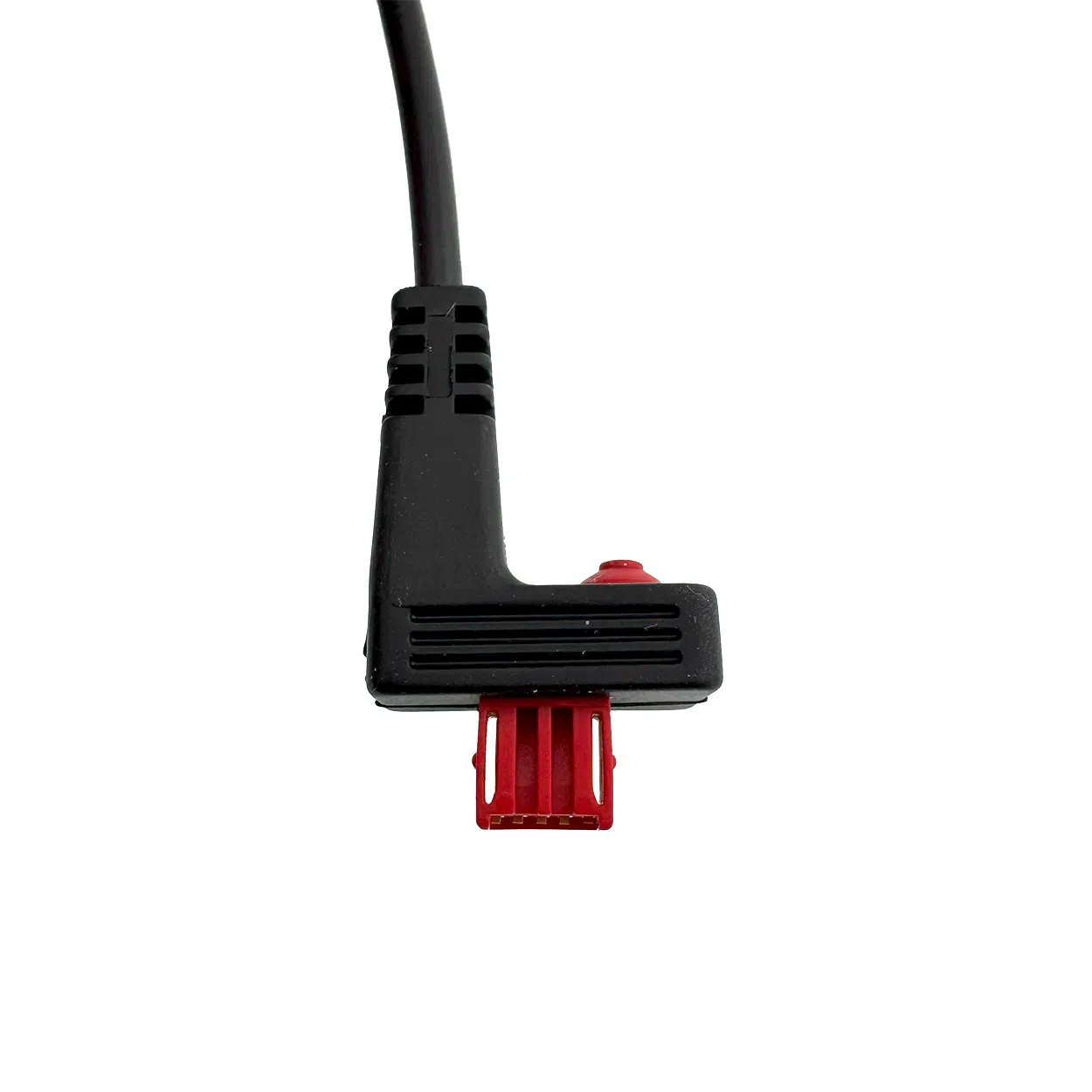
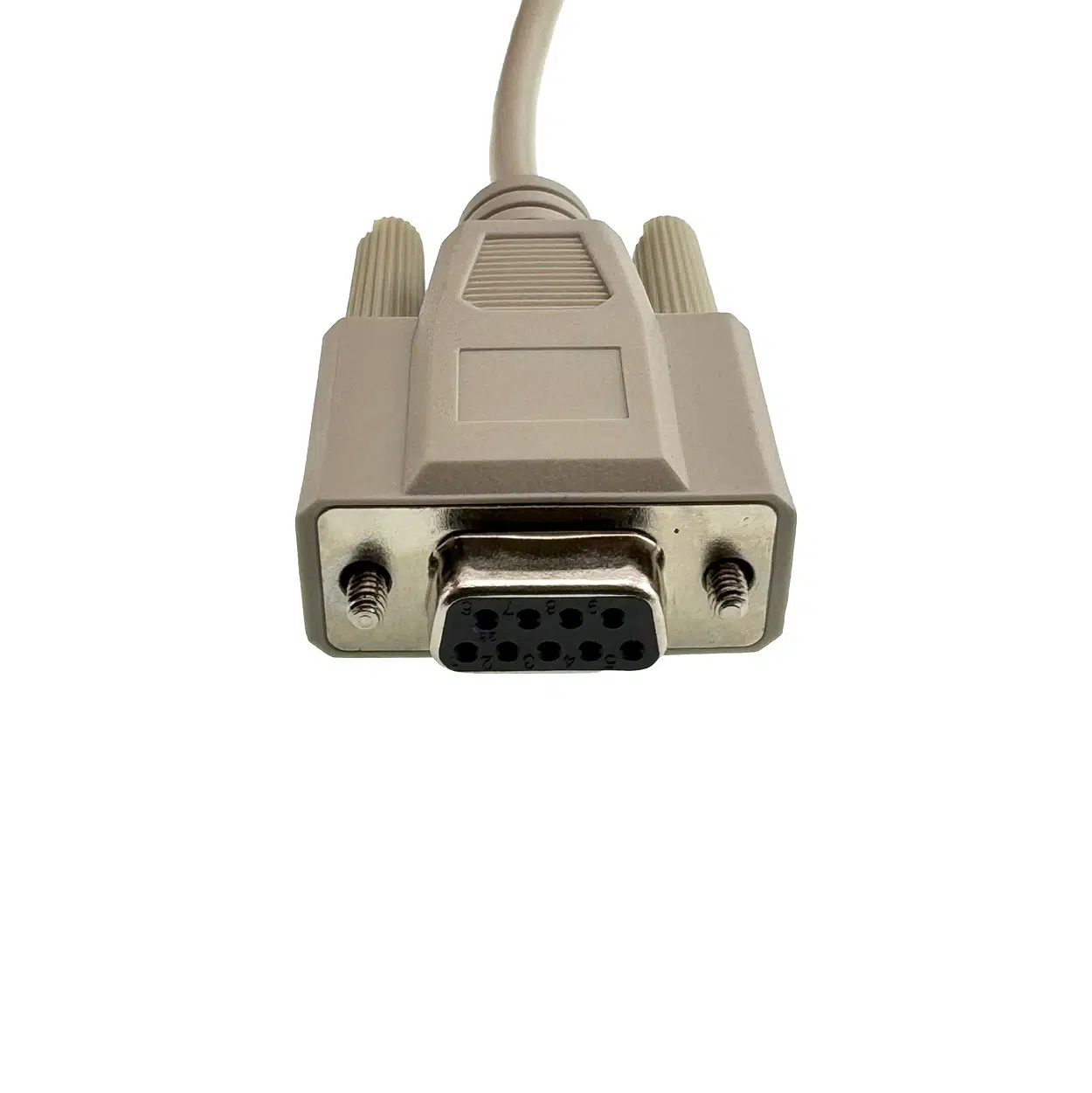
Digital gages plug directly into the front panel 10-pin Digimatic connectors with no additional hardware. RS-232 devices connect to the same four ports via the GW-LC Level Converter Cable. The AutoBaud feature automatically determines the baud rate and communication parameters for any RS-232 device connected via an LC Cable — no manual COM port configuration required. A rear-panel Multifunction Serial Port (DB9) provides one additional RS-232 input or can be used to chain interface data to a downstream system or additional GageWay Pro unit.
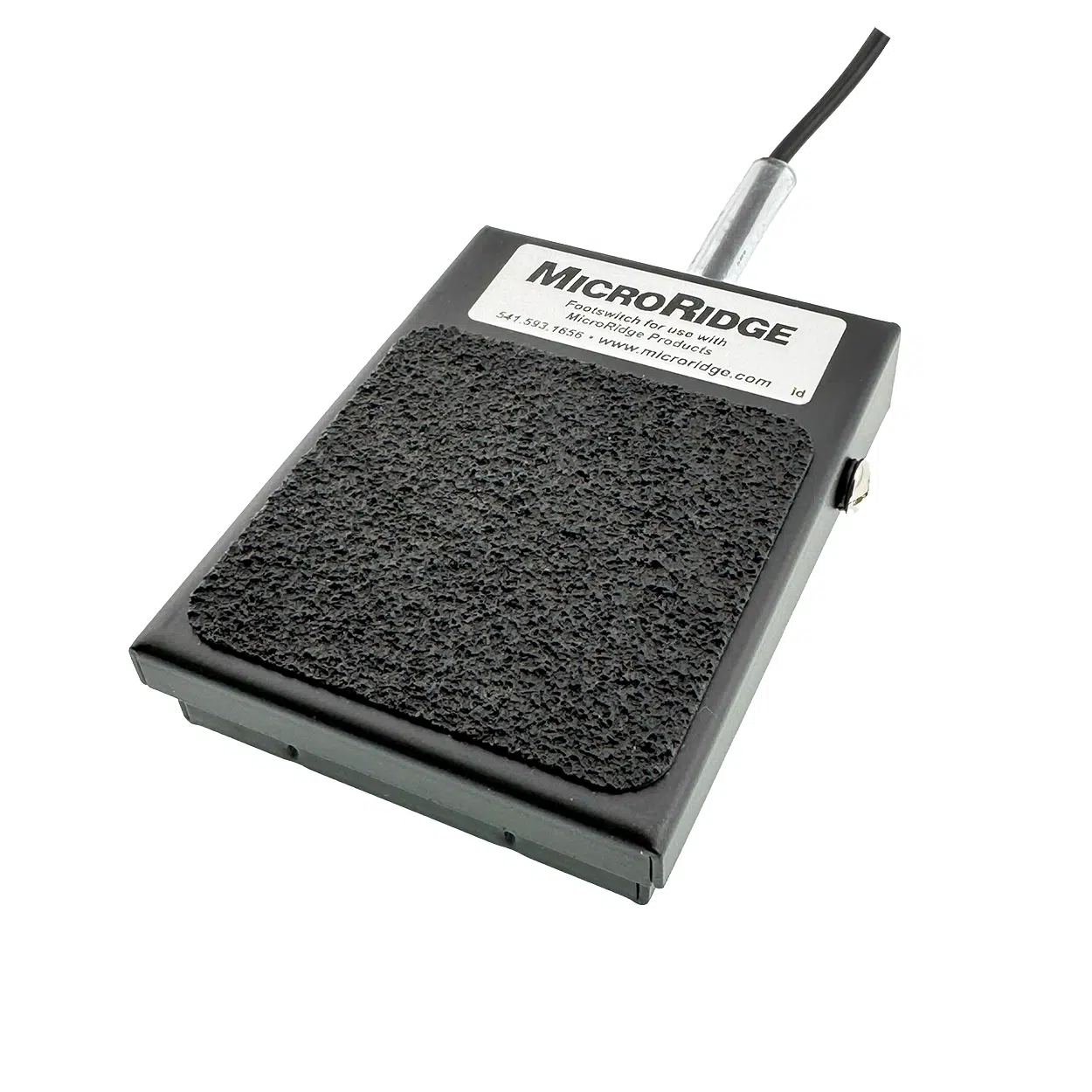
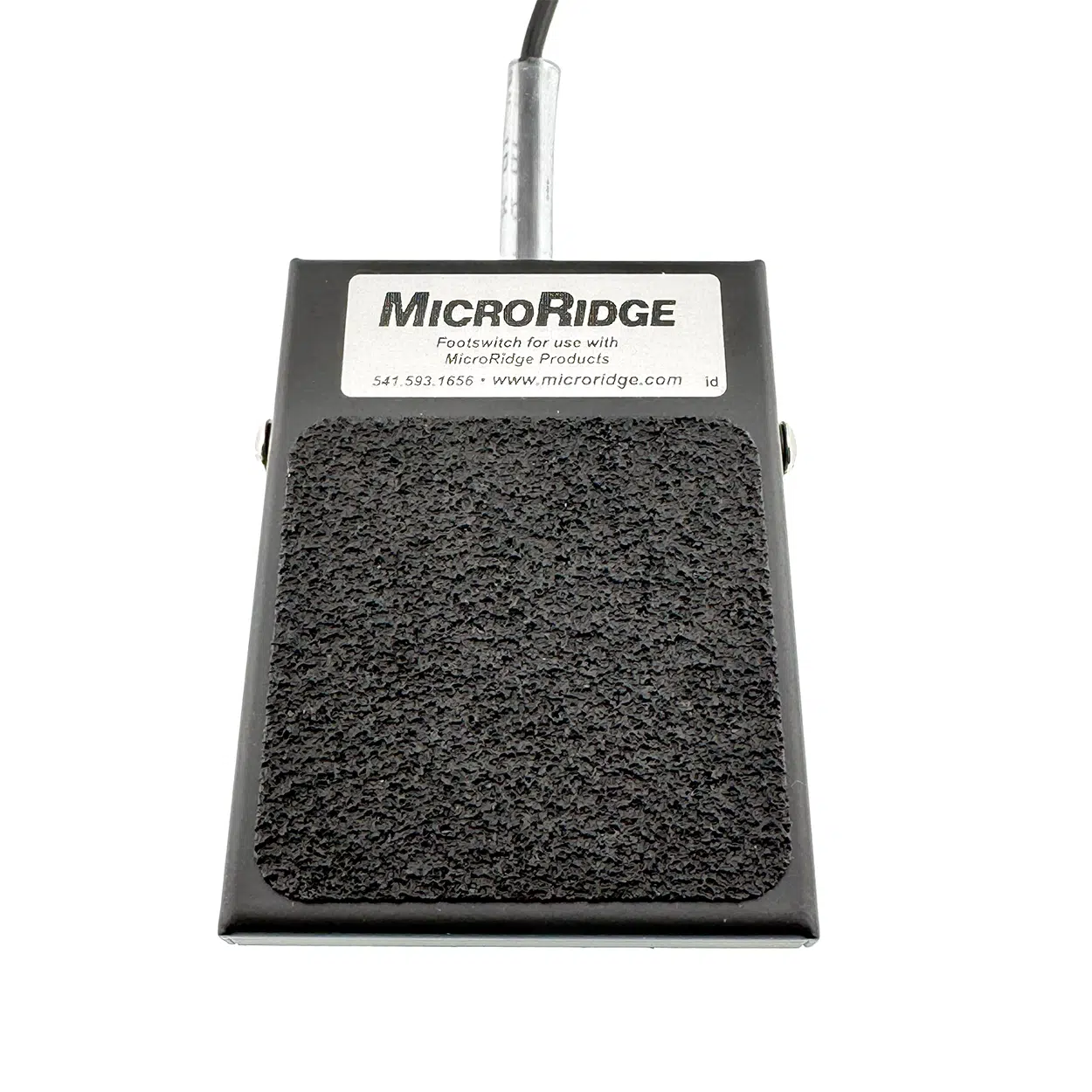
Every front panel channel on the GageWay Pro4 has its own dedicated read switch port. Each port accepts a foot switch or hand switch independently — a four-gage fixture station can have a separate trigger for each gage, or a single switch can trigger reads across all channels in a defined sequence. This flexibility is what makes the GageWay Pro series well-suited for fixed inspection fixtures where measurement sequence, timing, and channel selection are controlled by the operator or the host application.
Custom read switch sequences are a standout capability for fixture applications. A single switch press can execute a fully programmed sequence of reads across any combination of channels, in any order, with configurable pauses and delays between steps. Examples from the GageWay Pro Setup Program:
Up to four custom sequences can be stored in the interface simultaneously, and each can be up to 150 characters in length. Sequences are defined in the GageWay Pro Setup Program and saved to non-volatile memory — they persist across power cycles without reconfiguration.
Host computer commands (USB serial port only) give the host application complete programmatic control over every read function. Key commands include:
Command | Function |
|---|---|
<RA | Read Channel 1 (A) |
<RC | Read Channel 3 (C) |
<R* | Read all channels |
<BA | Begin continuous read — Channel 1 |
<CA00025 | Get 25 continuous readings — Channel 1 |
<I1A | Begin TIR read — Channel 1 |
<D1B00150 | Get 150 TIR readings — Channel 2 |
<SA | Stop continuous read — Channel 1 |
Host commands are compatible with any application that can write to a serial COM port — SPC software, LabVIEW, Python, custom fixture controllers, and PLC serial interfaces. Commands are identical to those used by previous GageWay interface generations, simplifying migration from earlier MicroRidge hardware. The commands listed above are a representative sample only — the full command set is documented in the GageWay Pro User’s Guide.
Each of the four gage input ports on the GageWay Pro4 has its own dedicated processor. A separate communications processor manages the host interface. This architecture eliminates channel contention and ensures that polling one gage does not introduce latency on another — critical in measurement stations where multiple gages are triggered simultaneously or in rapid succession. The GageWay Pro series is more than five times faster than the previous MicroRidge interface generation.
Every GageWay Pro4 ships with the free Windows-based GageWay Pro Setup Program. All parameters — read modes, output format, data parsing, RS-232 channel settings, keyboard layout, and trigger behavior — are configured through a graphical interface with on-screen help text on every control. No DIP switches. No terminal commands. No cover removal.
For most digital gage applications, default settings work out of the box and no configuration is needed at all. When advanced setup is required, the Setup Program detects the connected interface, reads its current configuration, and lets you modify and push changes in a single operation. Completed setups save to file — useful for documentation, backup, and replicating a configuration to a replacement unit. Firmware is field-upgradeable via the USB serial port at no charge from the MicroRidge GageWay firmware updates page.
The GageWay Pro4 supports chaining with other Pro4 and Pro8 units — 1 Primary and up to 8 Secondary units in any combination. Nine Pro4 units chained supports 36 simultaneous gage inputs. In a mixed Pro4/Pro8 chain, or using Pro8 units exclusively, the maximum reaches 72 inputs across nine units. Setup parameters can be saved to file in the Setup Program and copied to additional units, reducing configuration time when deploying multiple interfaces.
The Pro4 is the correct interface when:
For two gages: see the GageWay Pro2. For eight gages or applications requiring the highest throughput and maximum channel density per unit: see the GageWay Pro8. If gage mobility beyond 6 feet is a requirement, see MobileCollect for wireless options — or read our guide to gage multiplexers to understand when a wired interface is the right call.
Want to go deeper before you order?
Q: Does the GageWay Pro4 need an external power supply?
— No. The GageWay Pro4 is powered by the USB connection to the host PC. No AC adapter is required.
Q: Can the GageWay Pro4 be chained with other GageWay Pro units?
— Yes. The Pro4 can be chained with other Pro4 and Pro8 units. Up to nine units can be chained in any combination, supporting up to 68 total gage inputs through a single host connection.
Q: Can I connect RS-232 gages to the front panel ports?
— Yes. RS-232 devices connect to any of the four front panel ports via the GW-LC Level Converter Cable. The AutoBaud feature automatically detects baud rate and communication parameters. A rear-panel Multifunction Serial Port accepts RS-232 devices directly via DB9.
Q: What is the difference between the GageWay Pro4 and a gage multiplexer?
— Function is equivalent — both route multiple gage inputs to a single PC connection. The GageWay Pro4 differentiates by including both keyboard wedge and USB serial outputs in the same unit — switching between them requires only moving the USB cable, with no additional hardware or different model required. It also provides AutoBaud RS-232 detection on all front panel ports, dedicated per-channel processors for full-speed throughput, field-updateable firmware, and free Windows GUI setup software — no DIP switches or terminal commands required.
Q: How many read modes does the GageWay Pro4 support?
— Seven, including TIR for dynamic min/max/range data collection. Readings can be triggered by foot switch, hand switch, gage cable button, or host computer command on a per-port basis.
Q: Does setup require any special tools or disassembly?
— No. The free GageWay Pro Setup Program handles all configuration through a Windows GUI — no cover removal, no DIP switches, no terminal commands. For most digital gage stations, default settings work without any configuration at all. Setups save to file and can be pushed to additional units, which simplifies multi-station deployments.
Also in the GageWay Family:
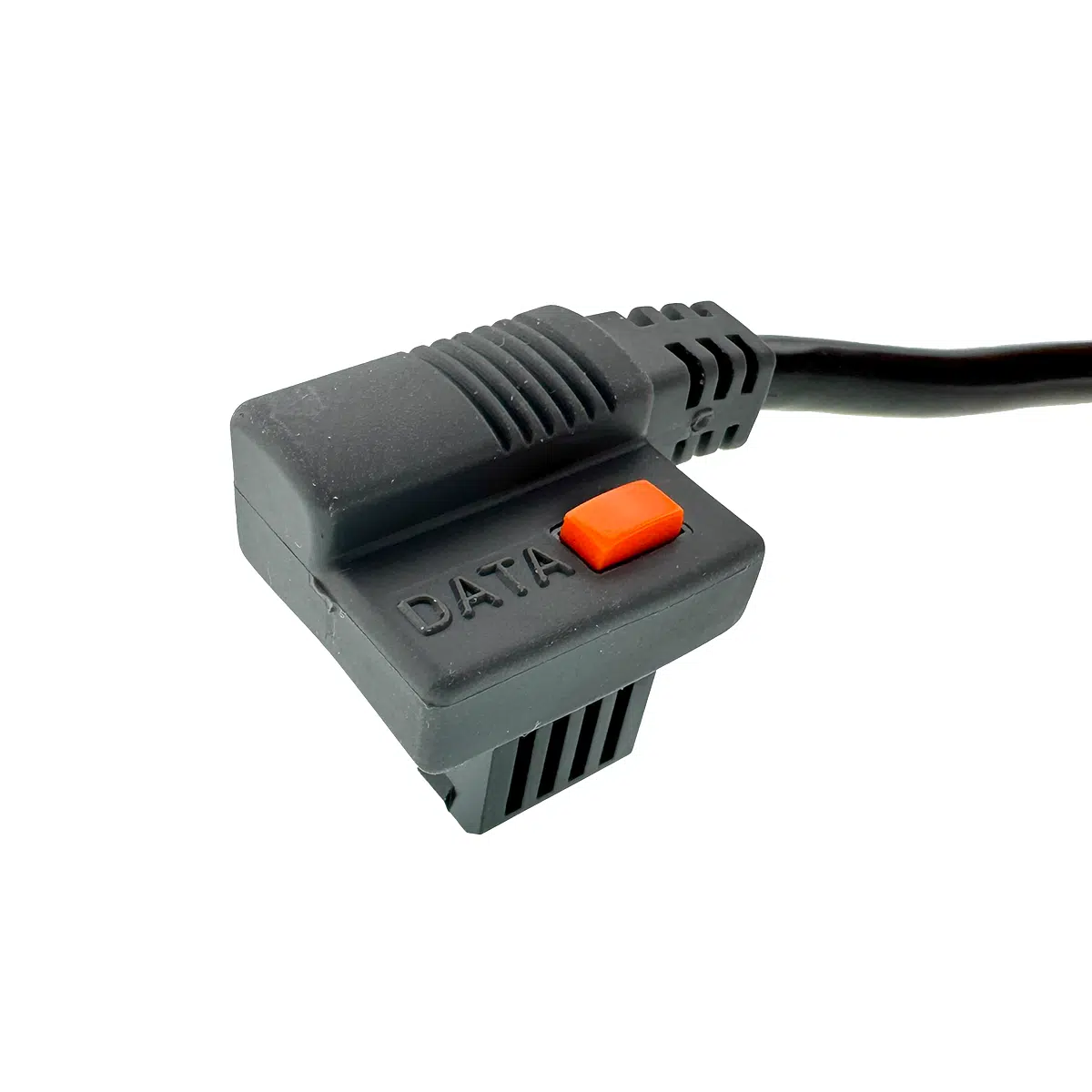
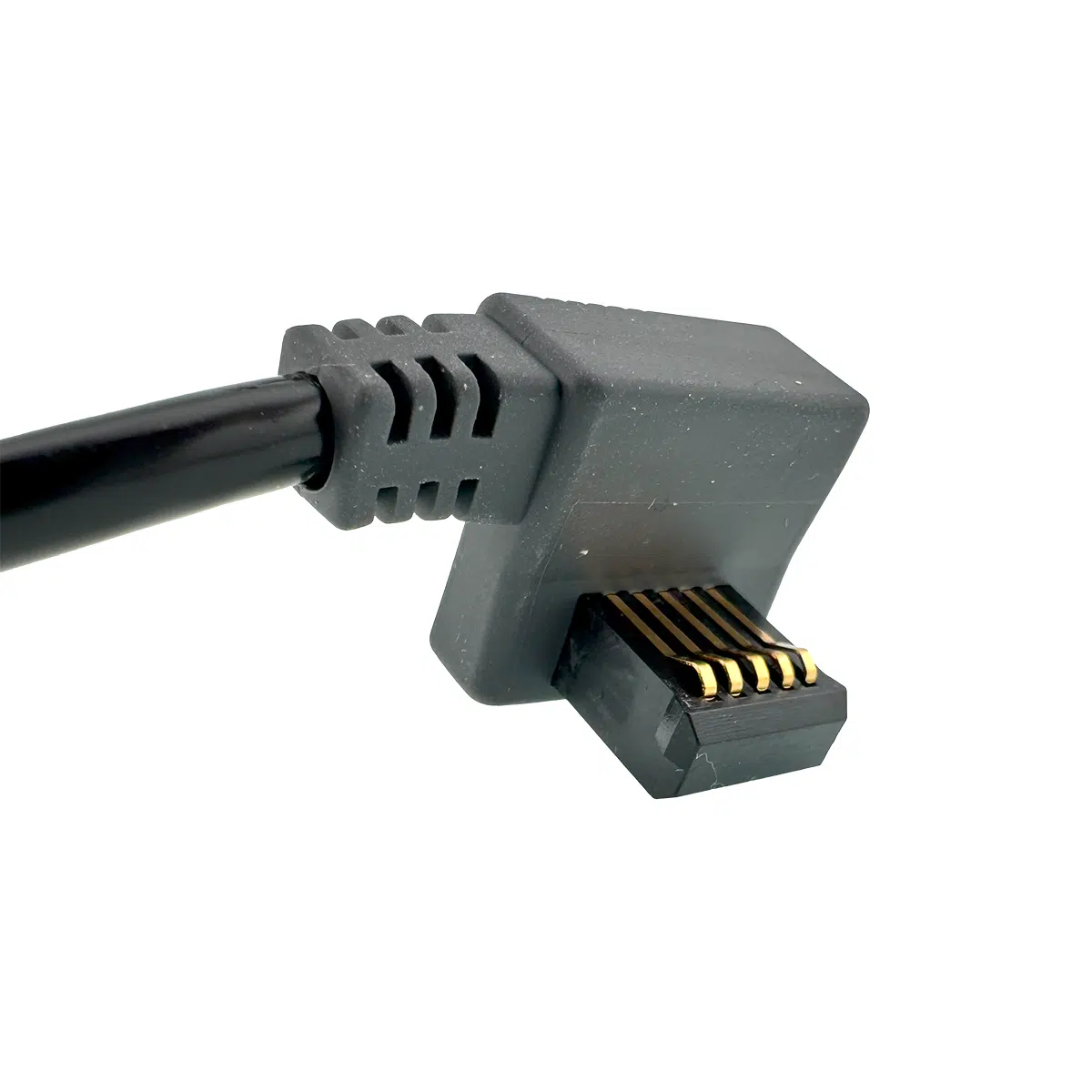
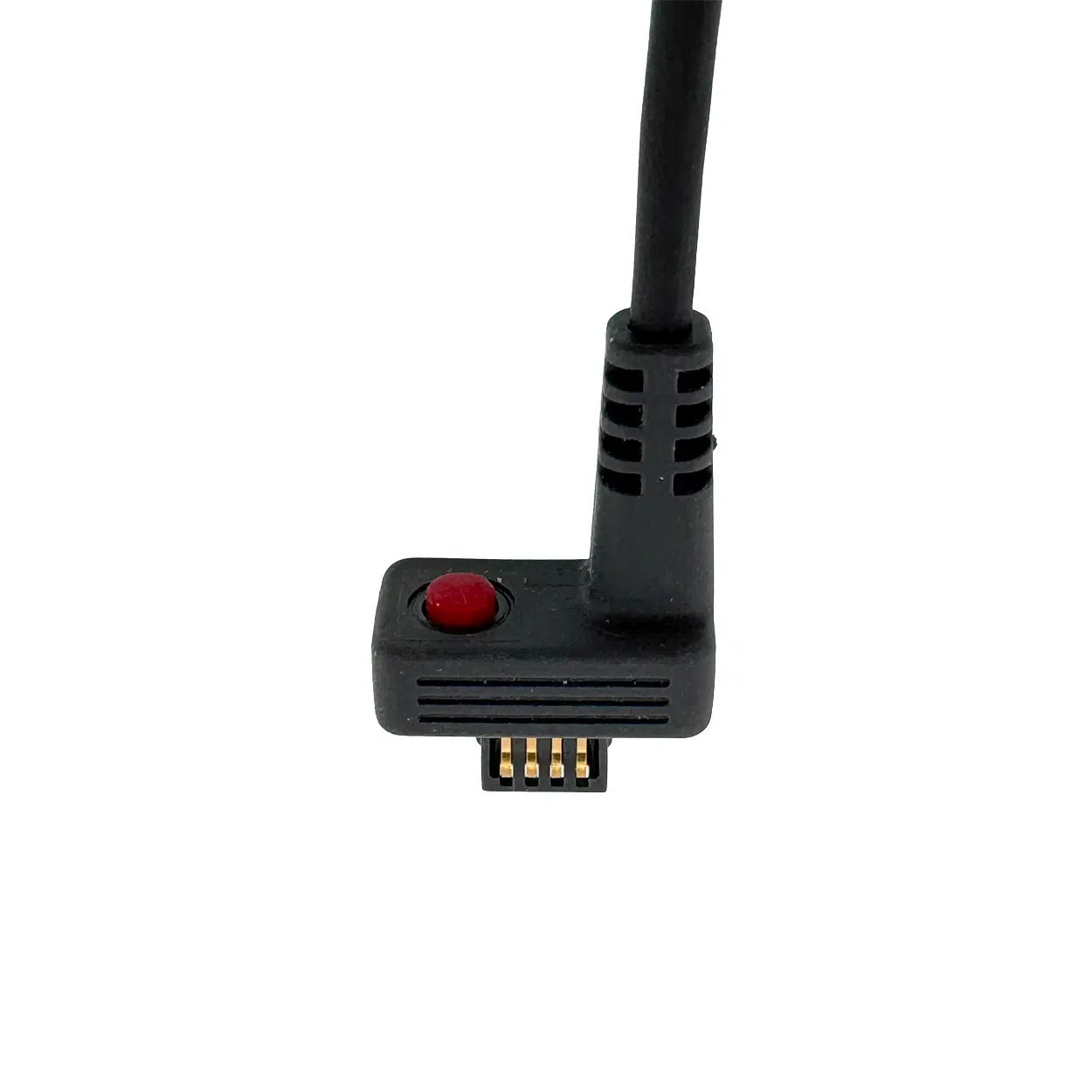
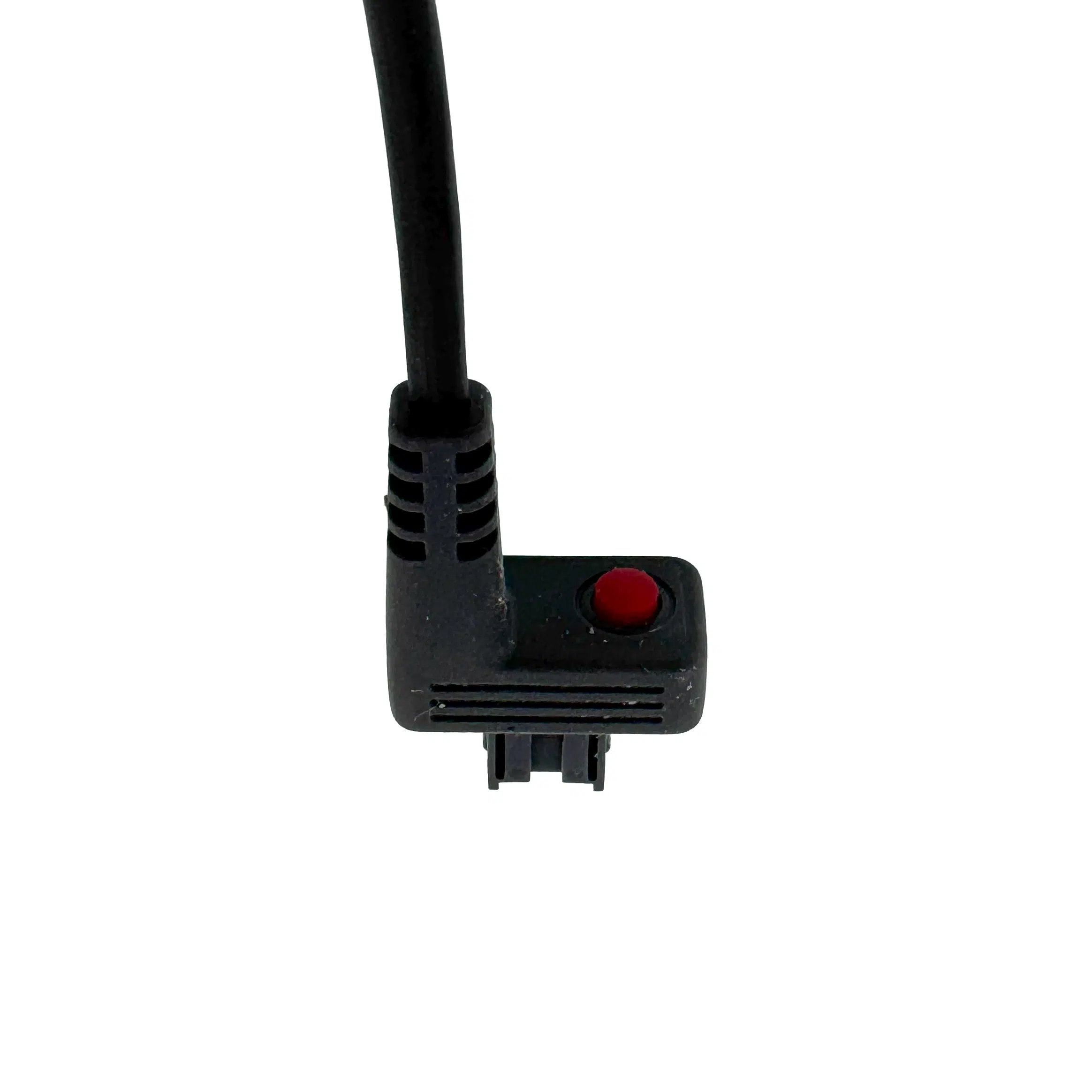
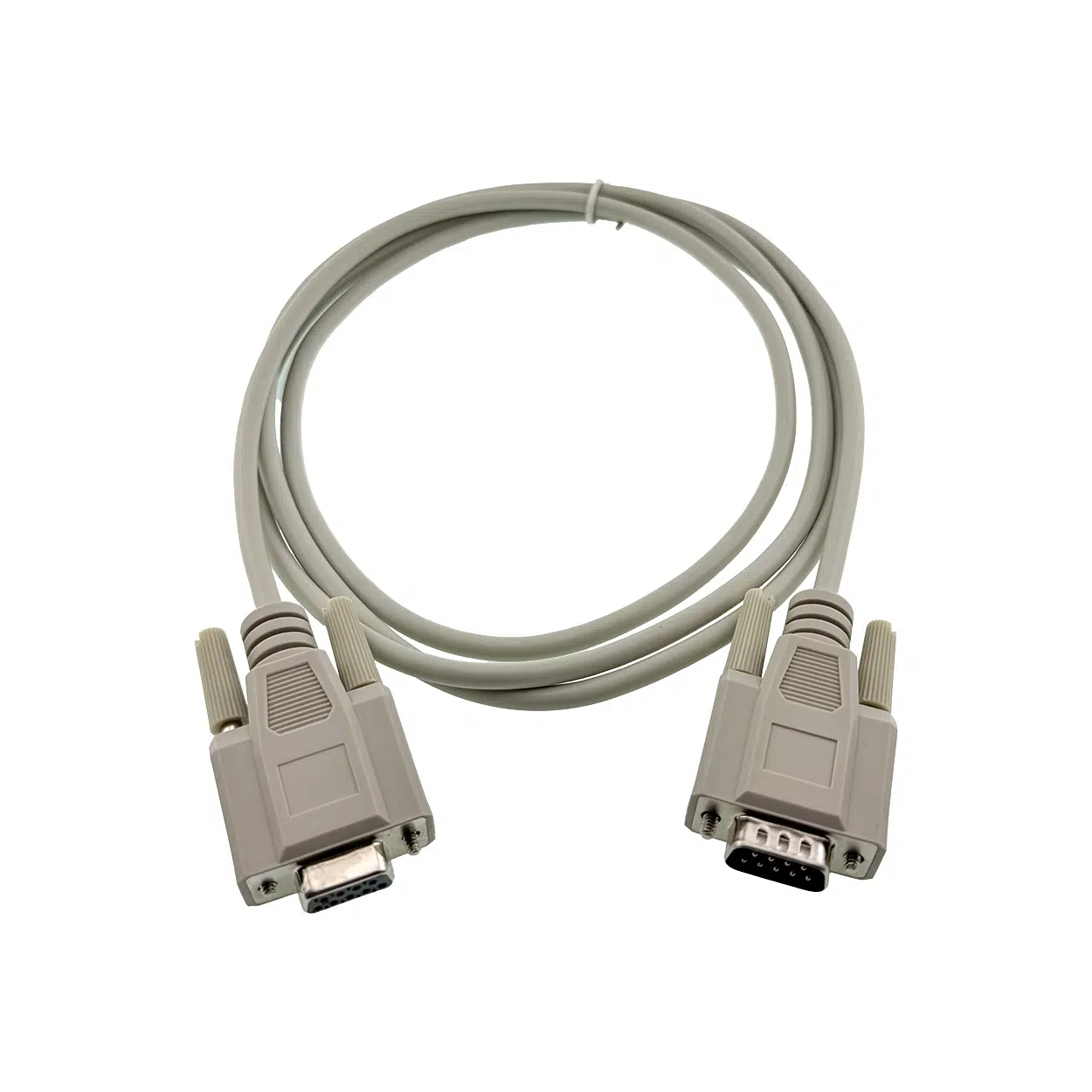
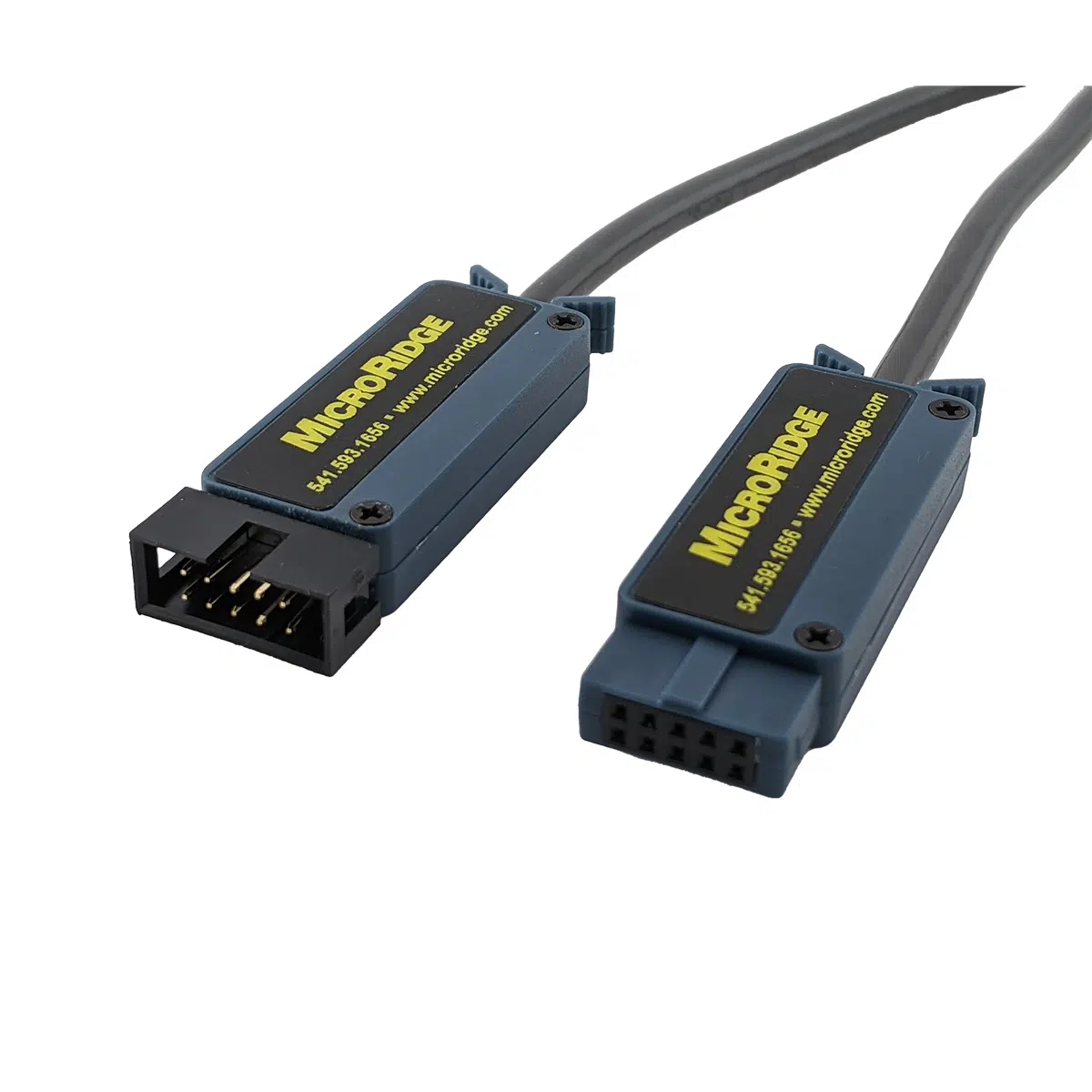
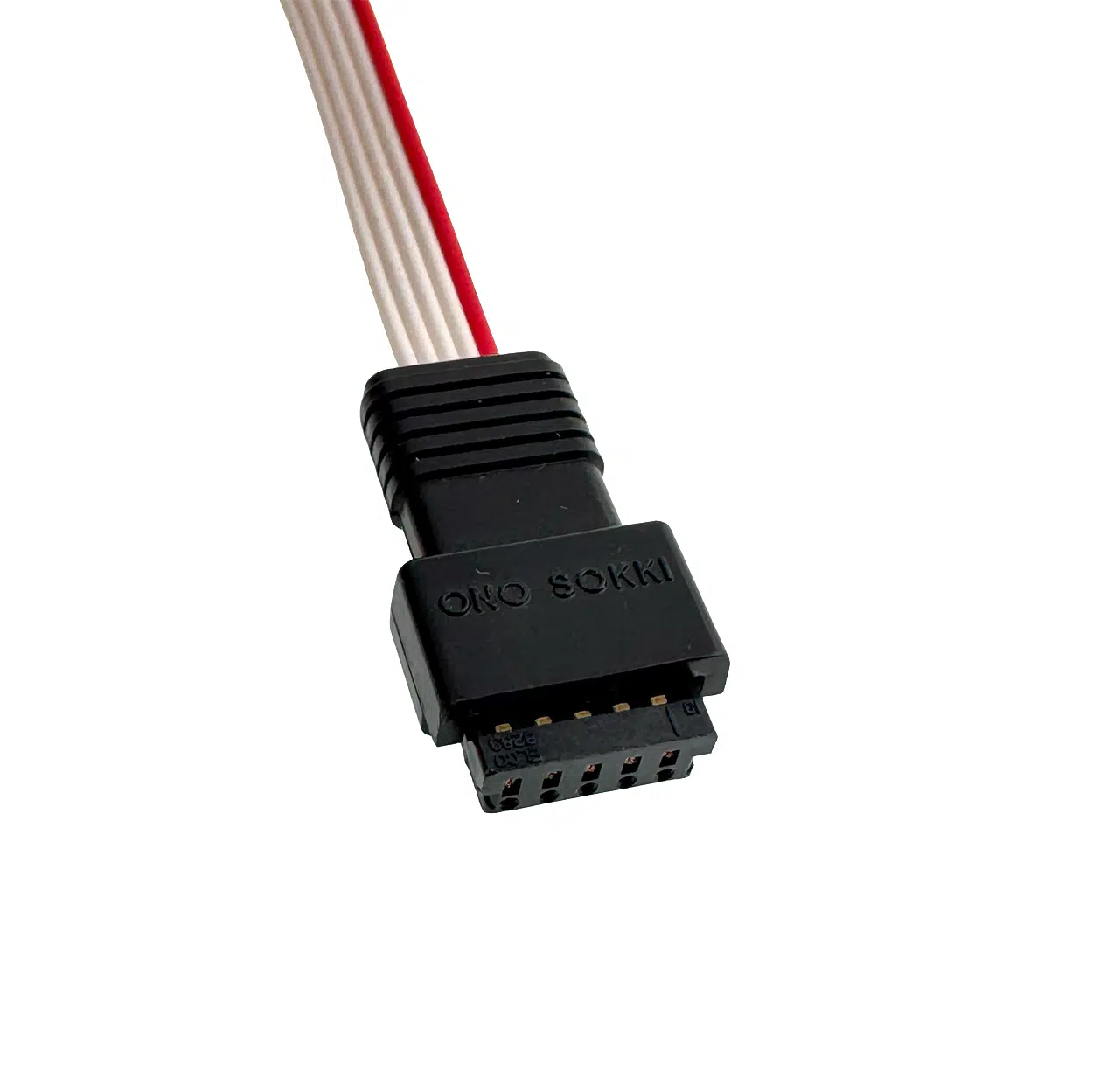
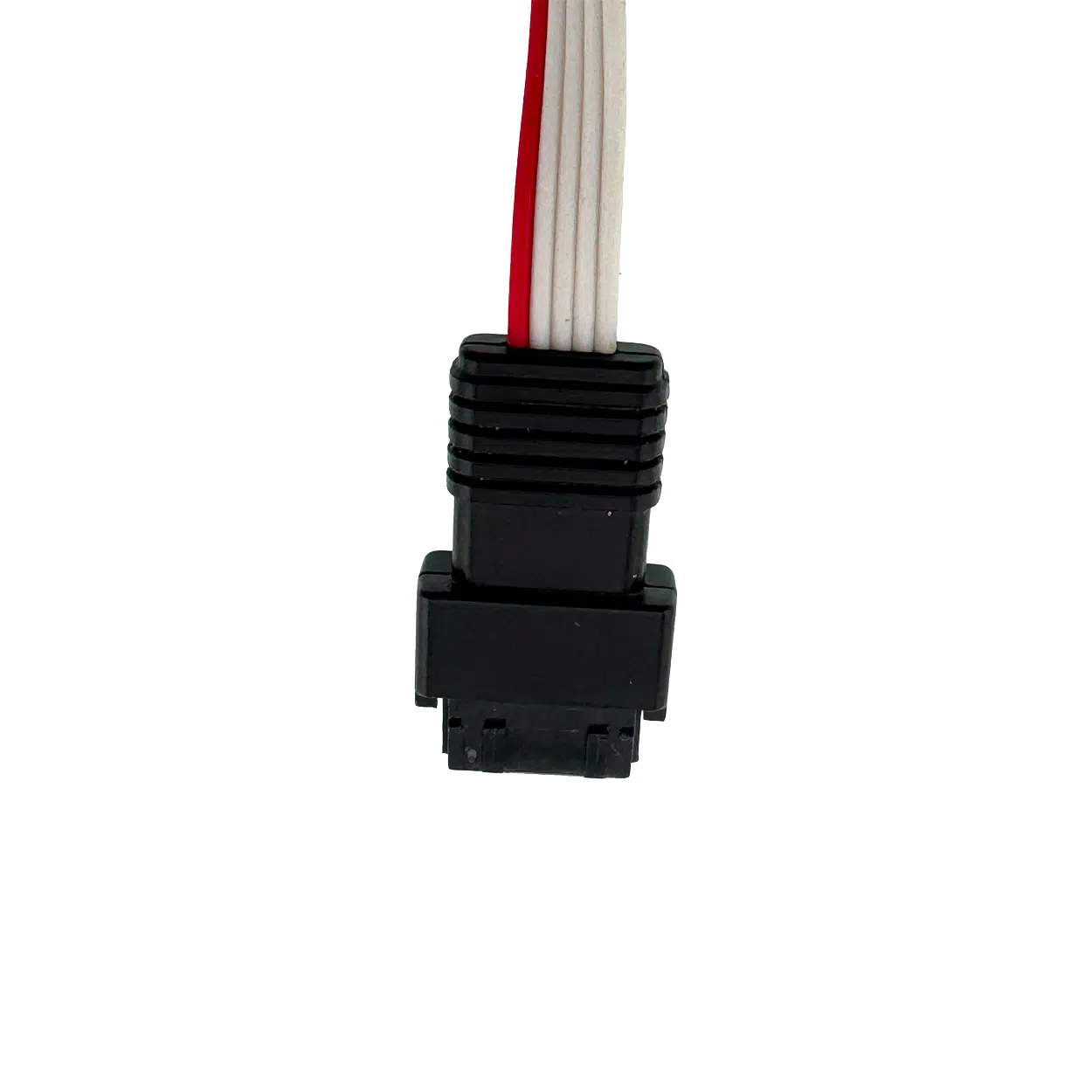
You’ll also need a gage cable. The GageWay Pro4 requires an interface cable matched to your specific gage model. MicroRidge stocks cables for Mitutoyo, Mahr Federal, Ono Sokki, Fowler, INSIZE, CDI, Starrett, and others. See the Gage Cables tab above, or contact sales@microridge.com to find the right cable for your gage.
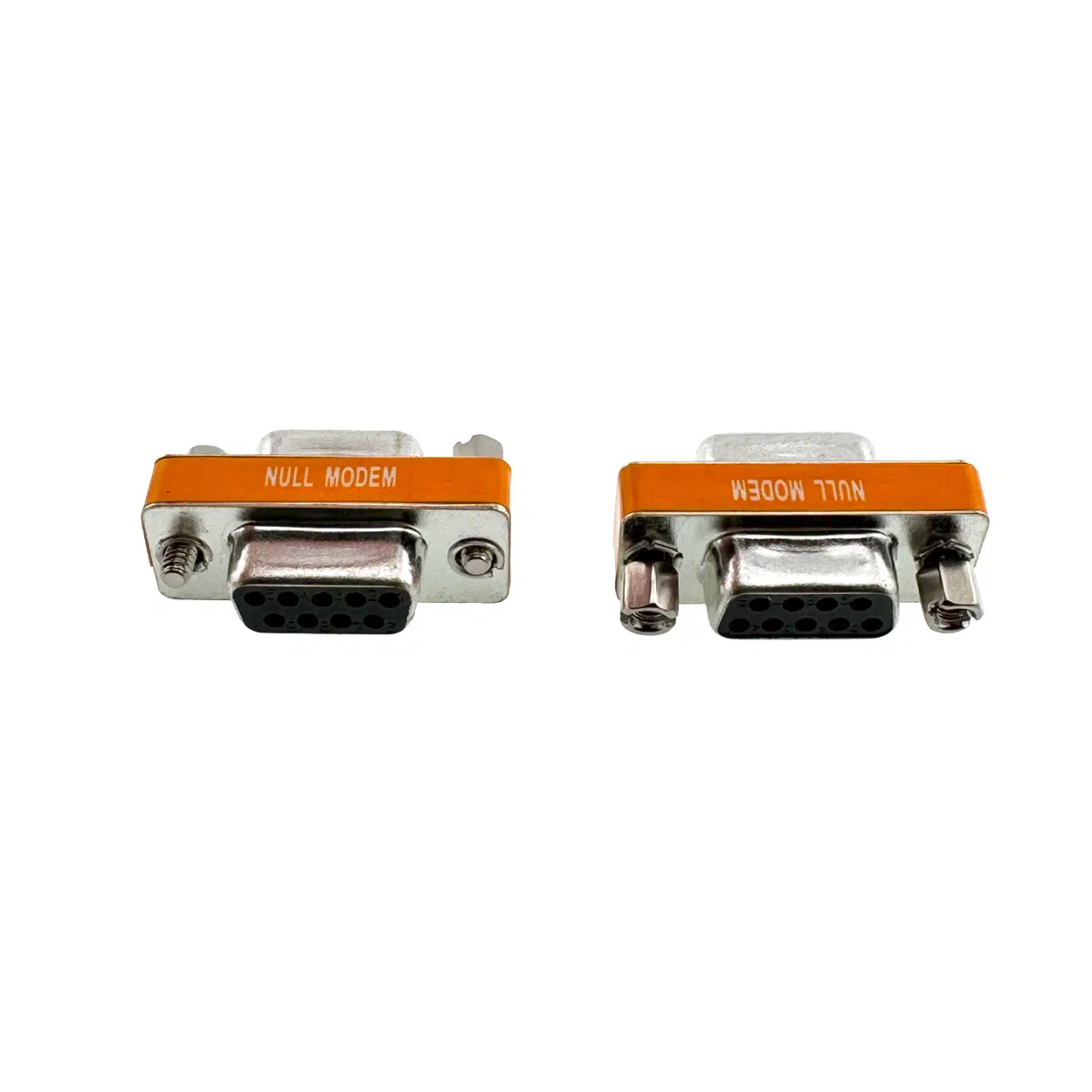
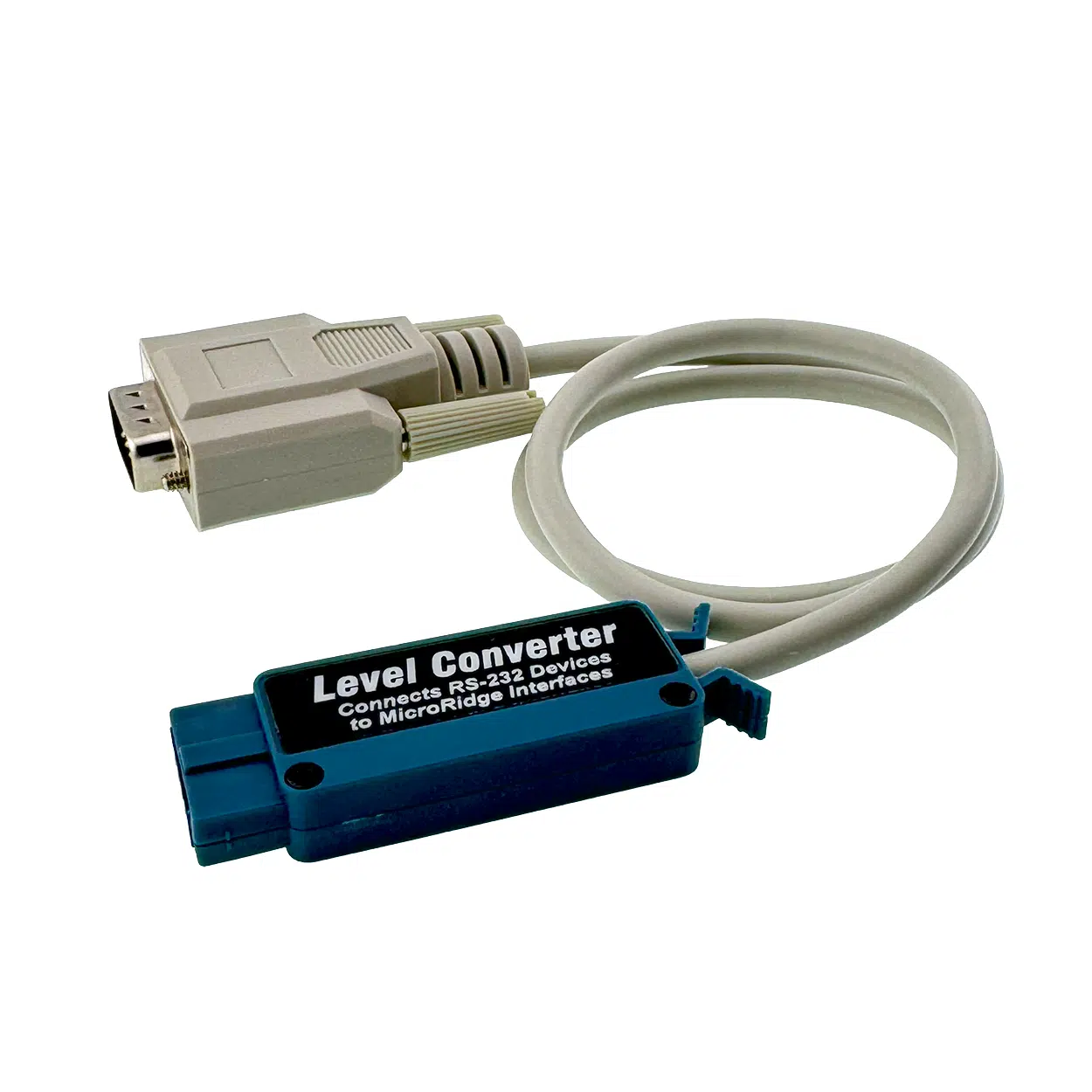
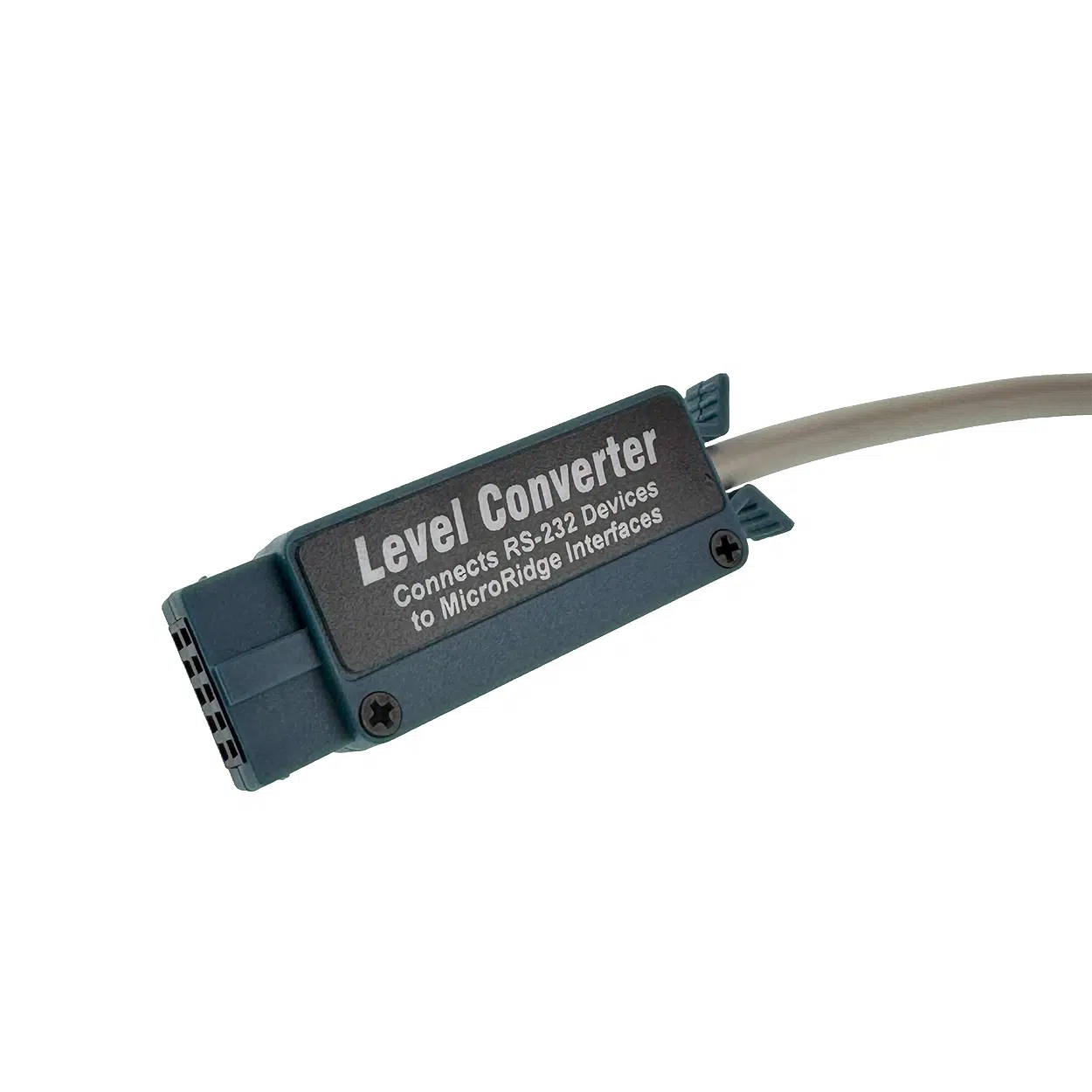
Need to connect RS-232 devices? The GW-LC Level Converter Cable enables any front panel port on the GageWay Pro4 to accept RS-232 serial devices with full AutoBaud detection. Shop GW-LC →
Only need one gage? The single-gage GageWay interfaces are a simpler, lower-cost solution:
Accessories:
GageWay Pro4 (GW-PRO4) Specs | |
|---|---|
Part Number | GW-PRO4 |
Number of Gage Inputs | 4 |
Input Protocol — Digital | Mitutoyo Digimatic 10-pin (Type D Male) |
Input Protocol — Serial | RS-232 (front panel via GW-LC Level Converter; rear Multifunction Serial Port) |
Output — USB Keyboard Wedge | Yes (HID, no driver required) |
Output — USB Serial / VCP | Yes (driver required) |
Output — DB9 RS-232 | Yes (rear Output Serial Port — Pro4/Pro8 only; requires Power Kit if used as primary PC connection) |
Keyboard Wedge Layouts | USA/Canada (default), UK/Australia, Mexico/Latin America, French, Belgian, German |
Keyboard Wedge Transfer Rate | ~72 chars/sec (default); adjustable to ~30 or ~8 chars/sec |
Baud Rate Support | 1,200 to 57,600 bps |
AutoBaud Detection | Yes (front panel RS-232 ports, requires current GW-LC Cable) |
Configuration | Windows-based Setup Program (no disassembly required) |
Chaining | Yes — 1 Primary + up to 8 Secondary units (Pro4/Pro8 mix); up to 68 total inputs |
Chaining — Secondary Power | Power Kit (ADT-USB-NA-KIT) required per Secondary unit |
Enclosure | Rugged metal |
Firmware Updates | Field-upgradeable via USB |
Compliance | RoHS 2 / REACH |
Compatible Gage Brands | Mitutoyo, Mahr Federal, Ono Sokki, Fowler, INSIZE, Starrett, Sylvac, CDI, Ohaus, Mettler Toledo, and others |
Warranty | 12 months from date of purchase |
Origin | Designed & Made in the USA |
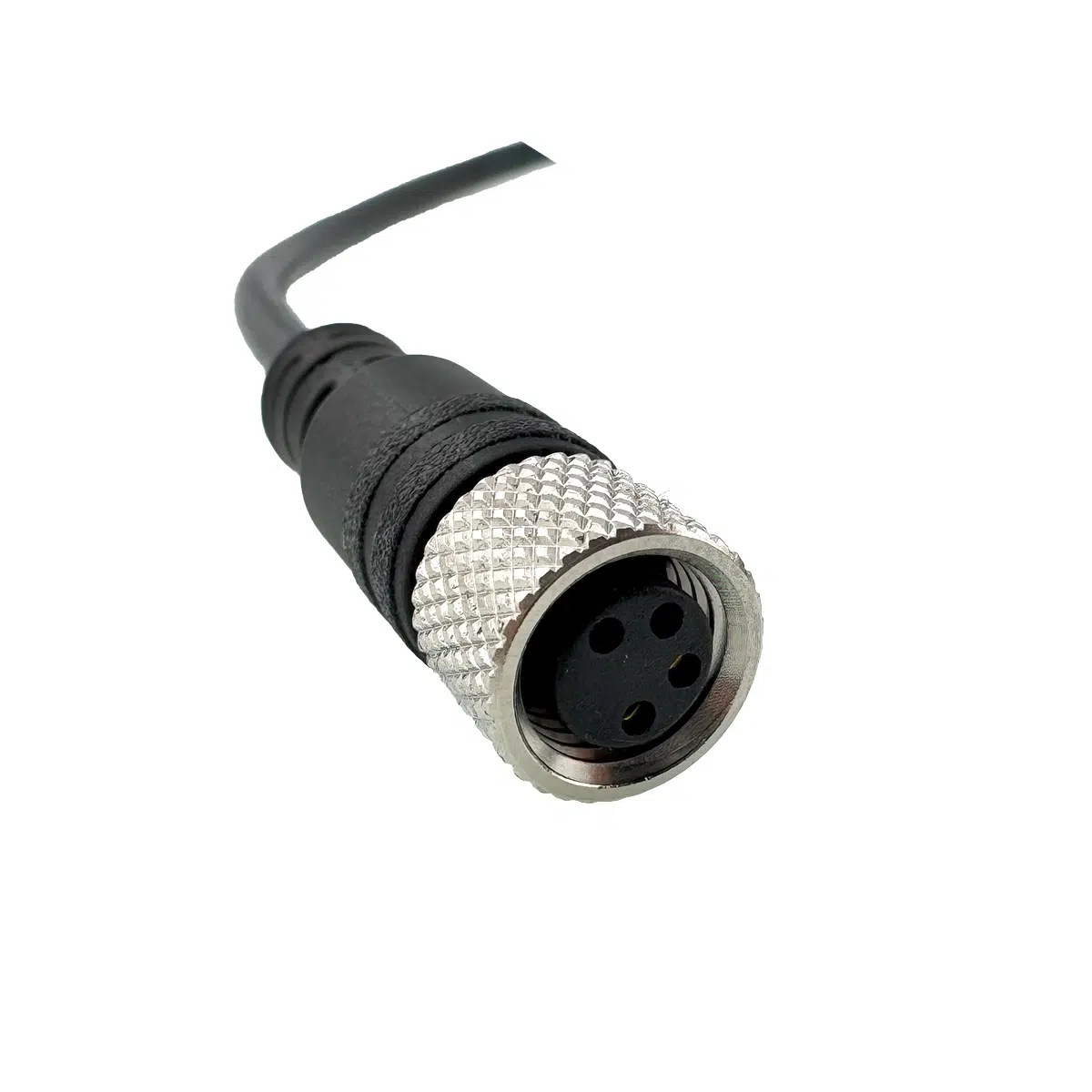
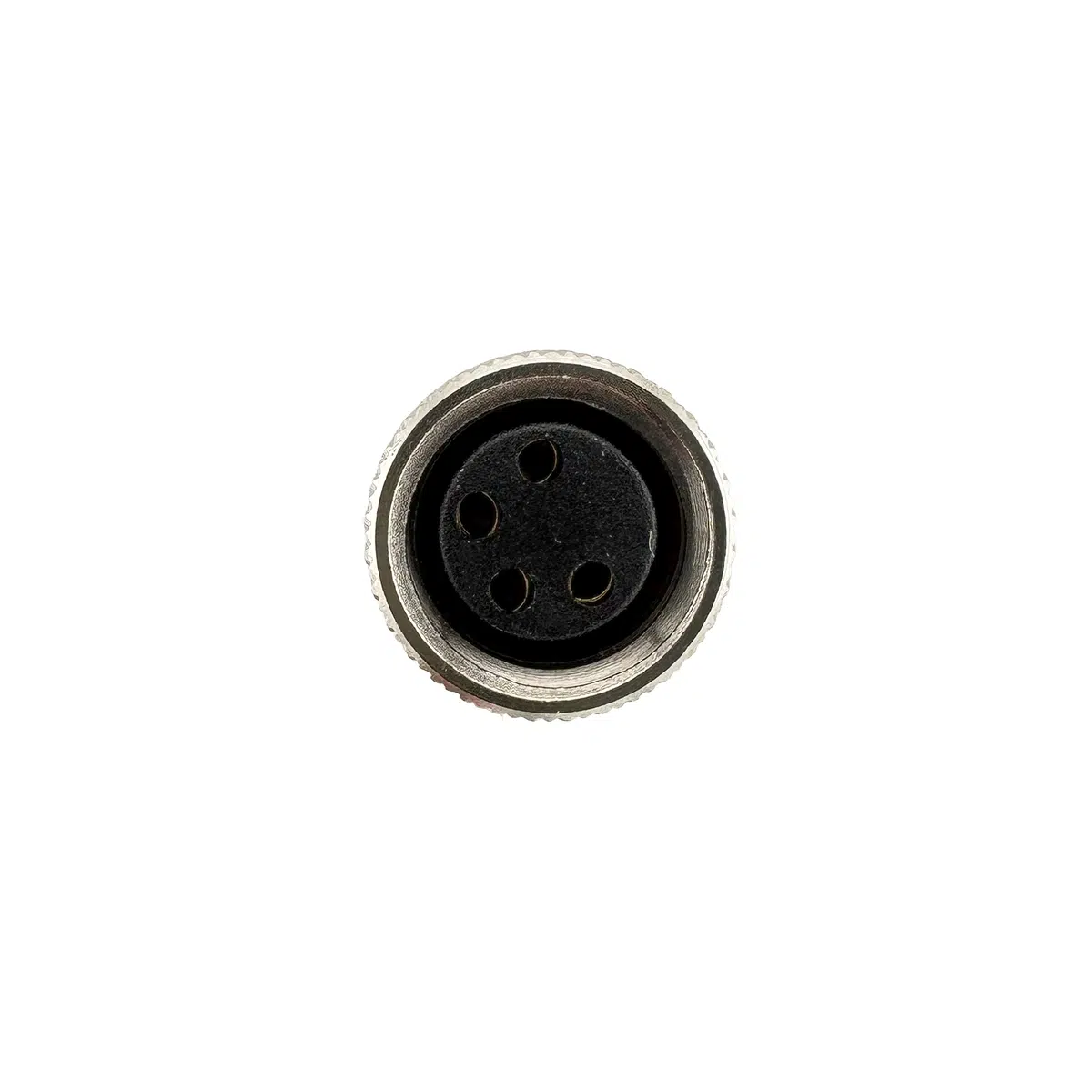
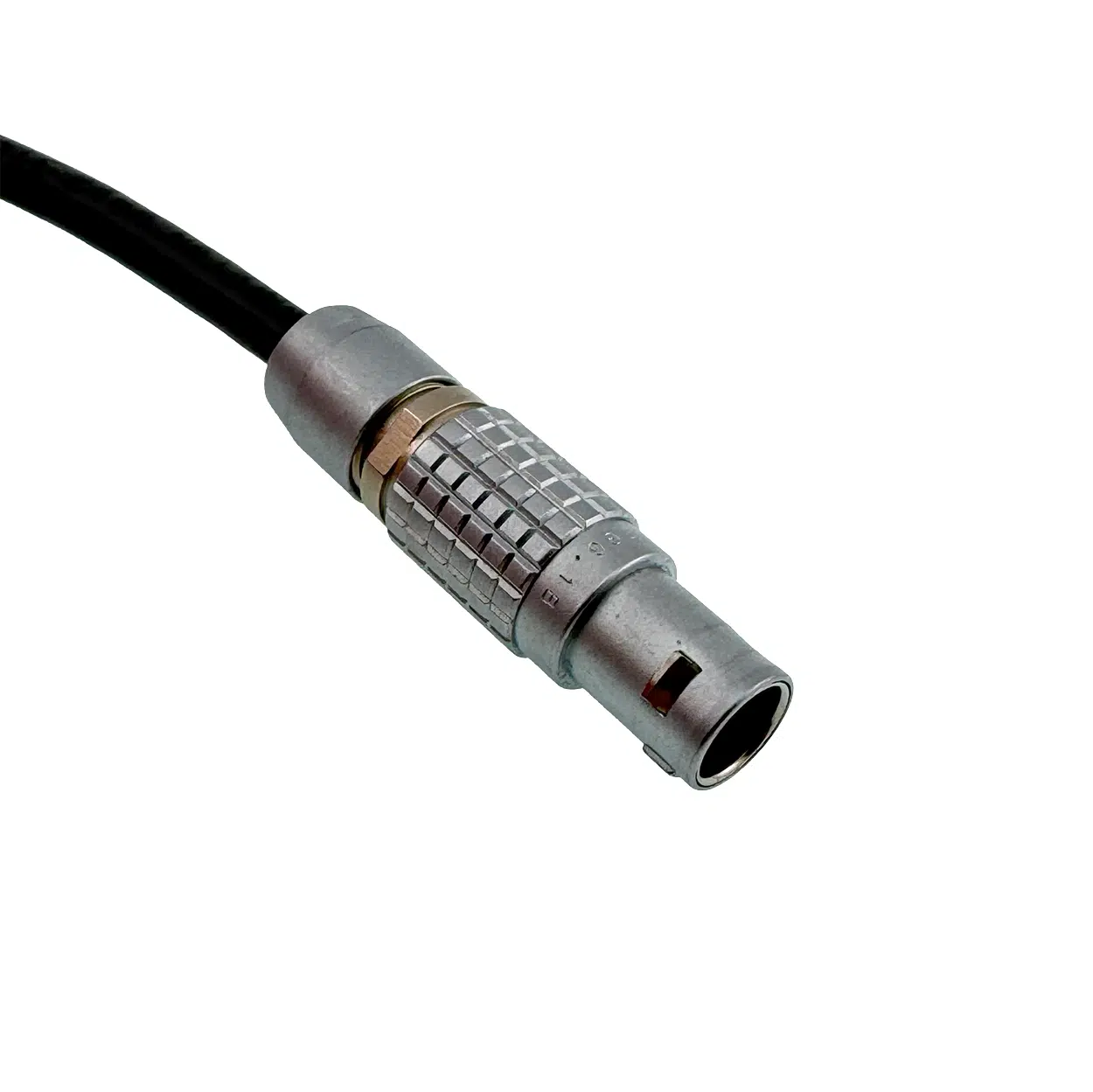
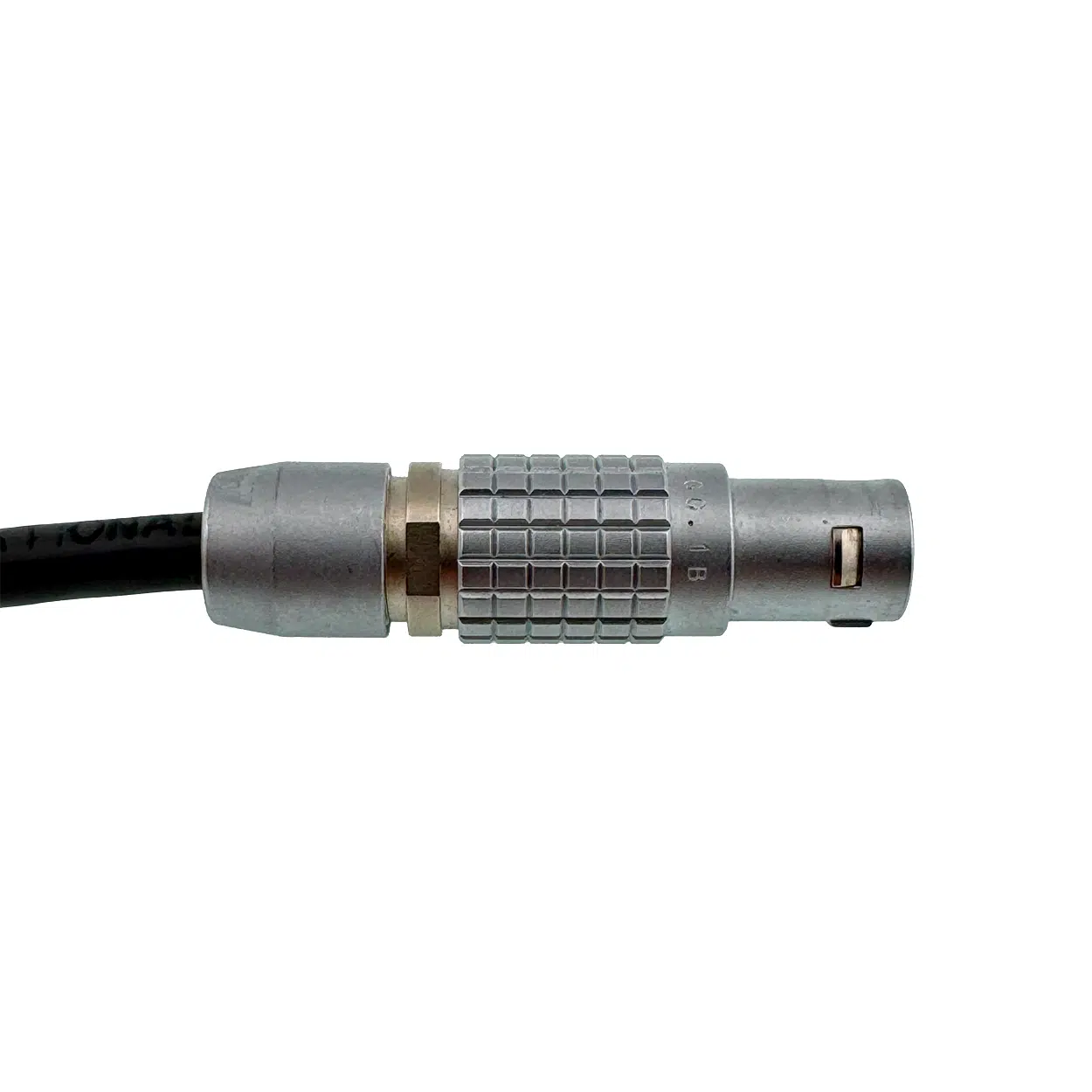
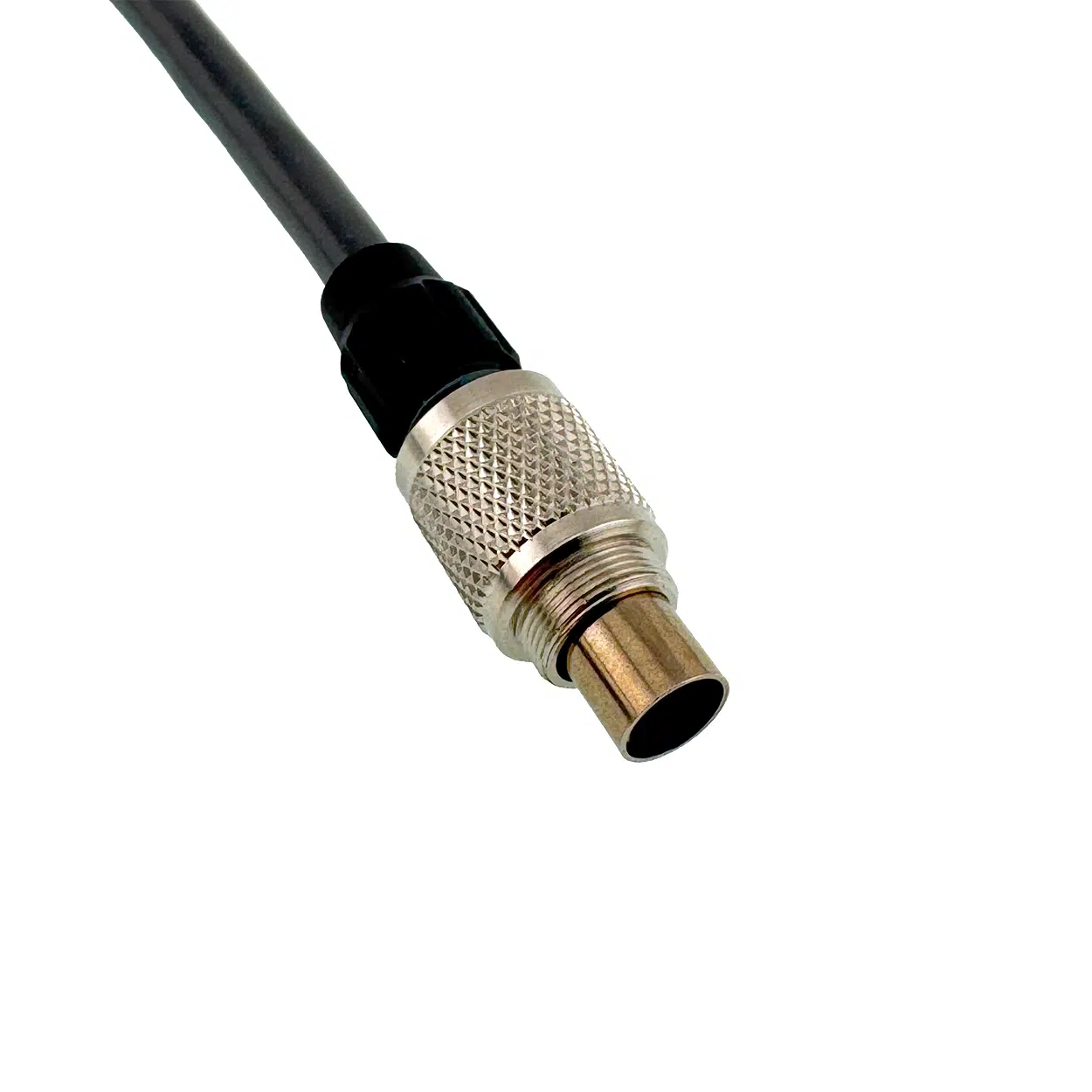
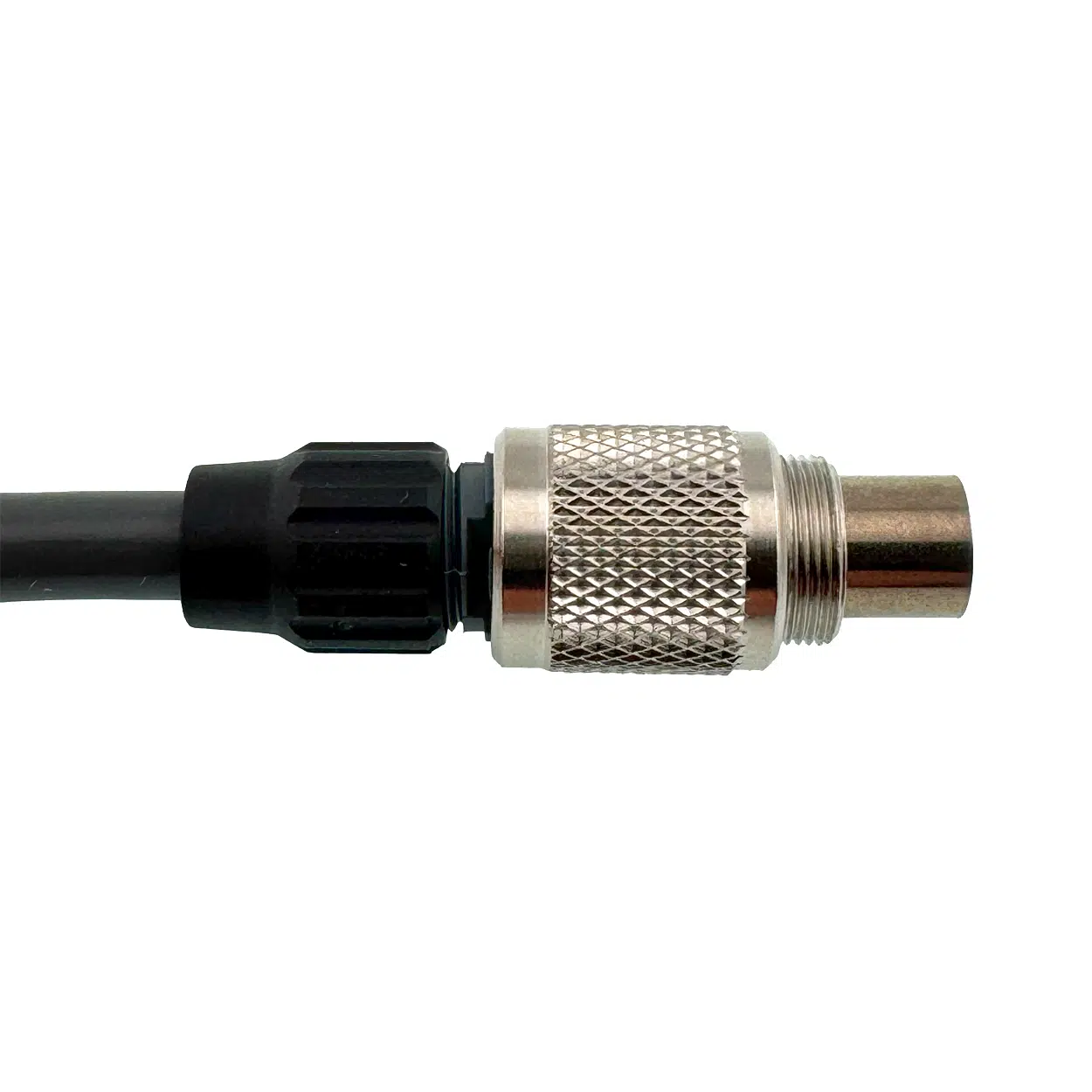
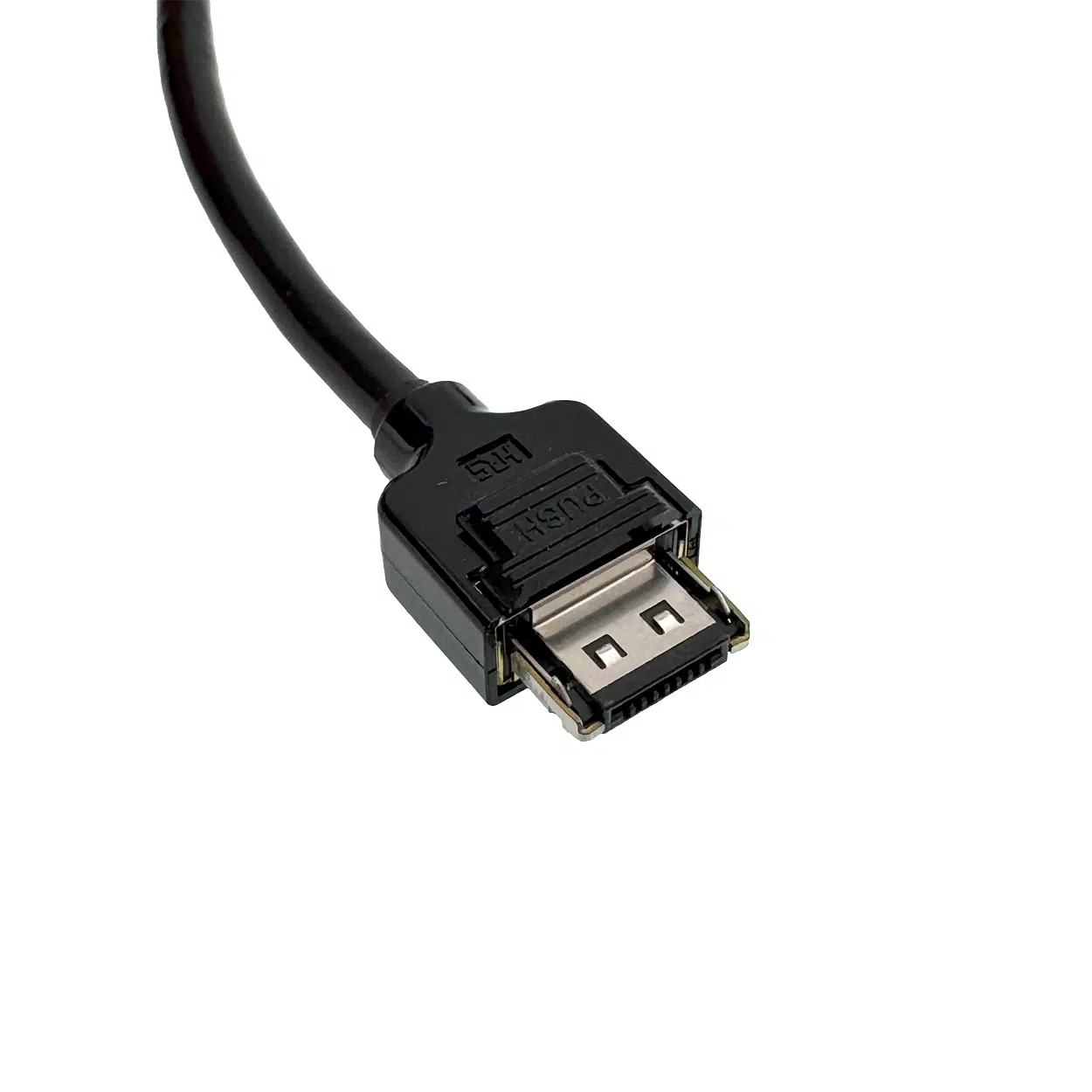
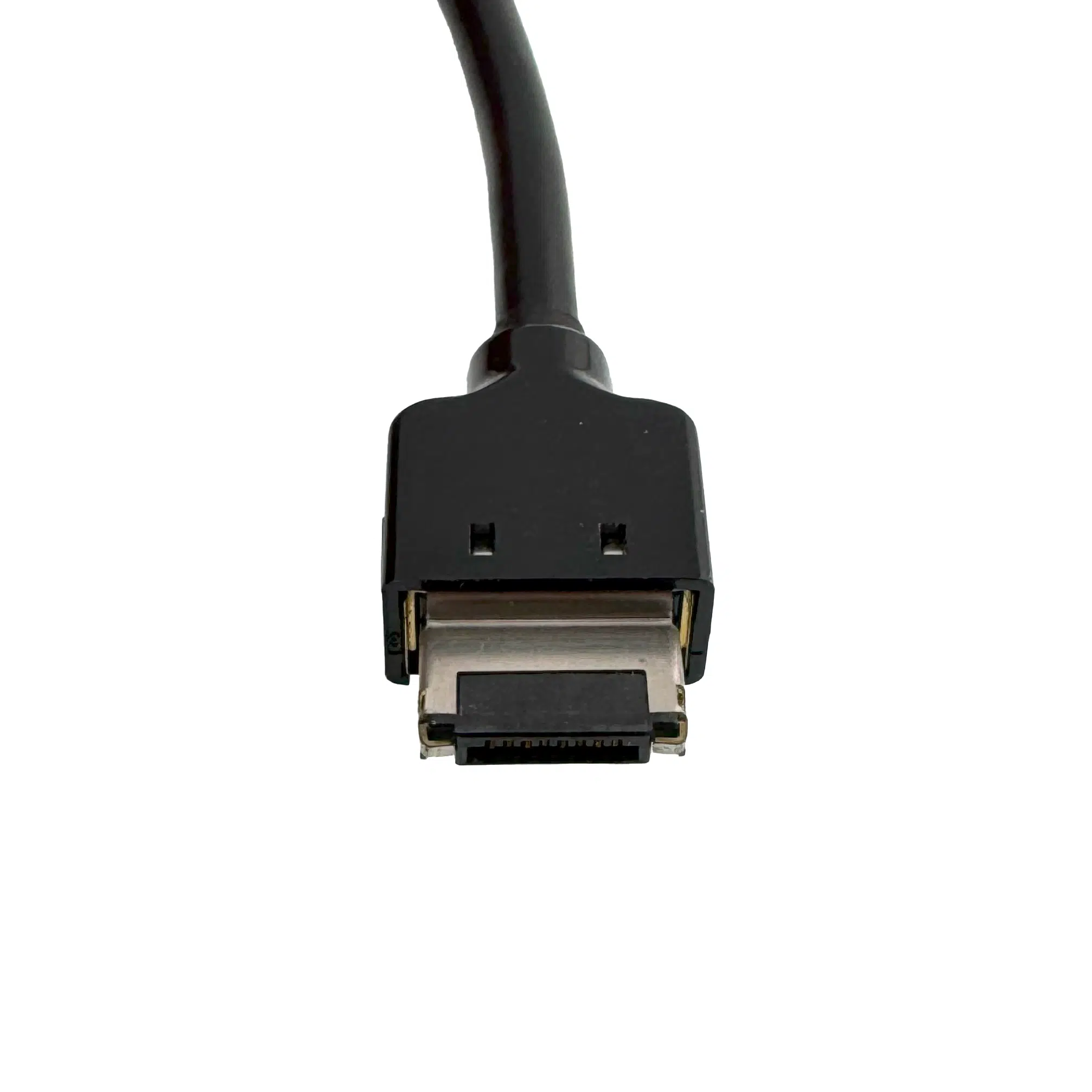
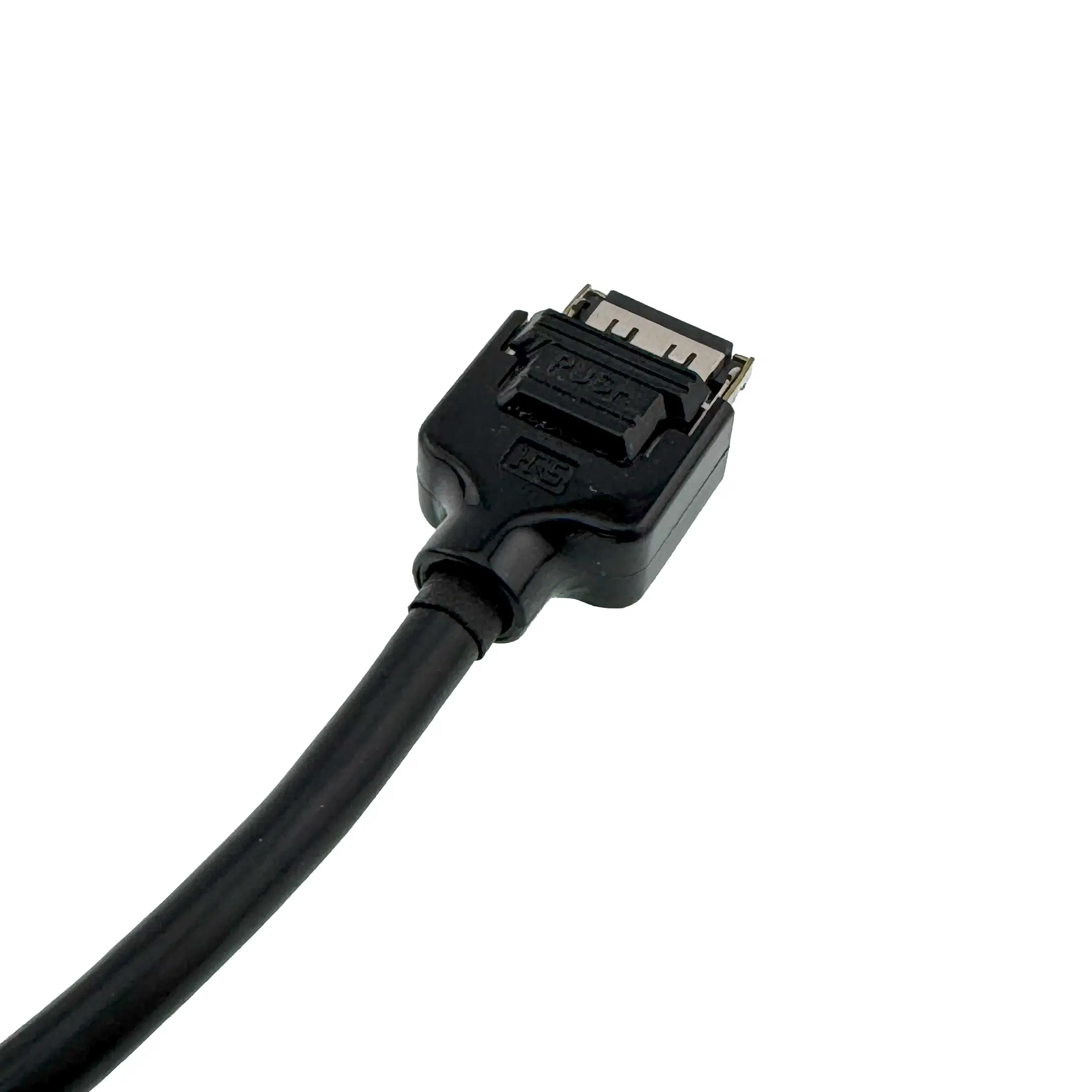
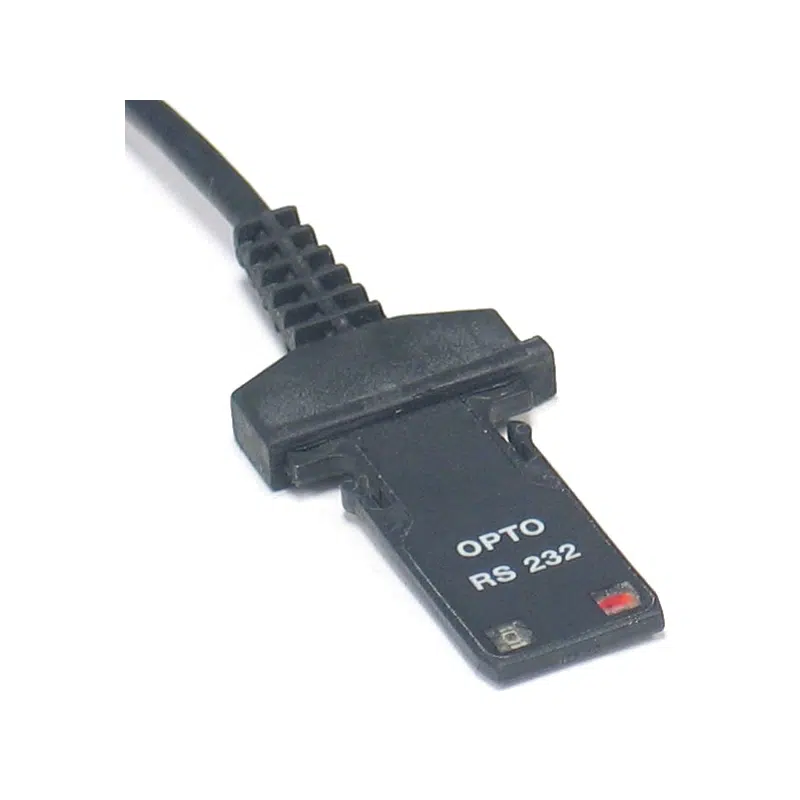
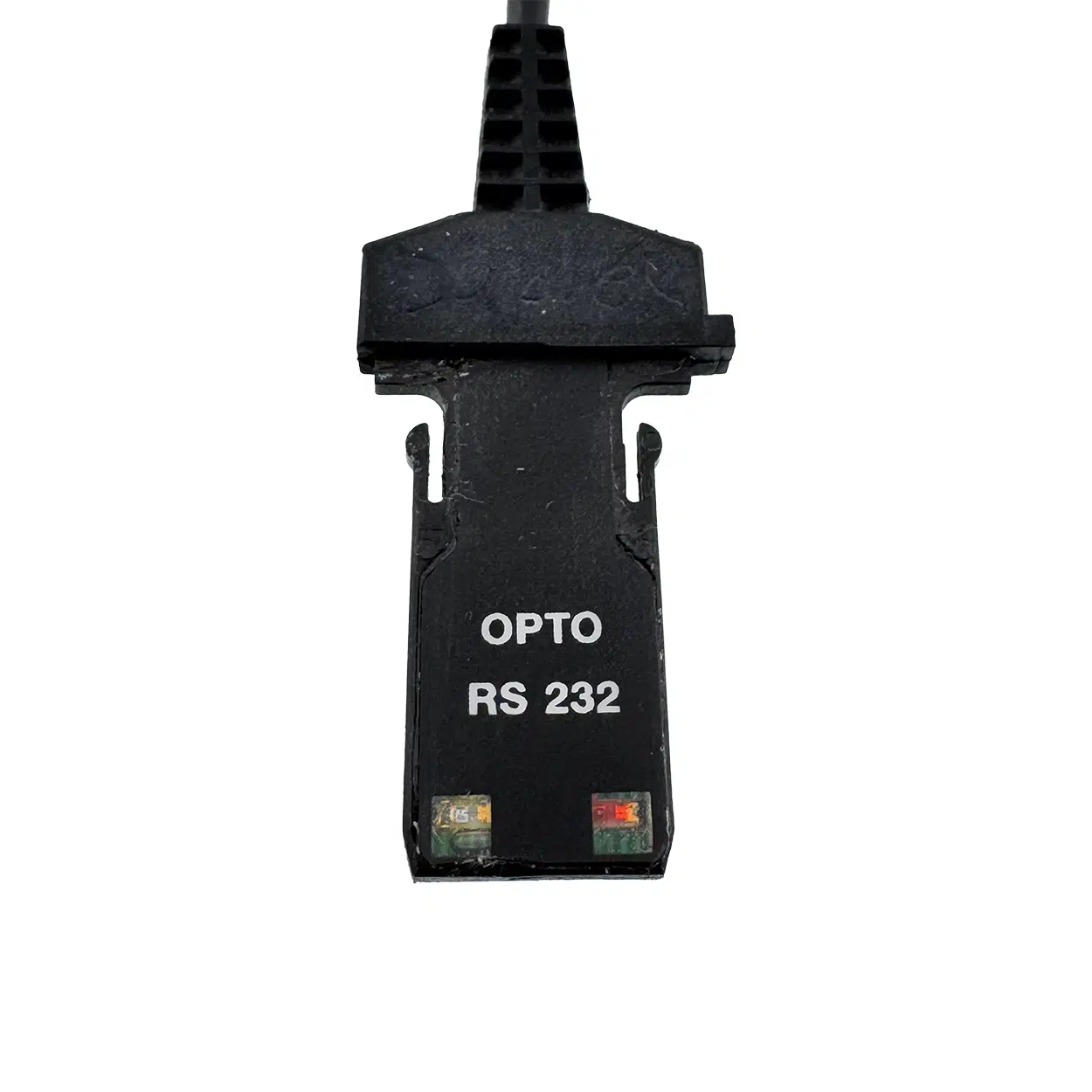
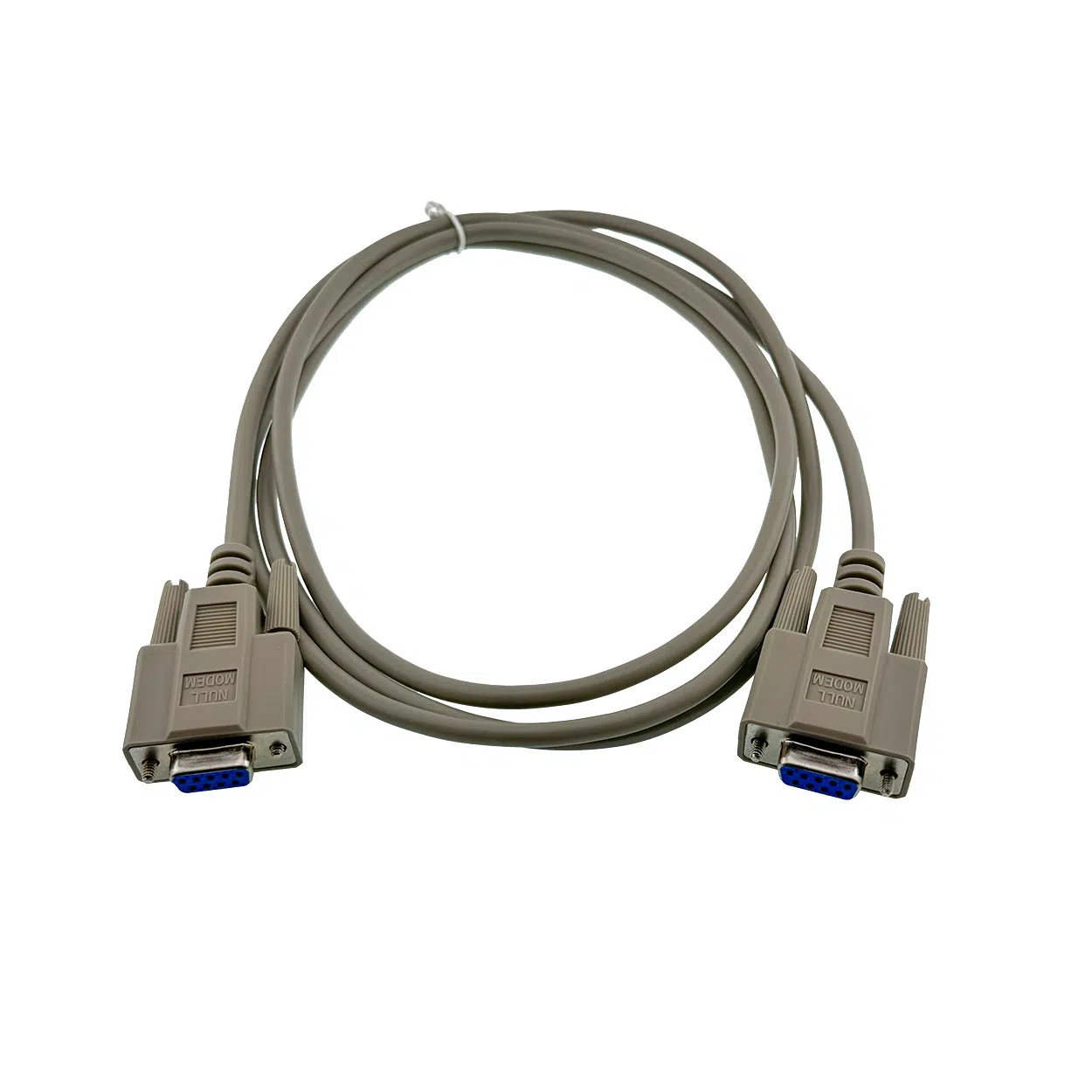
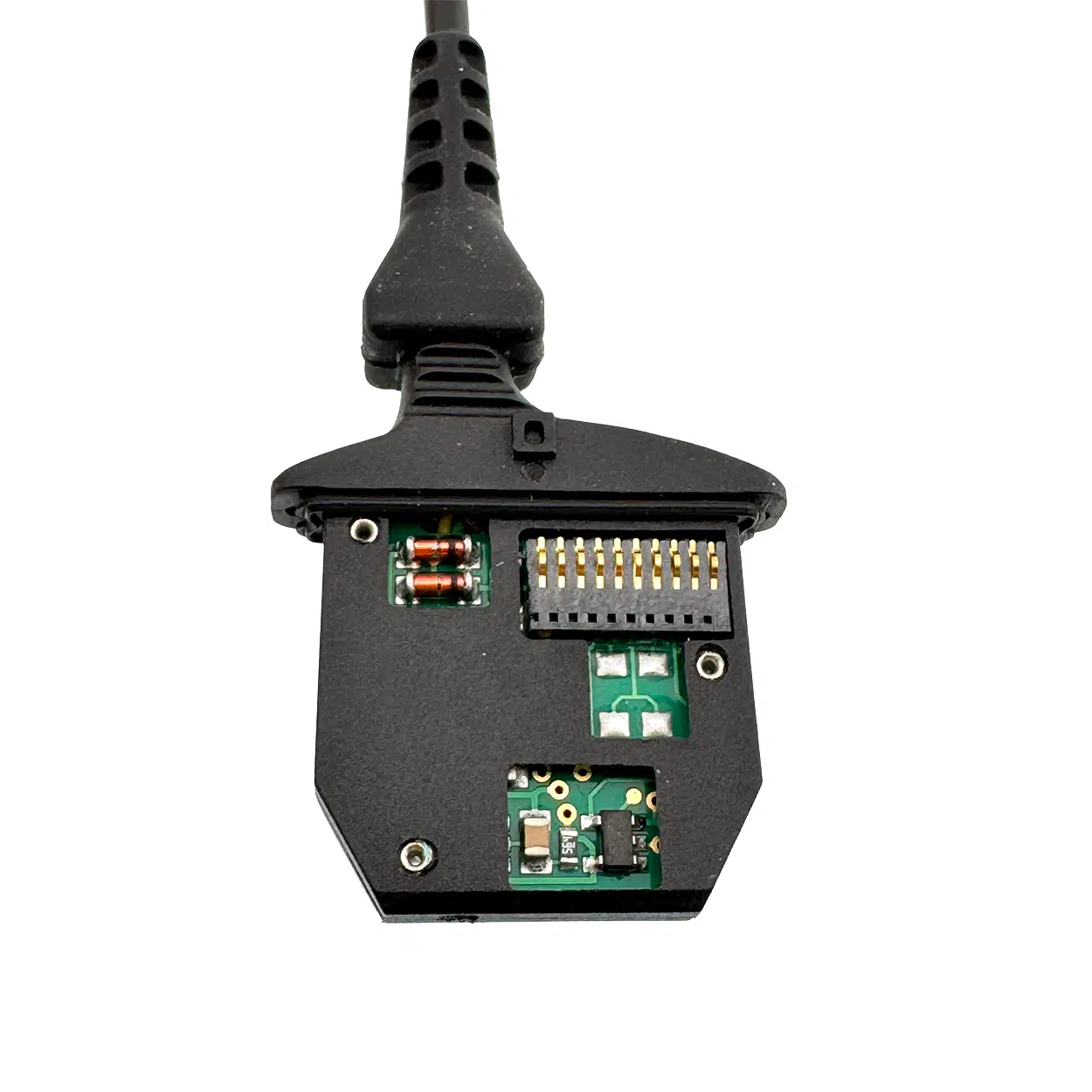
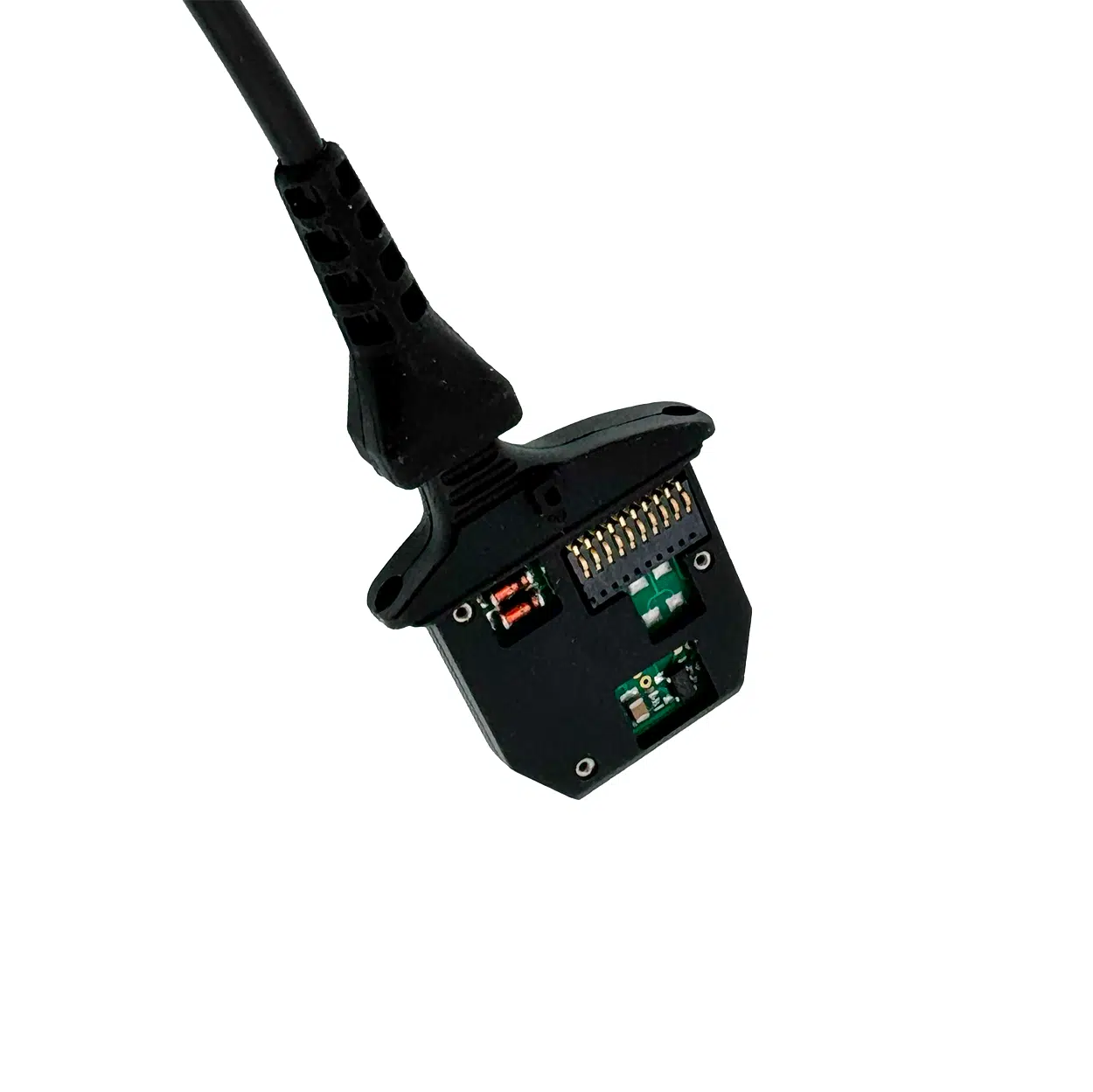
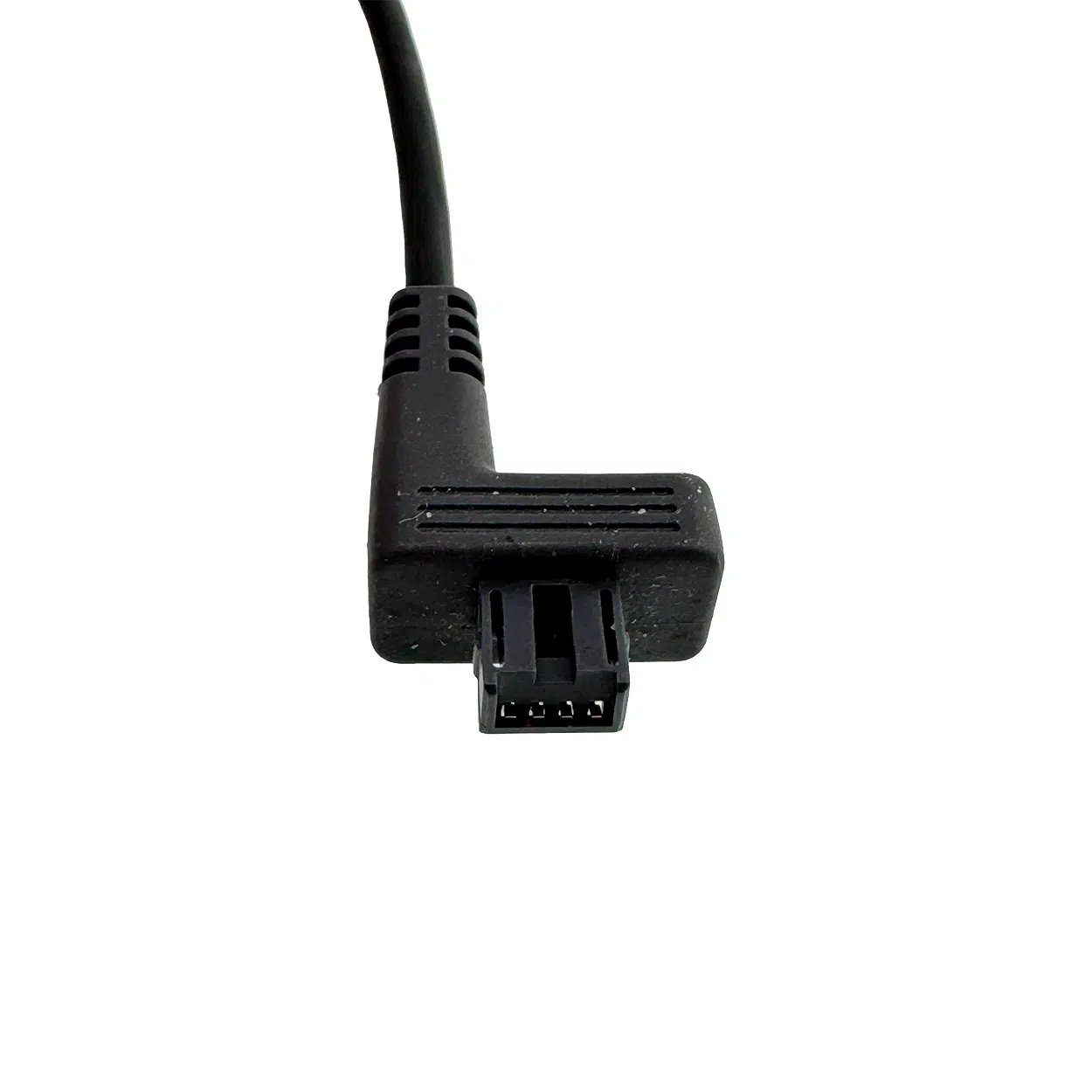
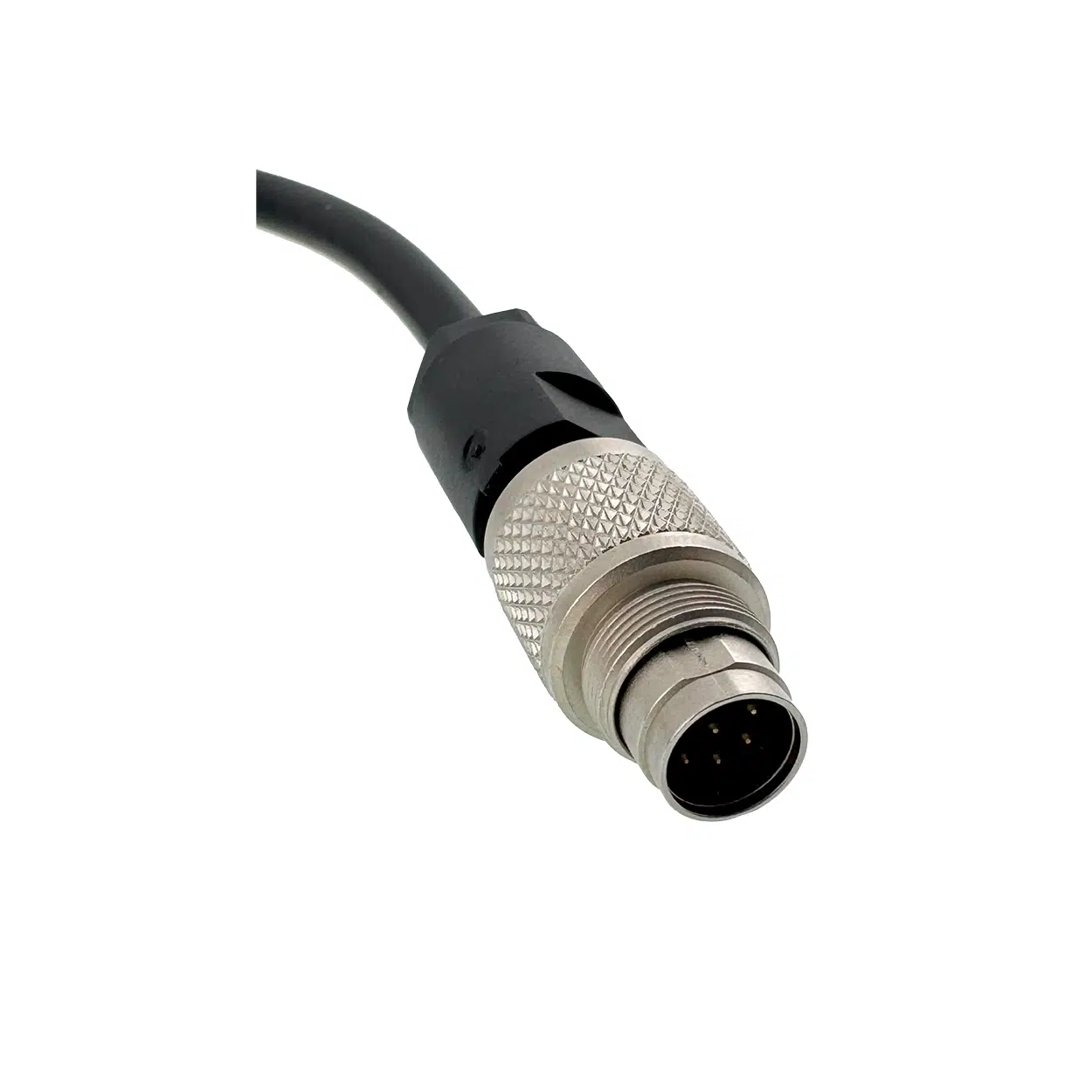
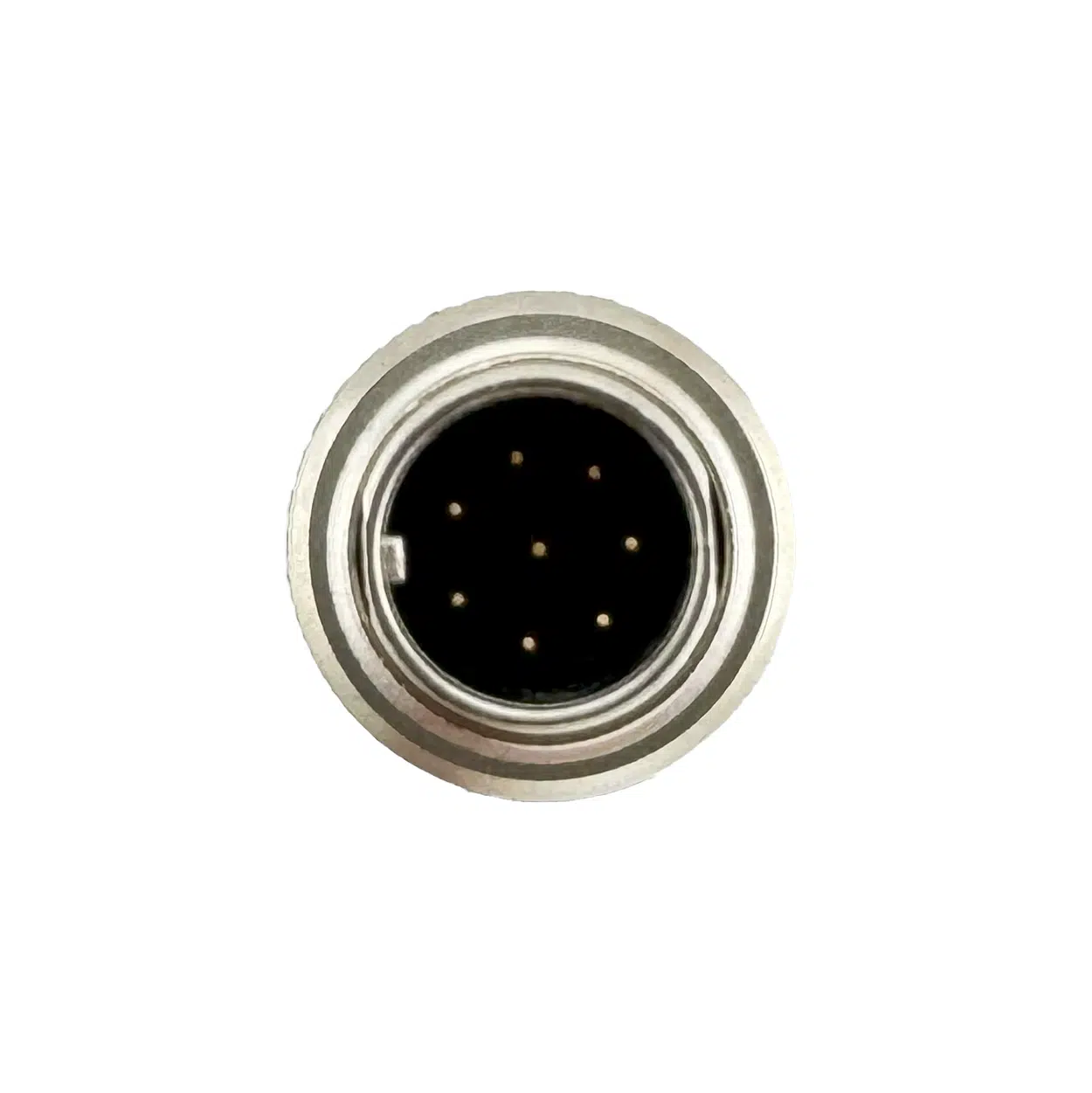
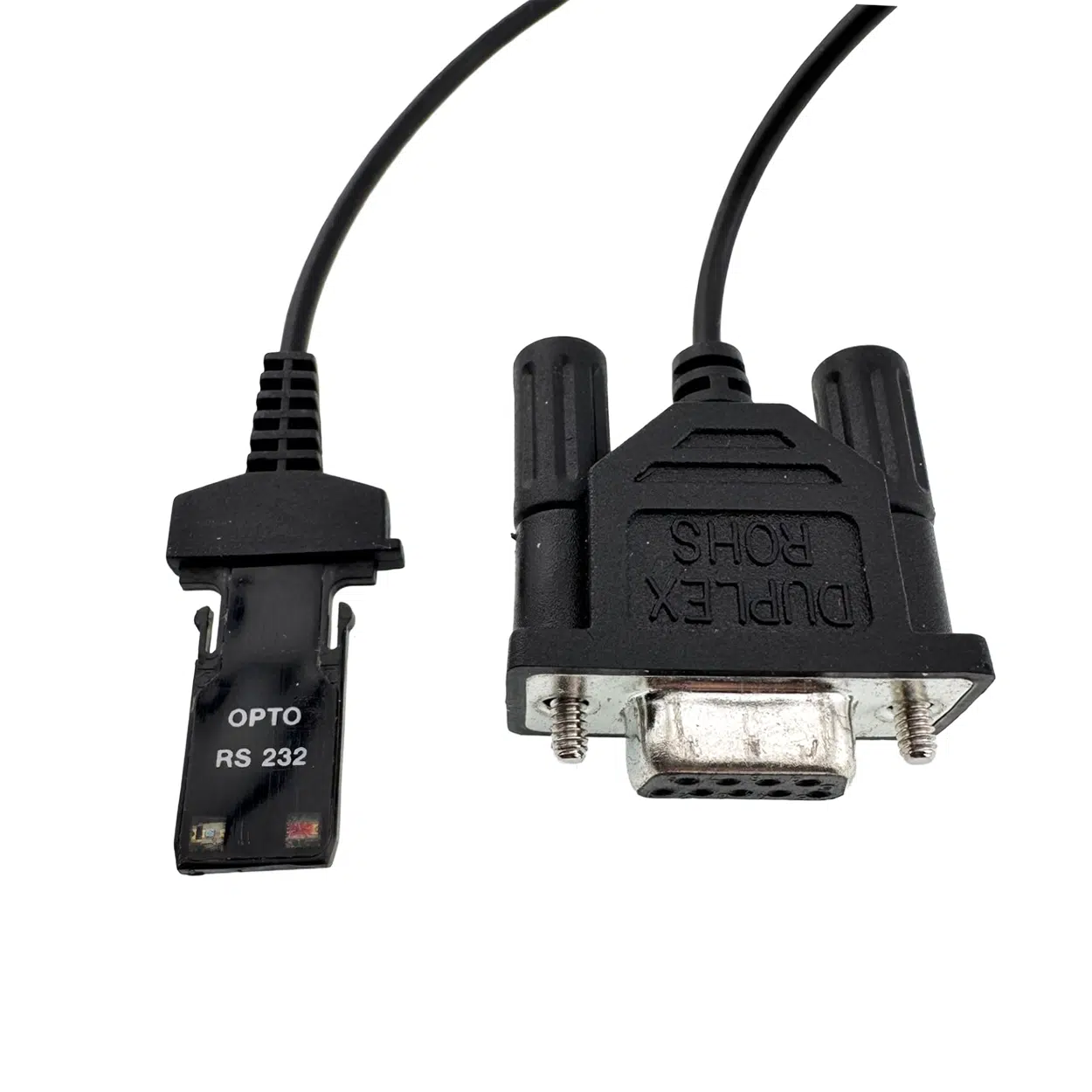
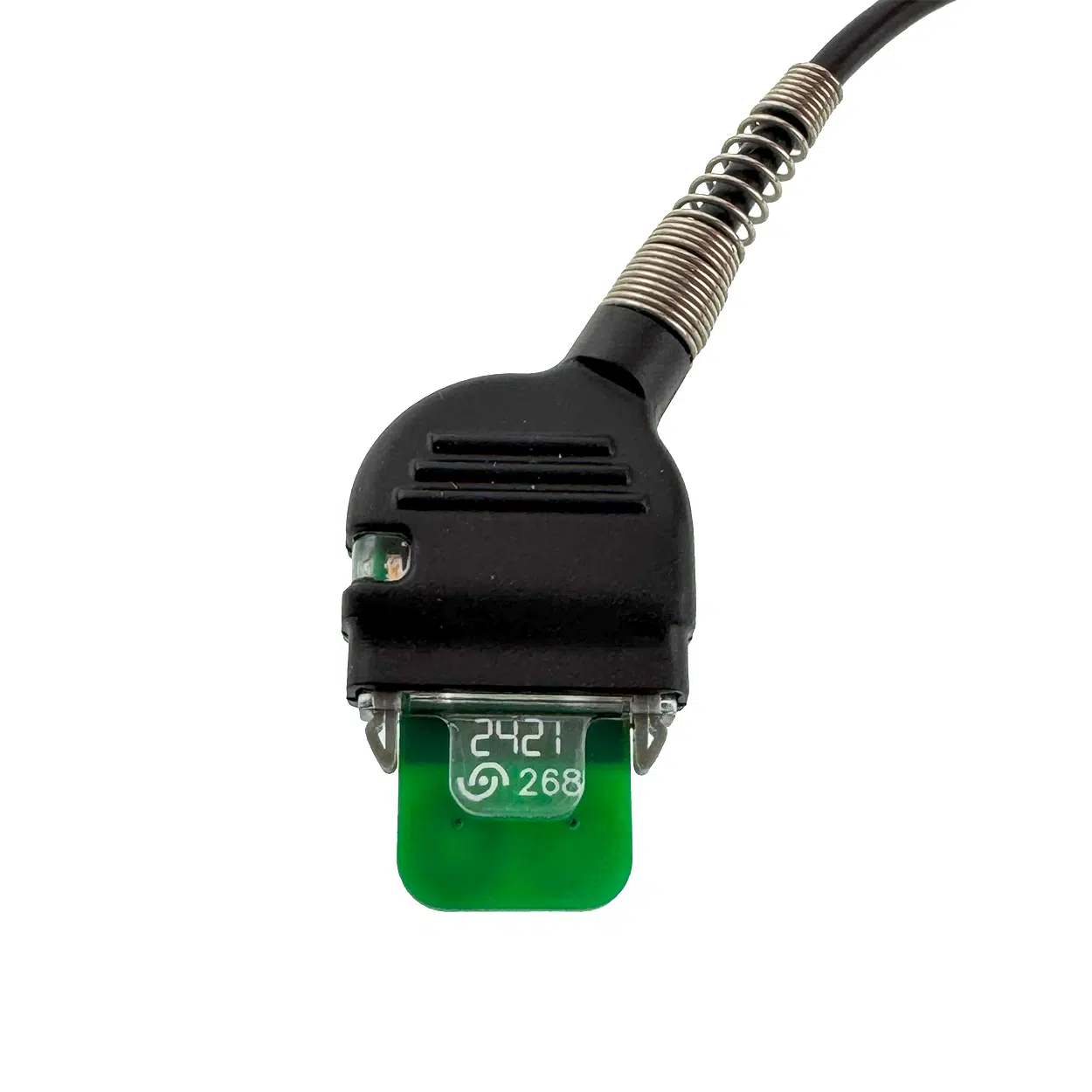
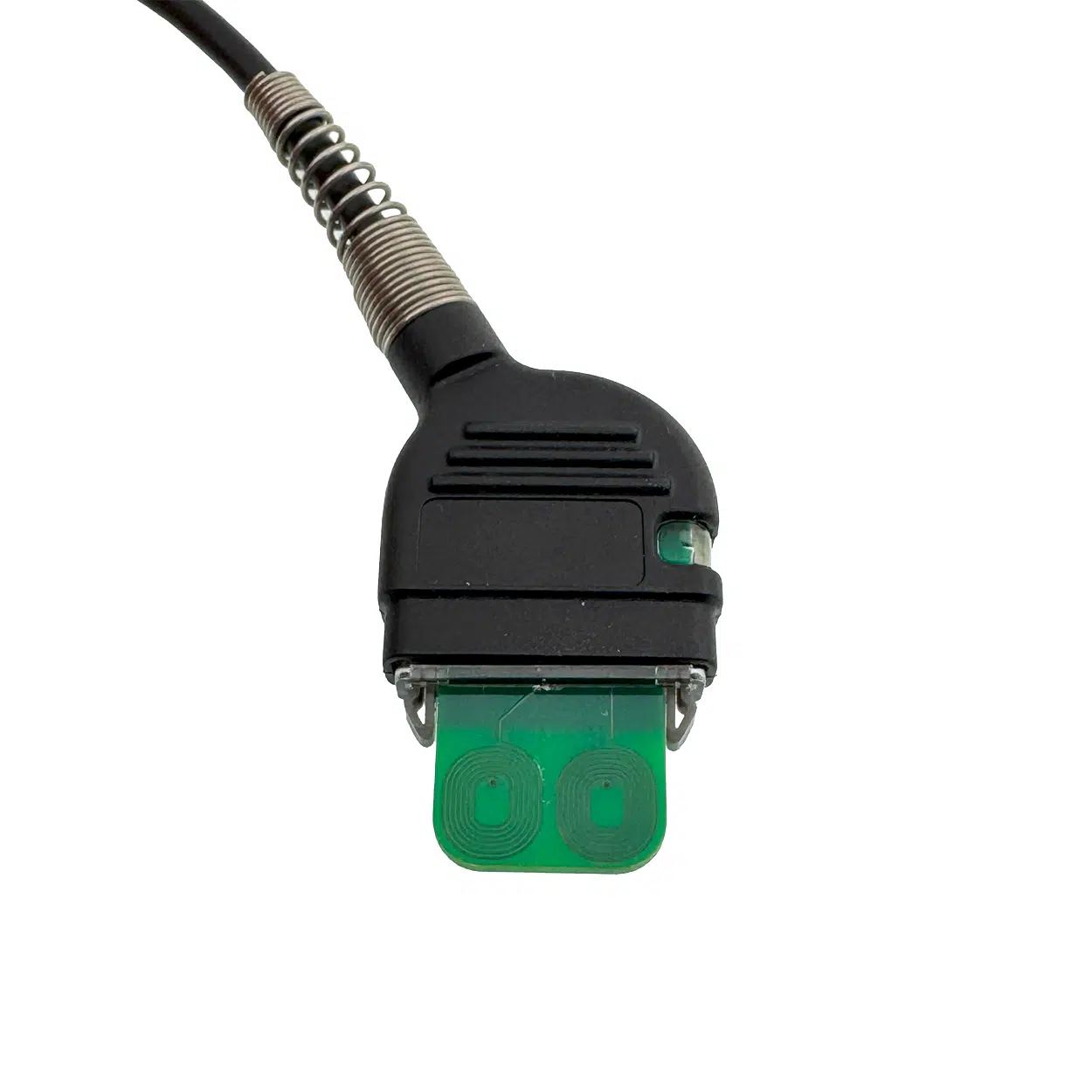
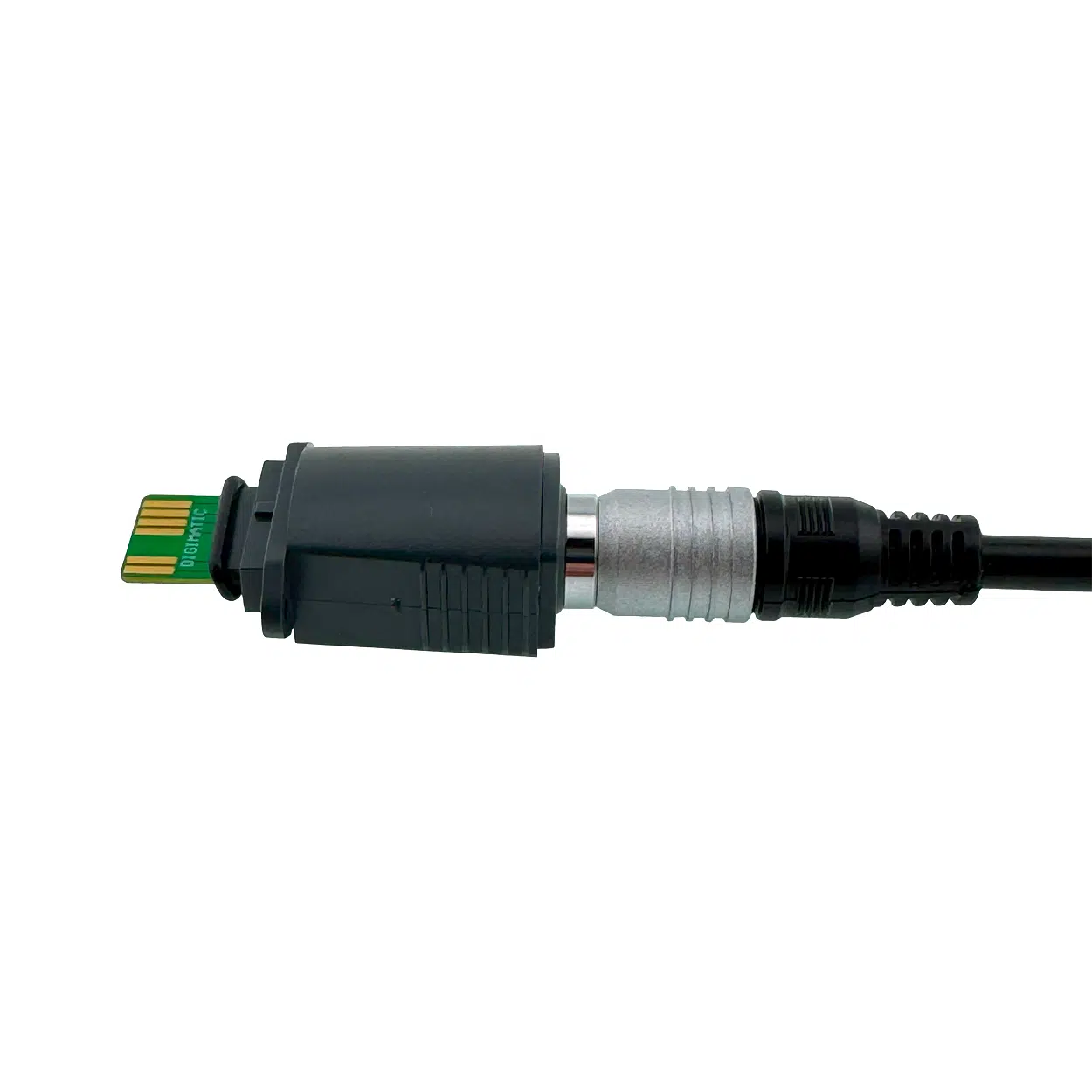
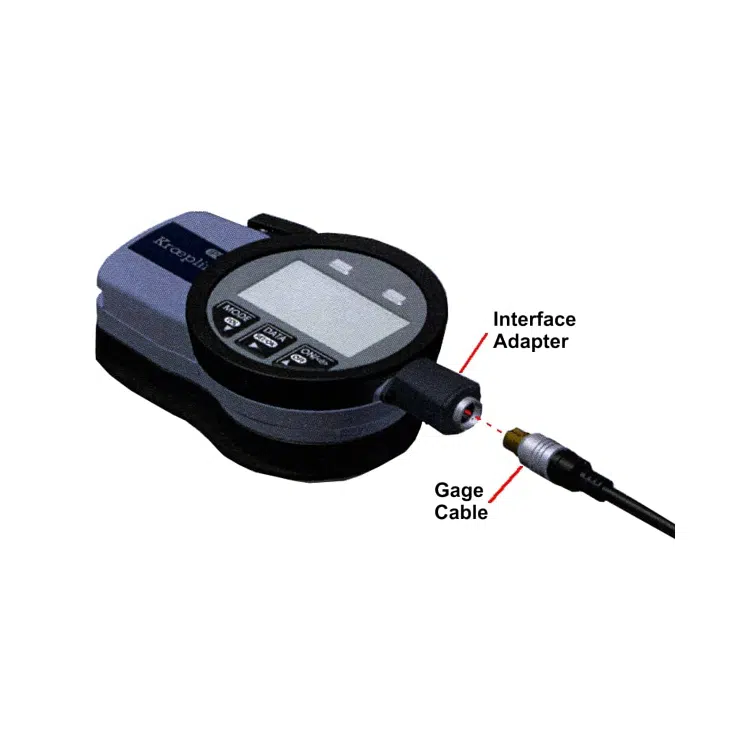
The GageWay series utilizes both OEM gage cables and custom MicroRidge cables to enable the connection to a wide variety of devices. On the GageWay Pro series this includes RS-232 devices that can be connected to each port via a Level Converter Cable.
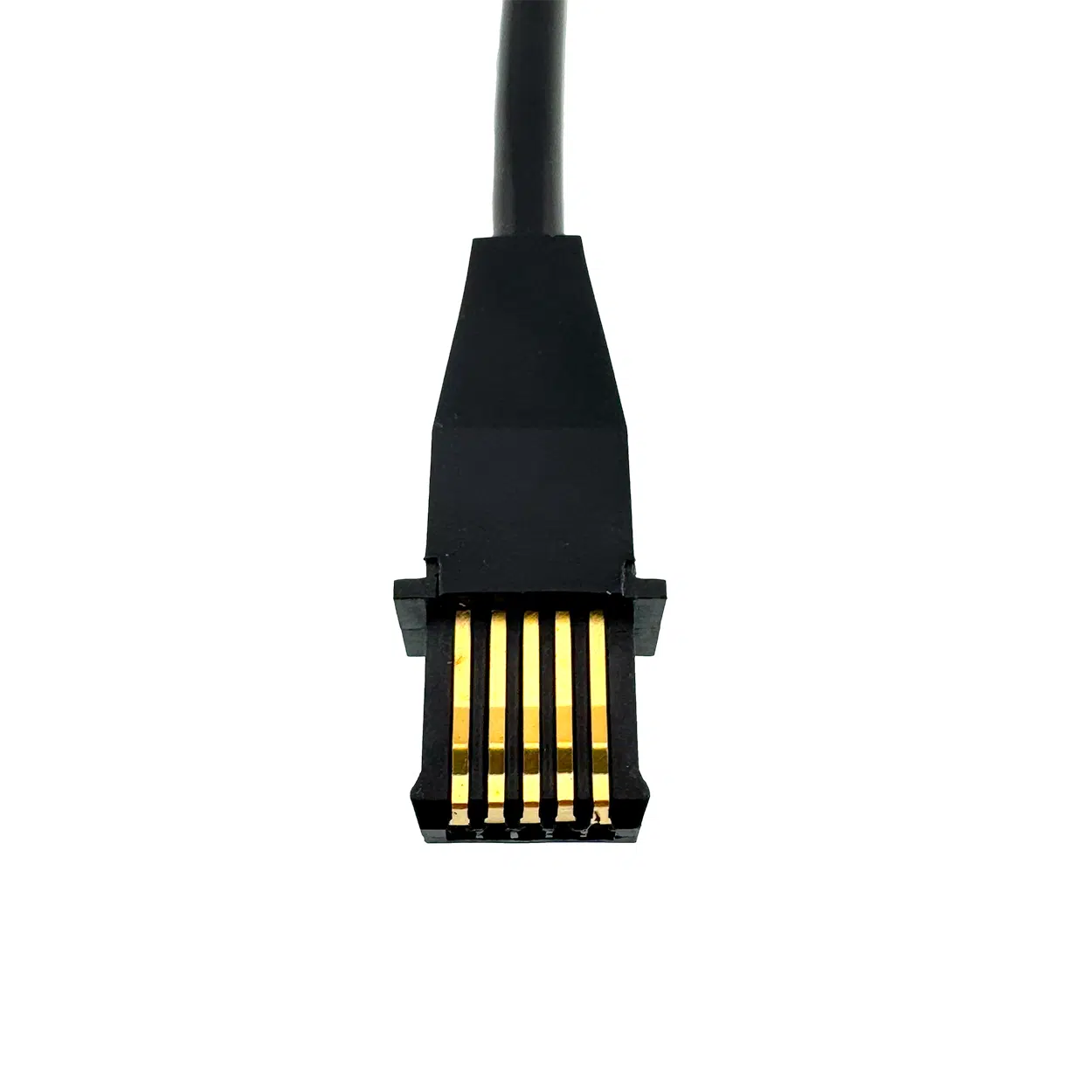
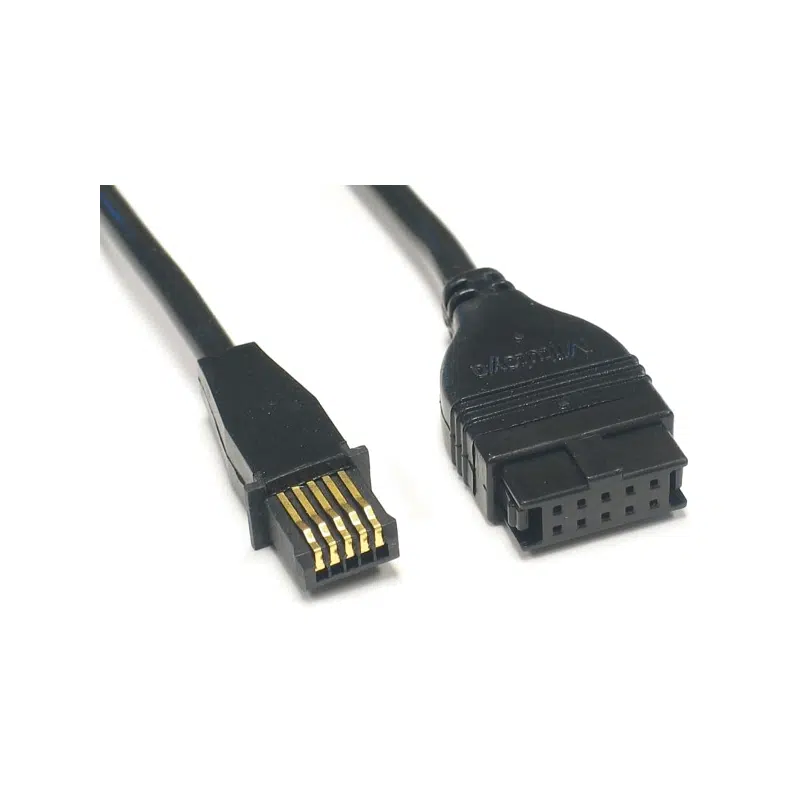
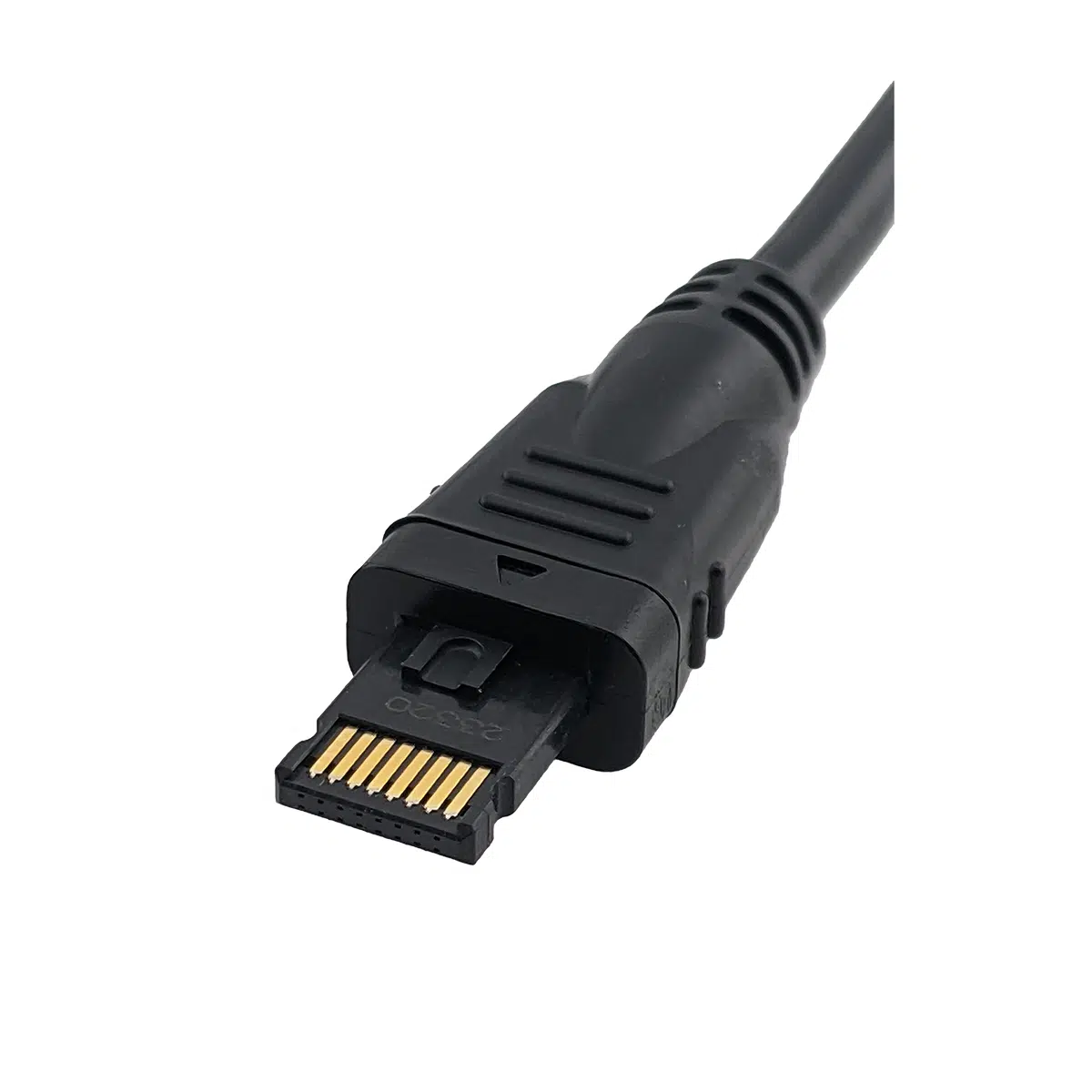
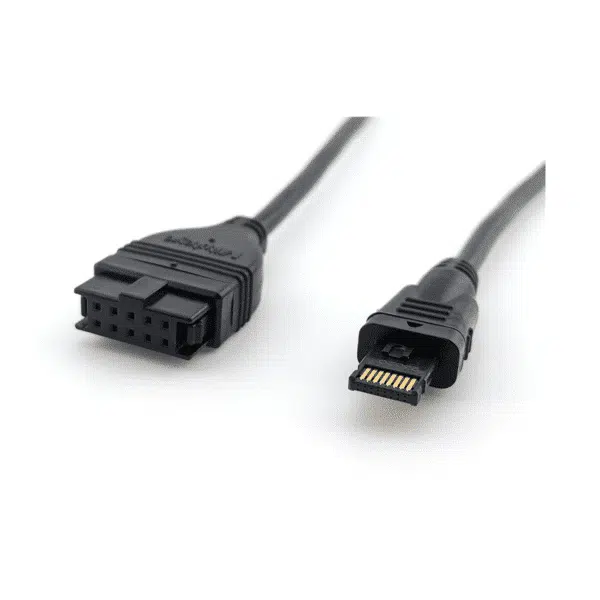
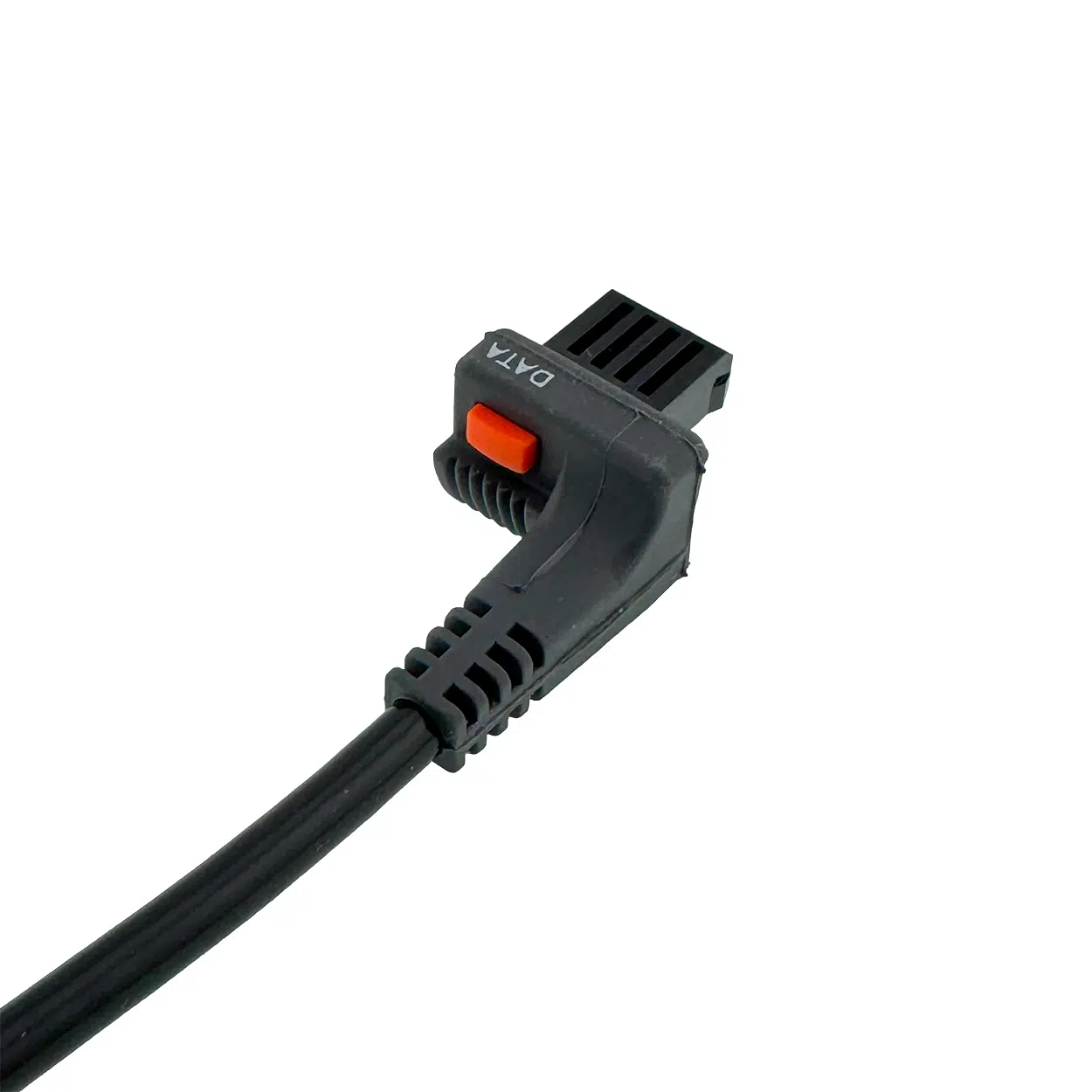
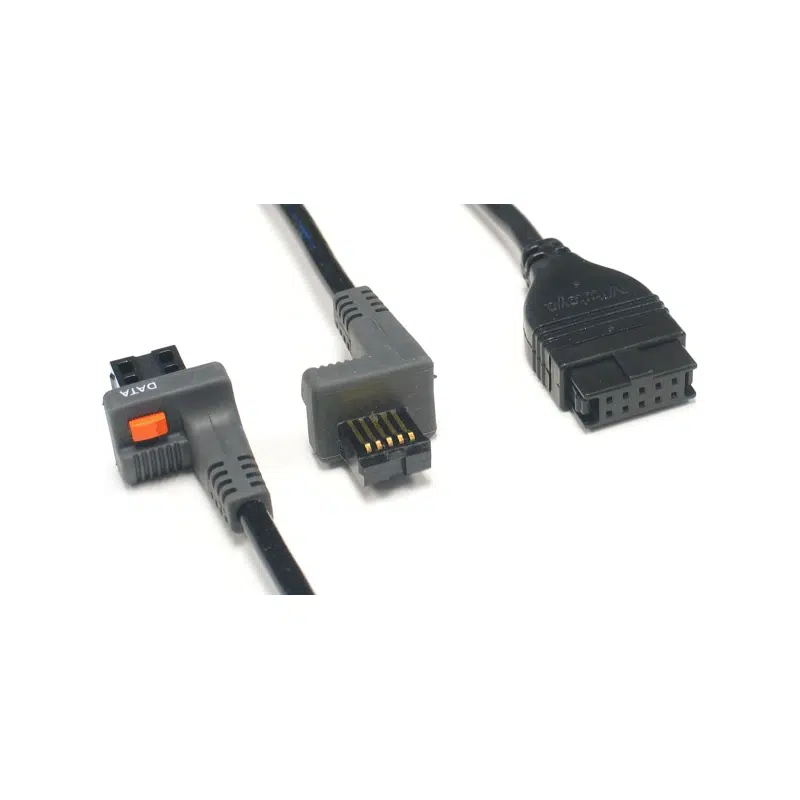
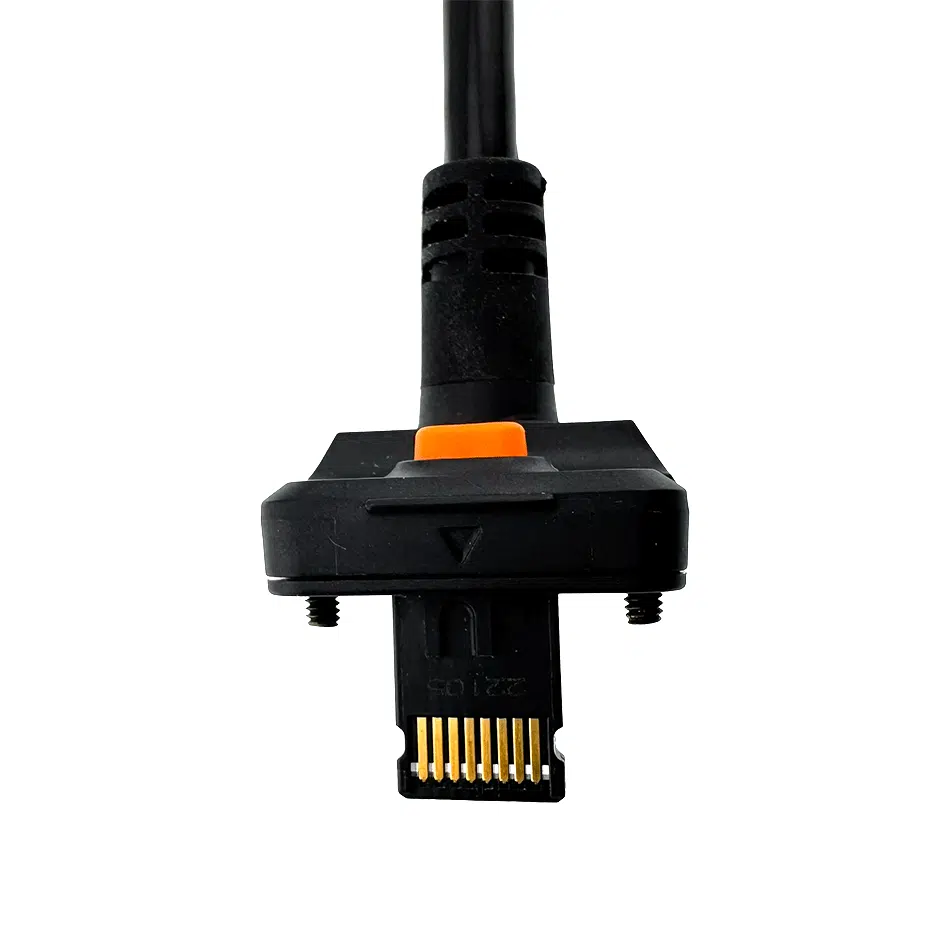
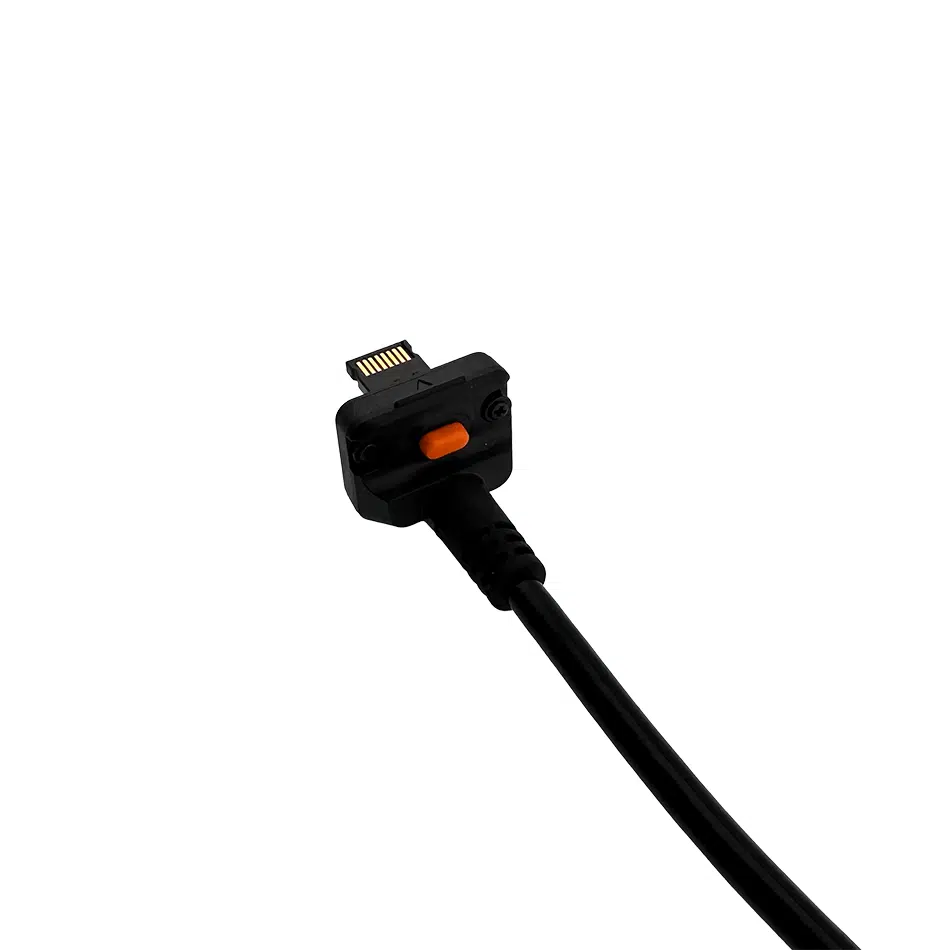
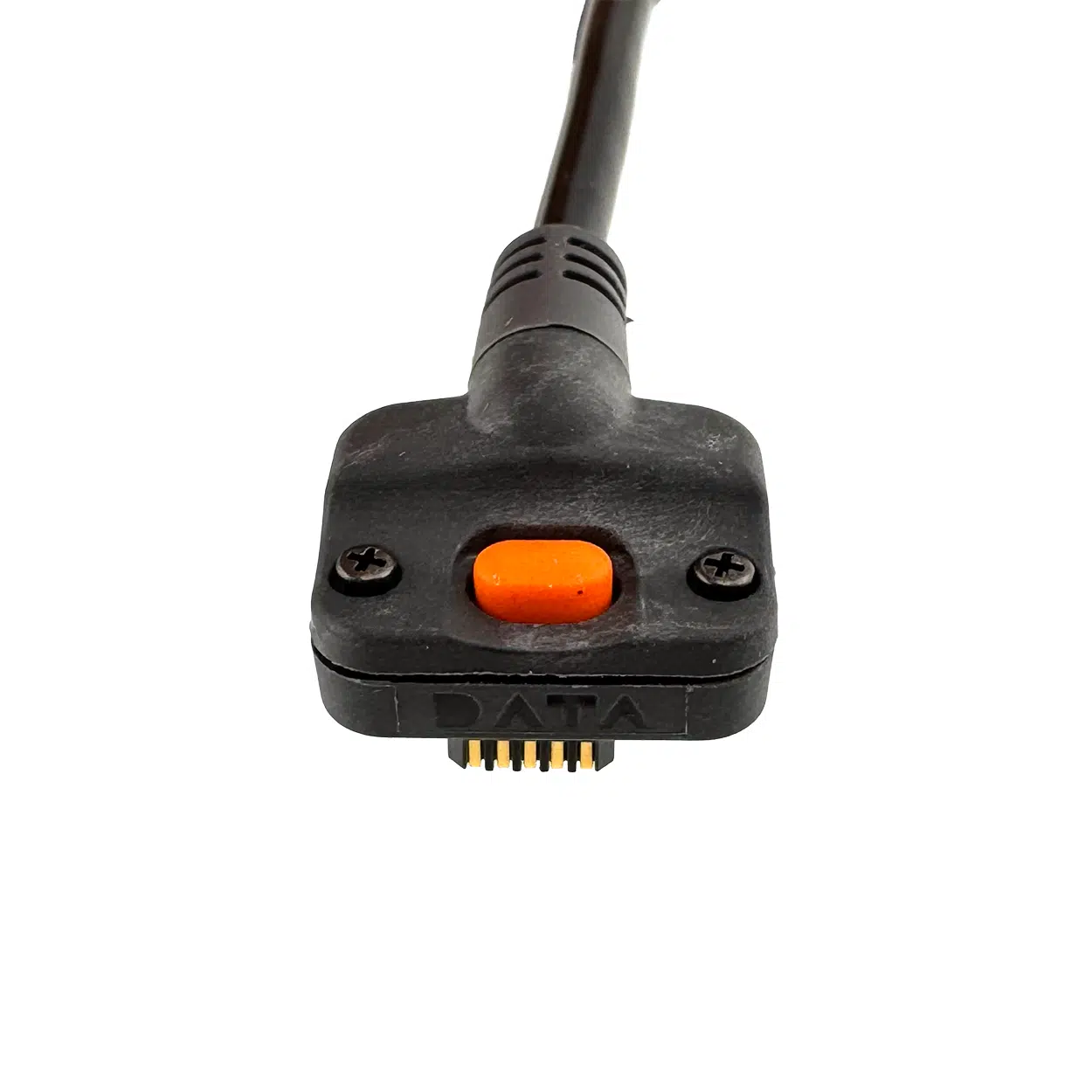
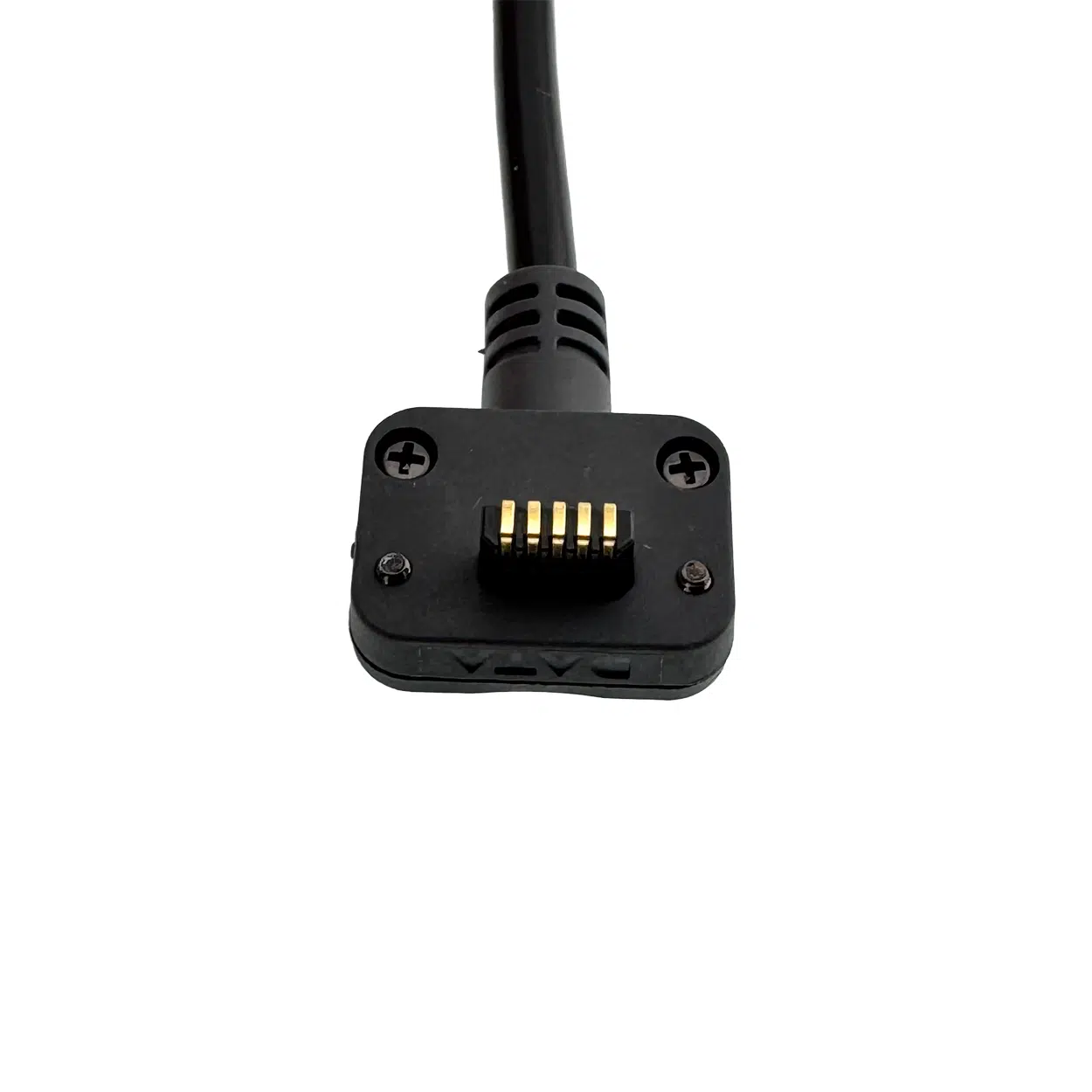
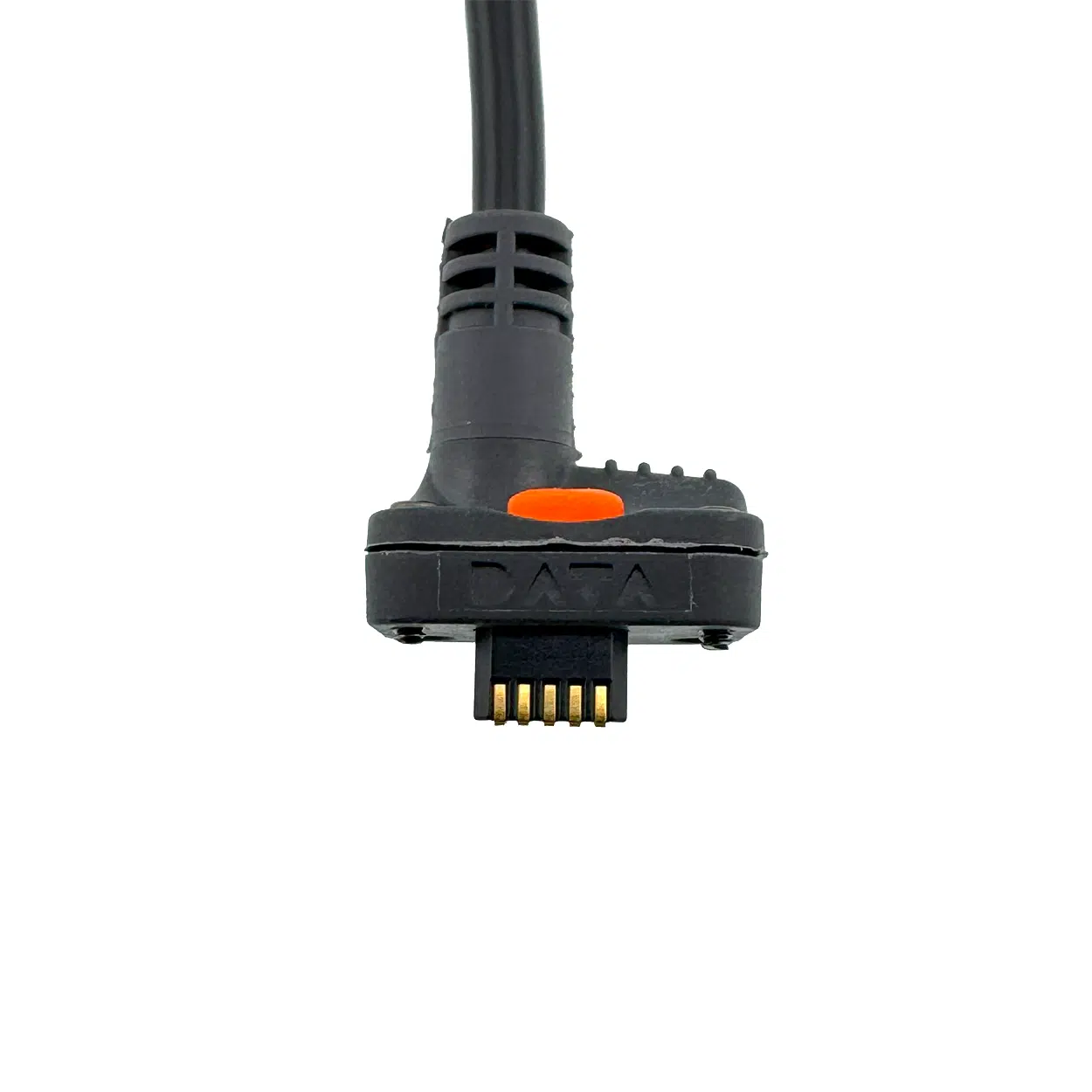
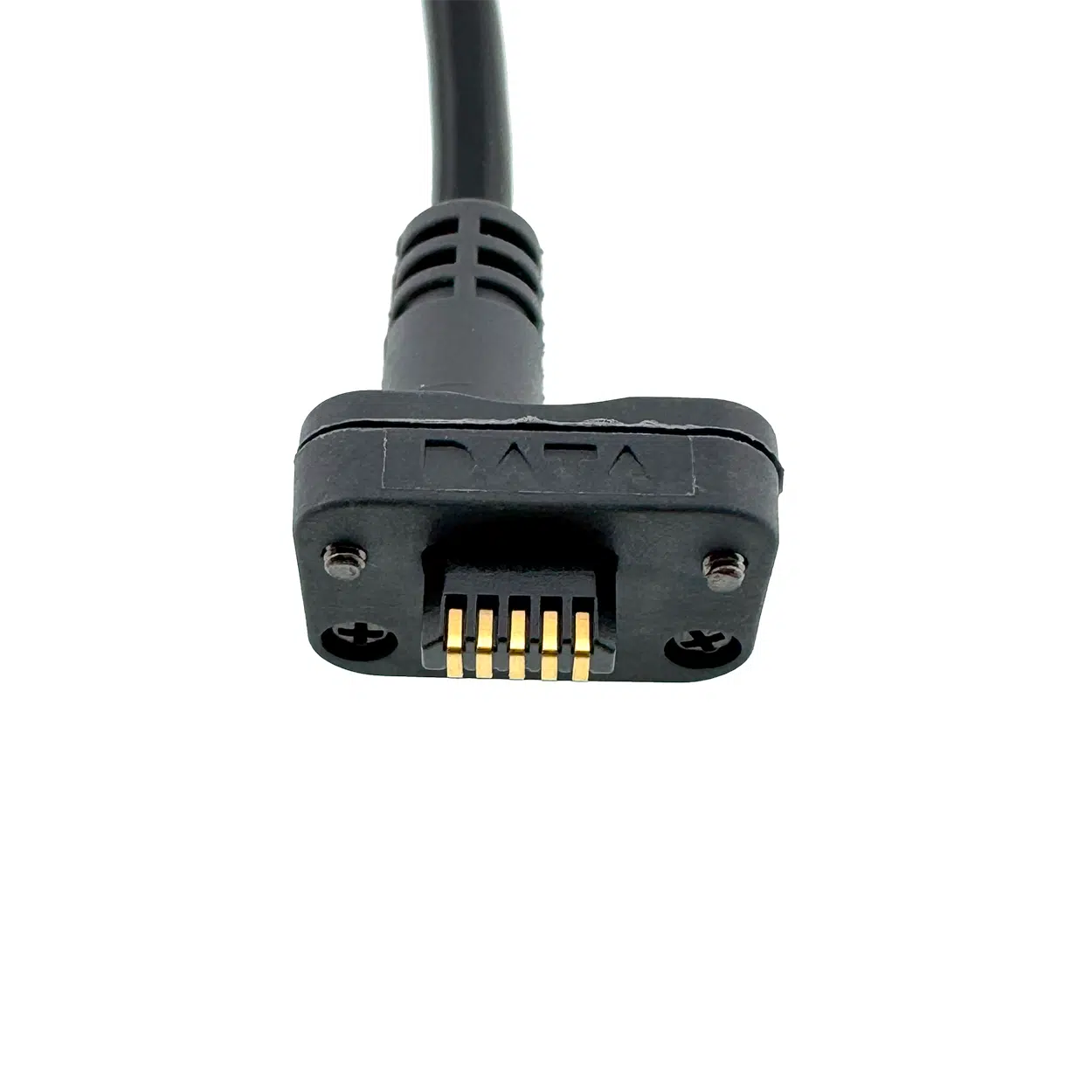
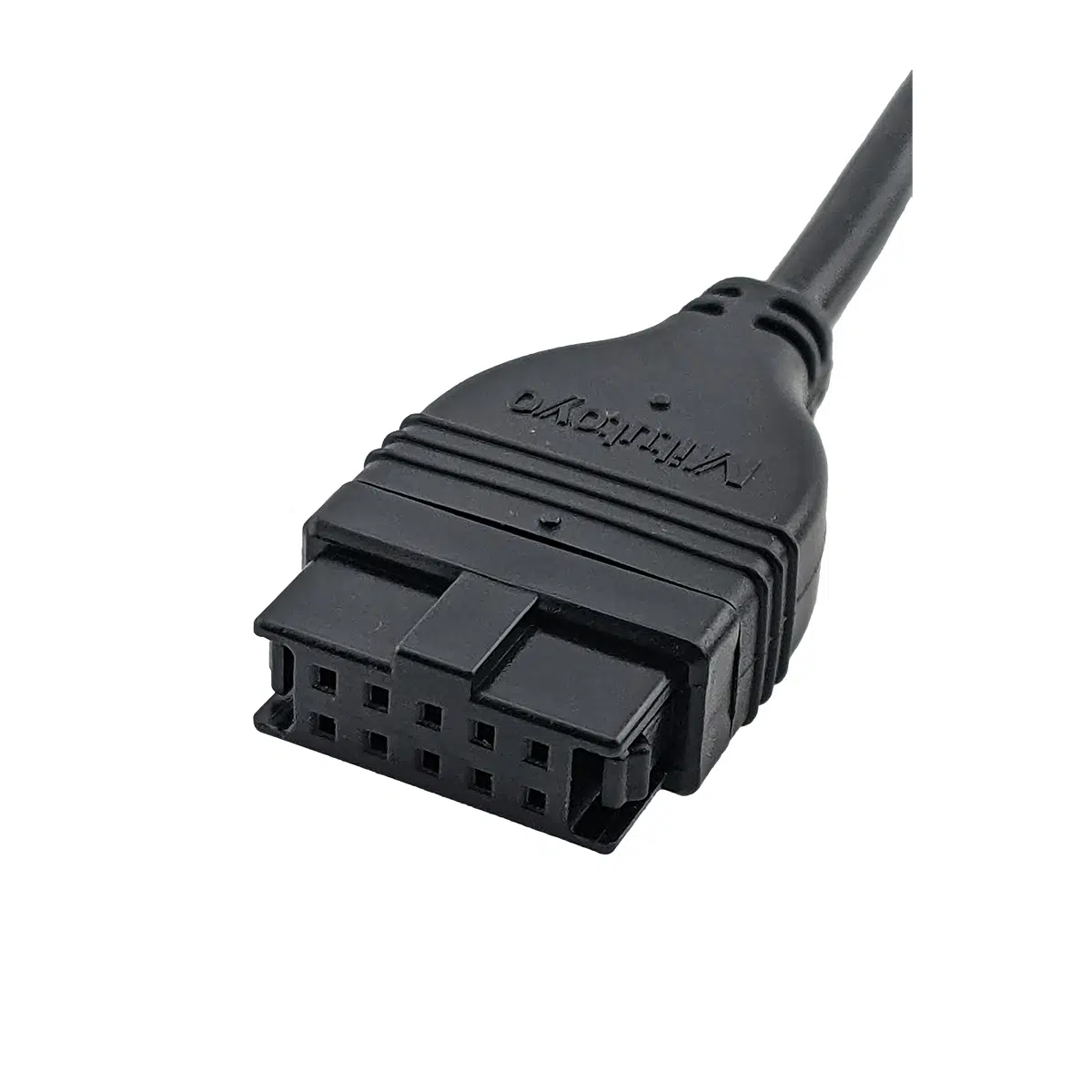
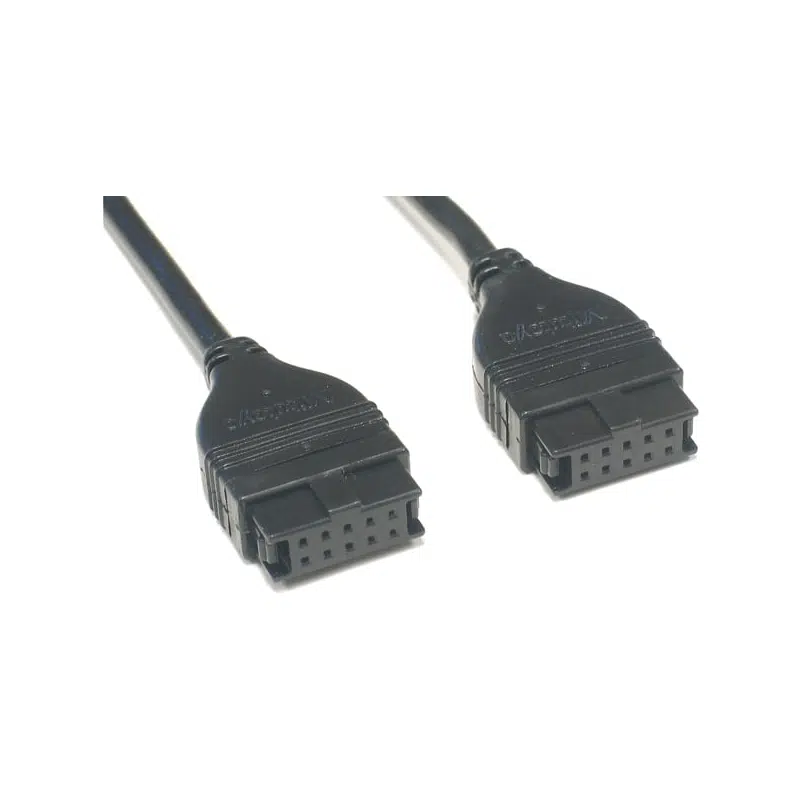
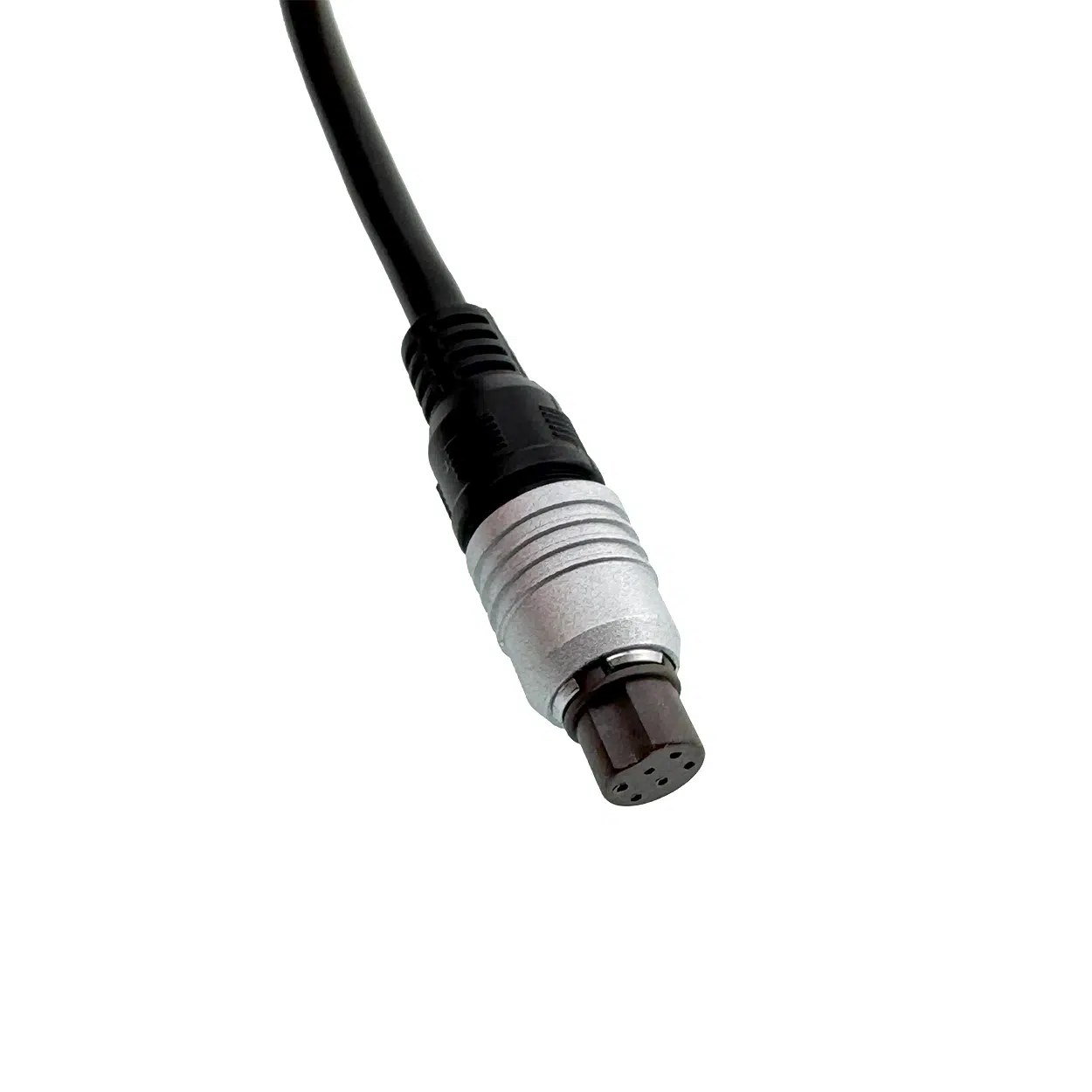
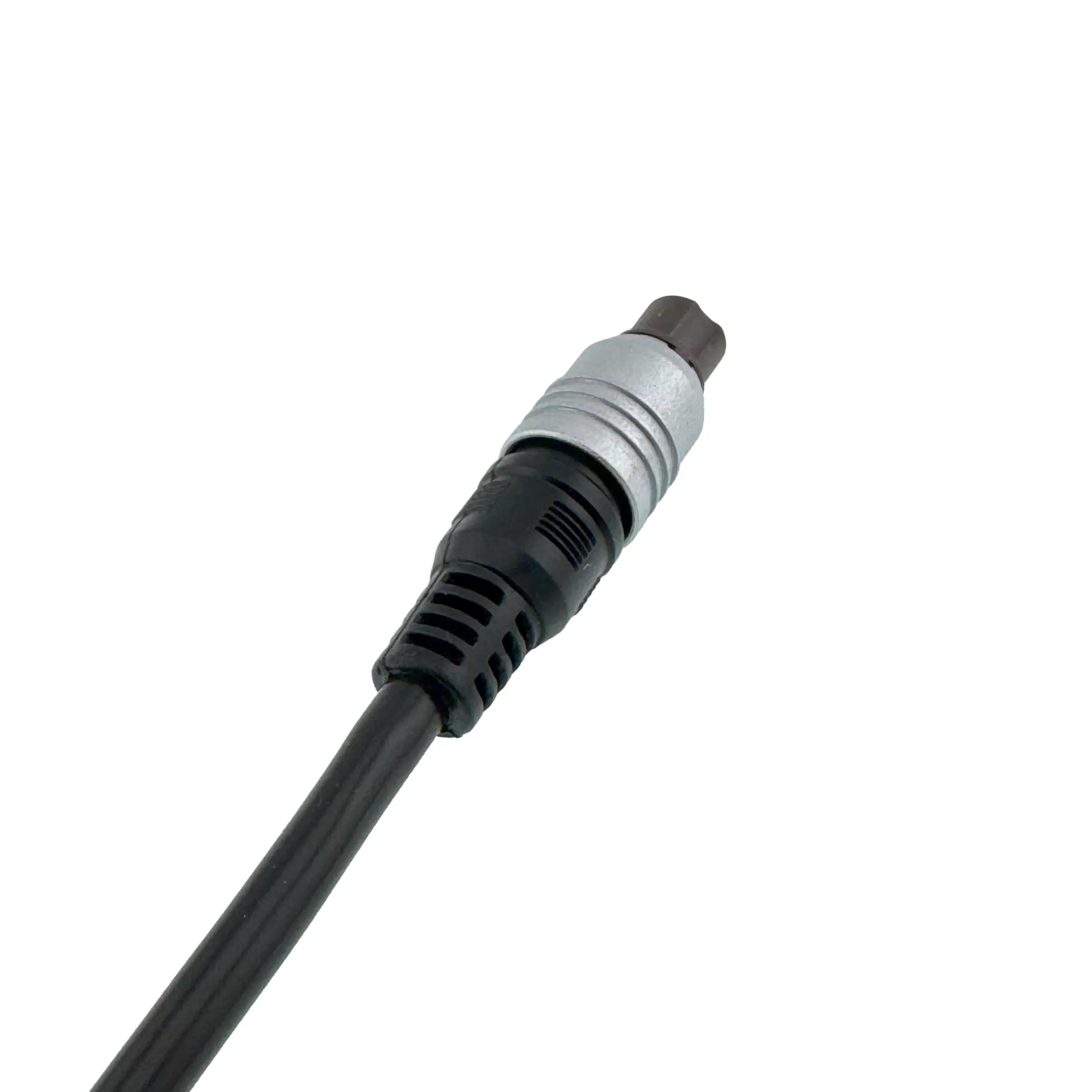
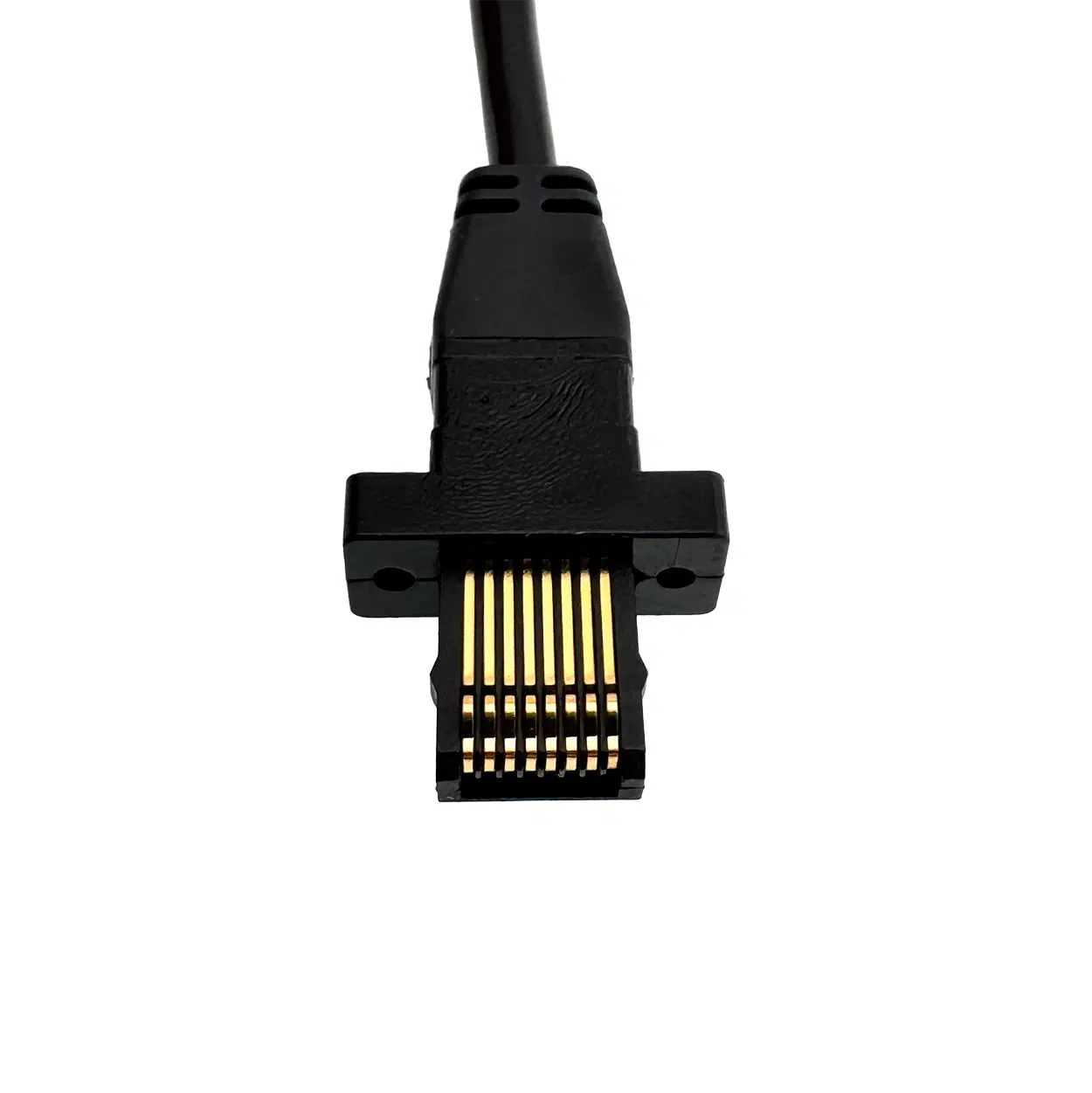
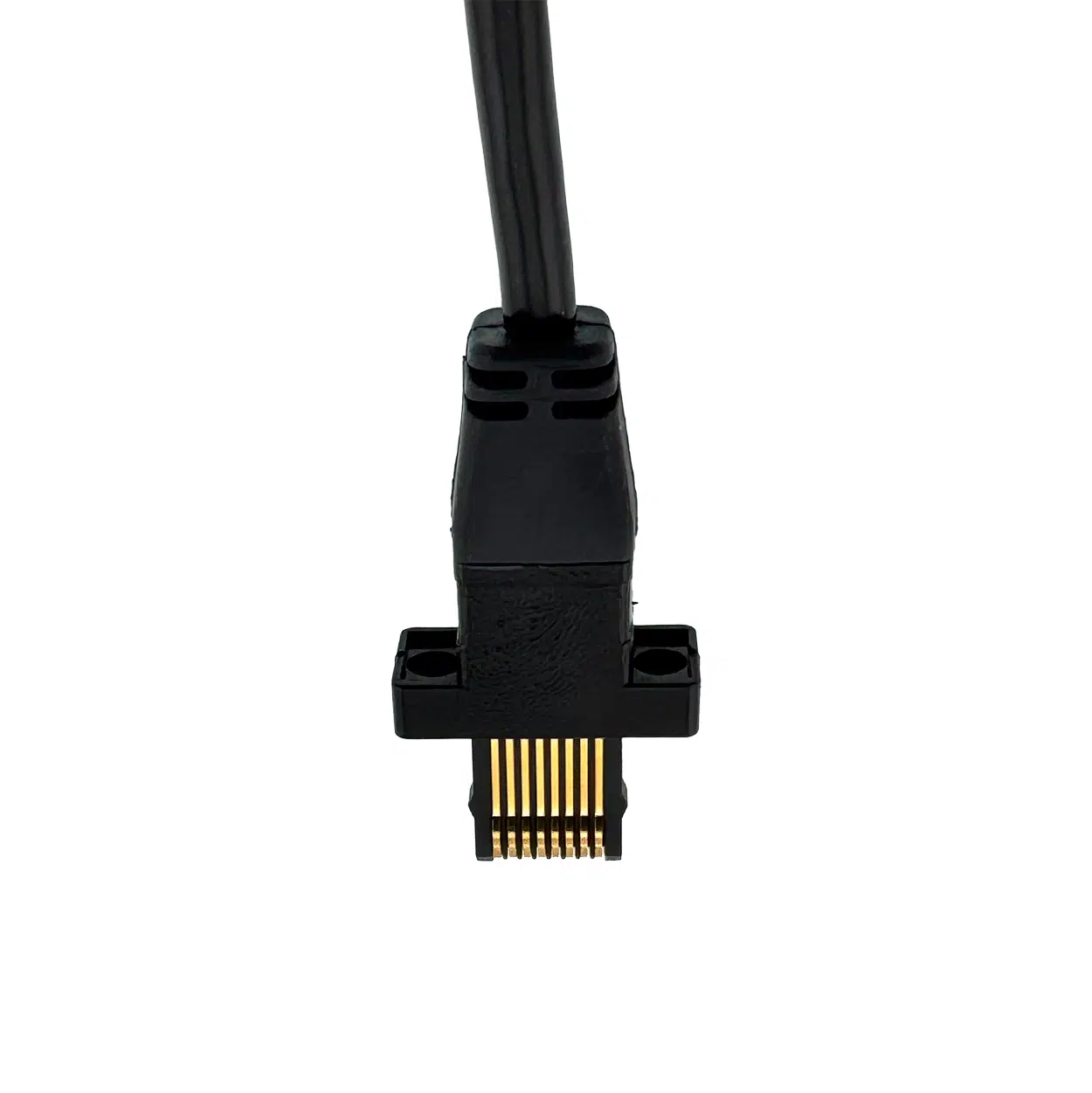
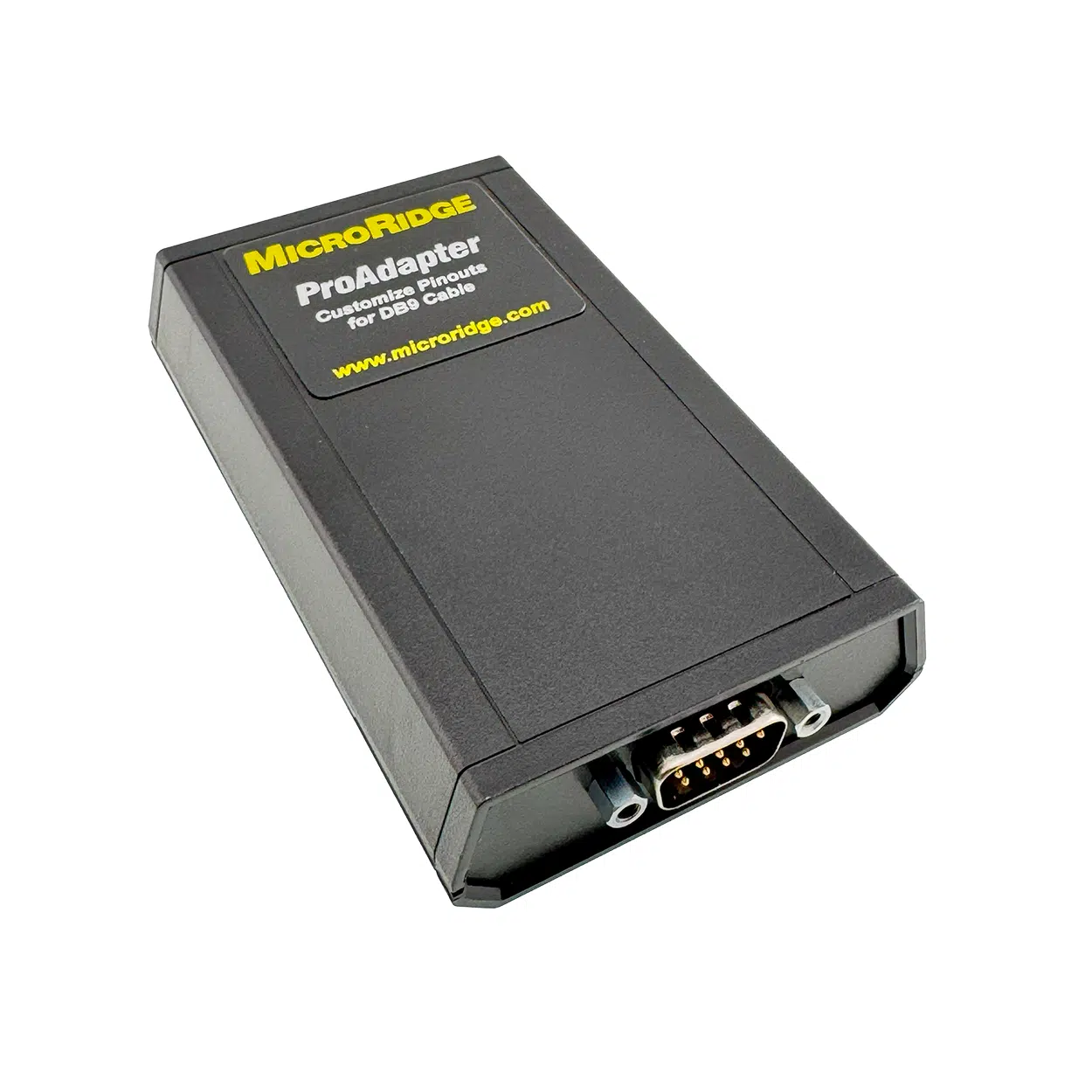
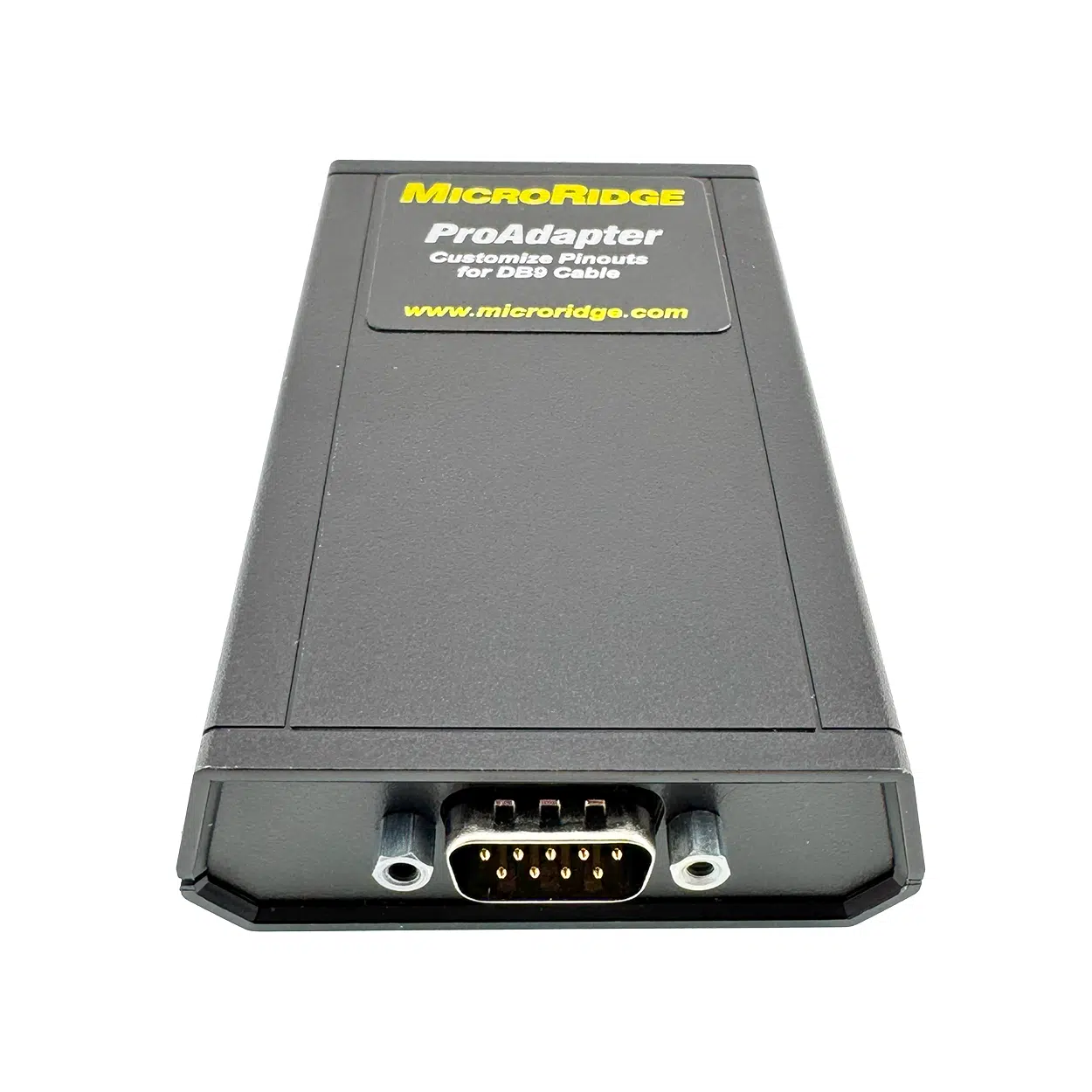
This amazing product can turn each port on the GageWay Pro series into a Serial RS-232 gage interface.
Don’t see the connector you need? MicroRidge supports over 3500 gages, reach out to sales@microridge.com and we’ll figure out what need.
GageWay Pro Interfaces offer the latest technology for connecting one or more gages to a single computer. Supports all gages. USB Keyboard Wedge and USB Serial Ports are built in. Feature rich and easy to use.
The GageWay Pro Series including the Pro 2, Pro 4 and Pro 8 are the industry leading wired gage interfaces! You can be setup and taking measurements within minutes!
GageWay Pro has easy to use setup software. In additional to this setup software we have our serial communications test program ComTestSerial that can be used when testing and configuring the unit.
You’ll need this driver on your machine to communicate with the GageWay Pro via the serial USB port. When using the Keyboard Wedge USB port you do not need a driver. All configuration with GageWay Pro Setup needs to be done via the serial USB port and will require this driver.
We’re always making improvements. GageWay Pro devices can be updated in the field with the latest and greatest.
There are no questions yet. Be the first to ask a question about this product.